Segments
Segments in the Analyze area (Behavior) — route /analyze/segments.
Segments lives in the Analyze area of the dashboard, under Behavior.
At a glance#
| Dashboard route | /analyze/segments |
| Area | Analyze (analyze) |
| Group | Behavior |
| Platforms | Available for every app platform. |
What it does#
The Analyze view of segments: your saved segments, their sizes, and links straight into the analysis that uses them — flows scoped to a segment, and comparison between segments.
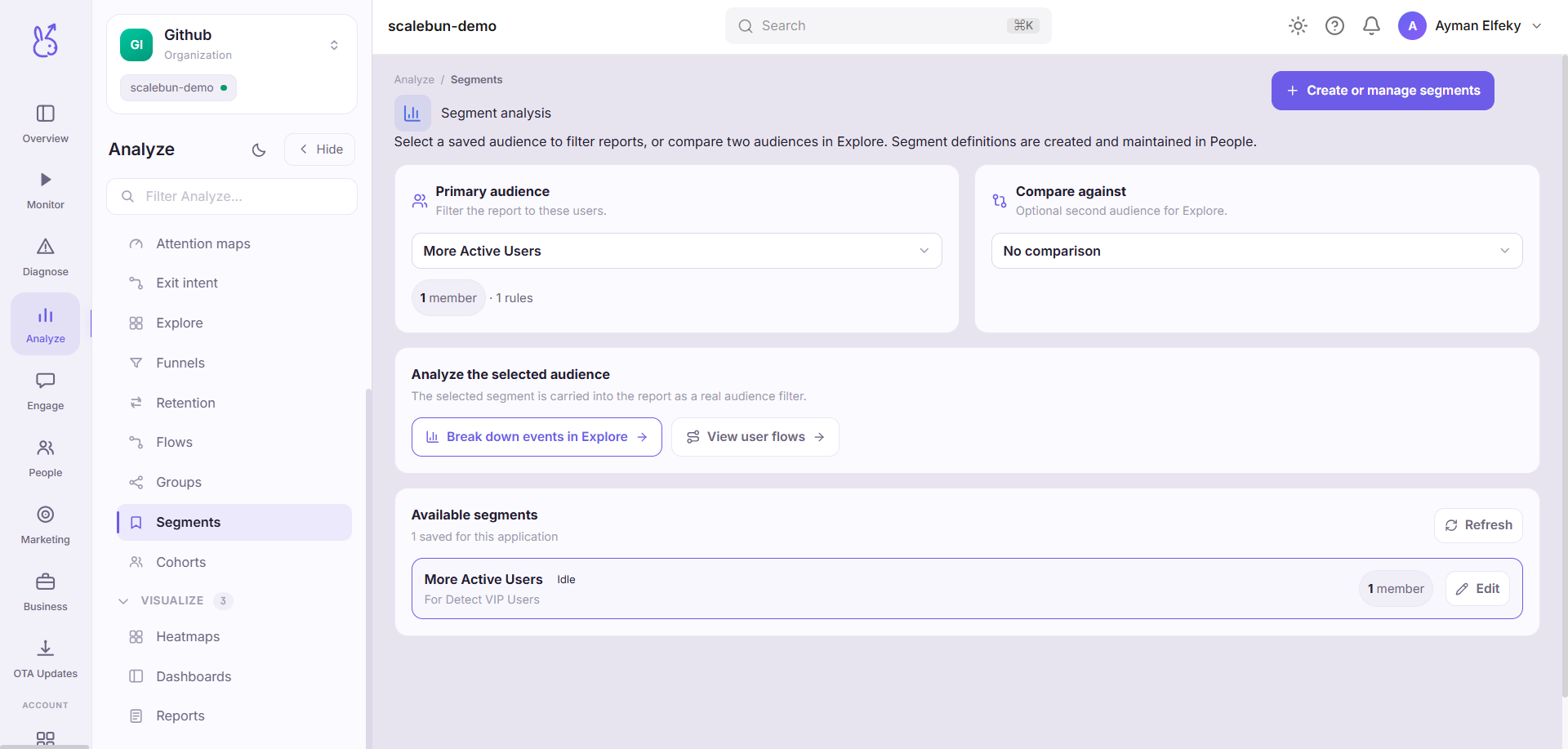
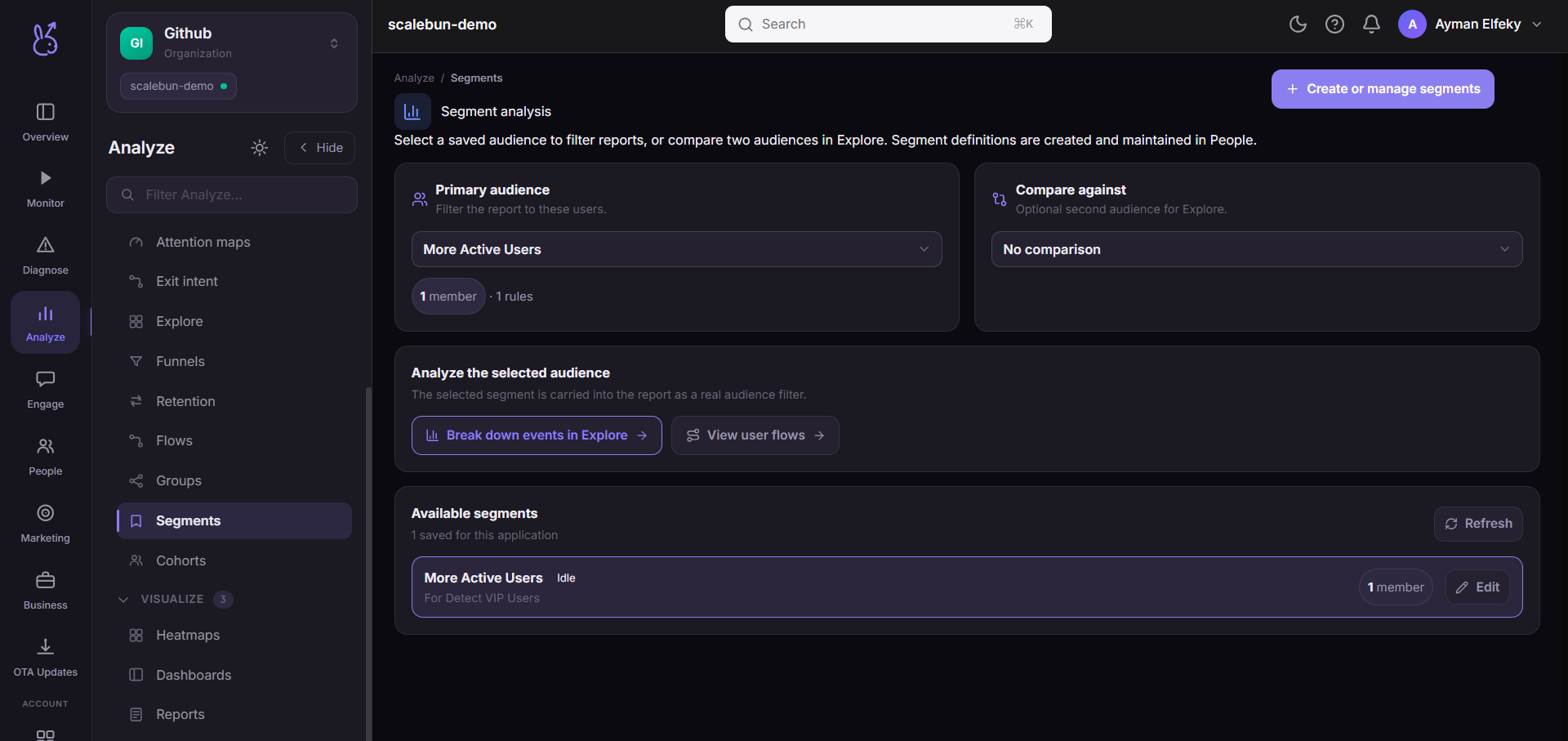
The definitions are the same ones managed under People → Segments. This page is the analytical entry point rather than a second store: edit in either place and you are editing the same segment.
When to use it#
When you are already analysing and want to cut a view by group, rather than when you are defining who a group is. The two jobs are separate and the shortcuts here reflect that — from a segment you can jump directly to its flows or set it against another segment.
Segment comparison is the underused one. A metric is far more informative as "new users versus returning" than as a single number, and the difference between two segments is usually where the actual finding is.
Workflow#
Compare two segments rather than reading one
An absolute number needs a baseline to mean anything. The second segment is the baseline.
Jump into flows from the segment
The same navigation diagram for two segments is the fastest way to see that they use a different product.
Check the size before drawing conclusions
A segment of forty users produces percentages that move on single individuals.
Permissions and prerequisites#
Requires at least one saved segment, and identified users for person-level accuracy.
Limits and edge cases#
Same segments, one definition. This is not an Analyze-specific copy — changes are shared with the People view.
Sizes are evaluated on read, so they move without anyone editing anything.
Overlapping segments are not mutually exclusive. Comparing two that share most of their members produces a difference of nearly zero, which is easy to misread as "no effect".
Troubleshooting#
Segment size differs from what another page showed. Segments re-evaluate on read, so two reads at different moments legitimately differ. For a stable set, use a behavioural cohort.
Comparison shows no difference. Check overlap before concluding the segments behave alike.
Where the data comes from#
Served by
Audiences
Saved views