Groups
Groups in the Analyze area (Behavior) — route /analyze/groups.
Groups lives in the Analyze area of the dashboard, under Behavior.
At a glance#
| Dashboard route | /analyze/groups |
| Area | Analyze (analyze) |
| Group | Behavior |
| Platforms | Web apps only. Hidden for mobile apps. |
What it does#
Groups is B2B account analytics: events, active users and revenue per account rather than per person.
It is built from the SDK's group() calls, which associate a user with an organisation.
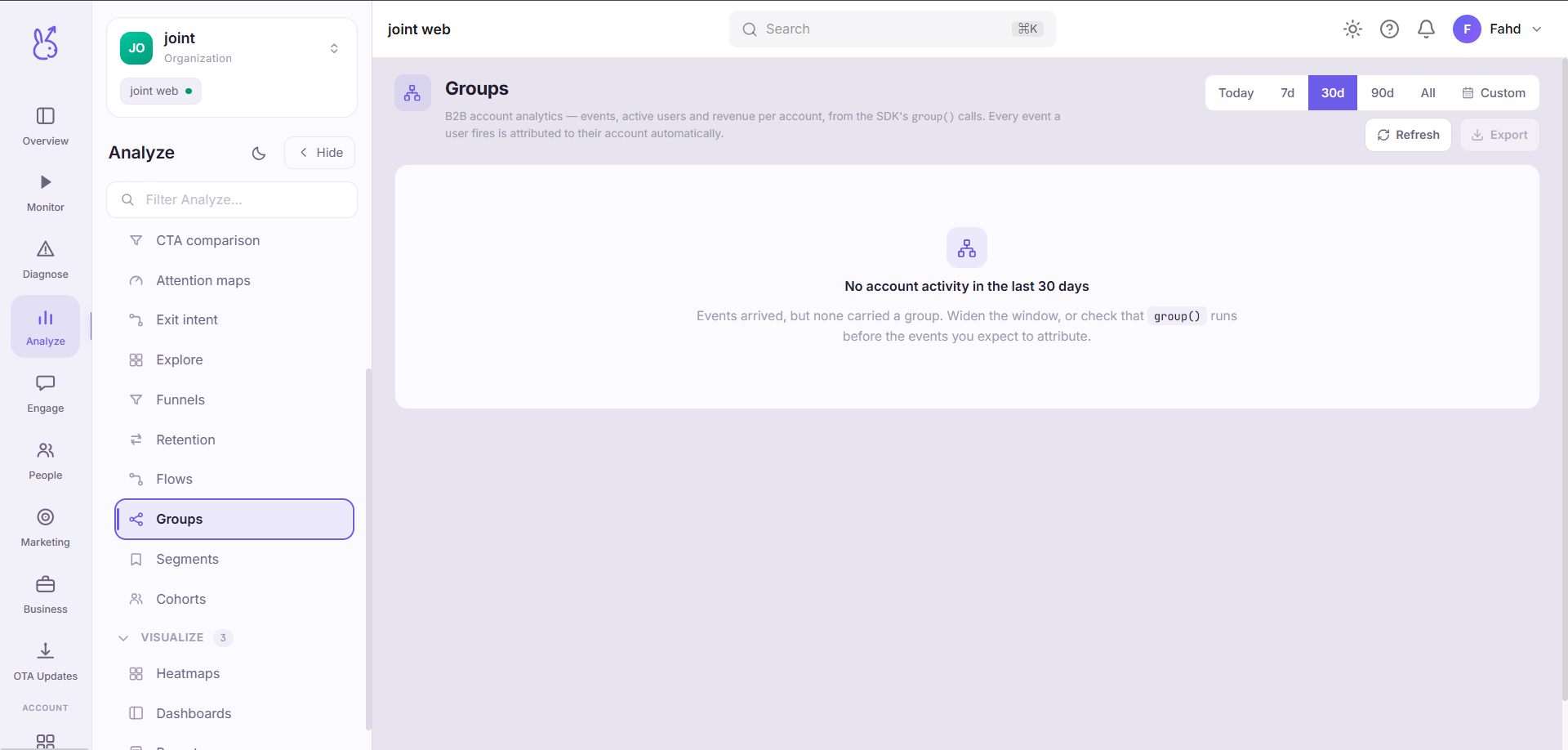
With no group() calls it shows an honest empty state — this page cannot infer accounts from anything
else.
When to use it#
Whenever your customer is a company. In B2B, per-user metrics answer the wrong question: twelve users at one account churning is one lost customer, and twelve users across twelve accounts is a catastrophe. Those look identical in every other view in the product.
Also for account-level success work: which accounts have adoption spread across many users versus concentrated in one, which is the best available leading indicator of renewal.
Workflow#
Call group() before you expect anything here
No group association, no rows. This is instrumentation, not configuration — see Identity.
Read active users per account, not just events
An account with high event volume from one user is a single-champion account and a renewal risk. Spread matters more than total.
Compare revenue against usage
An account paying a lot and using little is the clearest churn signal available at account level.
Permissions and prerequisites#
Requires the SDK's group() to be called with a stable account identifier. Revenue figures additionally
require revenue-bearing tracked events.
Limits and edge cases#
A user can belong to a group only as far as you tell us. If
group()is called on some code paths and not others, an account's numbers are partial in a way nothing will flag.Group identity must be stable. Using a name rather than an id means a renamed account becomes a second account.
Nothing is retroactive. Events before the first
group()call are not attributed to the account.Users in no group are excluded from this page, not bucketed into an "unknown" account.
Troubleshooting#
Empty page on a B2B app. group() is not being called. This is the only possible cause.
An account's numbers are lower than expected. Look for a code path that tracks without having associated the group first — a background job or a route outside your main flow.
Where the data comes from#
Served by
People / CDP