Scroll maps
Scroll maps in the Analyze area (Behavior) — route /analyze/scroll-maps.
Scroll maps lives in the Analyze area of the dashboard, under Behavior.
At a glance#
| Dashboard route | /analyze/scroll-maps |
| Area | Analyze (analyze) |
| Group | Behavior |
| Platforms | Web apps only. Hidden for mobile apps. |
What it does#
Scroll maps answer one question per page: how far down do visitors get? The hero is the fold funnel — the share of visitors who reach each 25%, 50%, 75% and 100% mark — and the weakest fold is flagged as the layout's failure point.
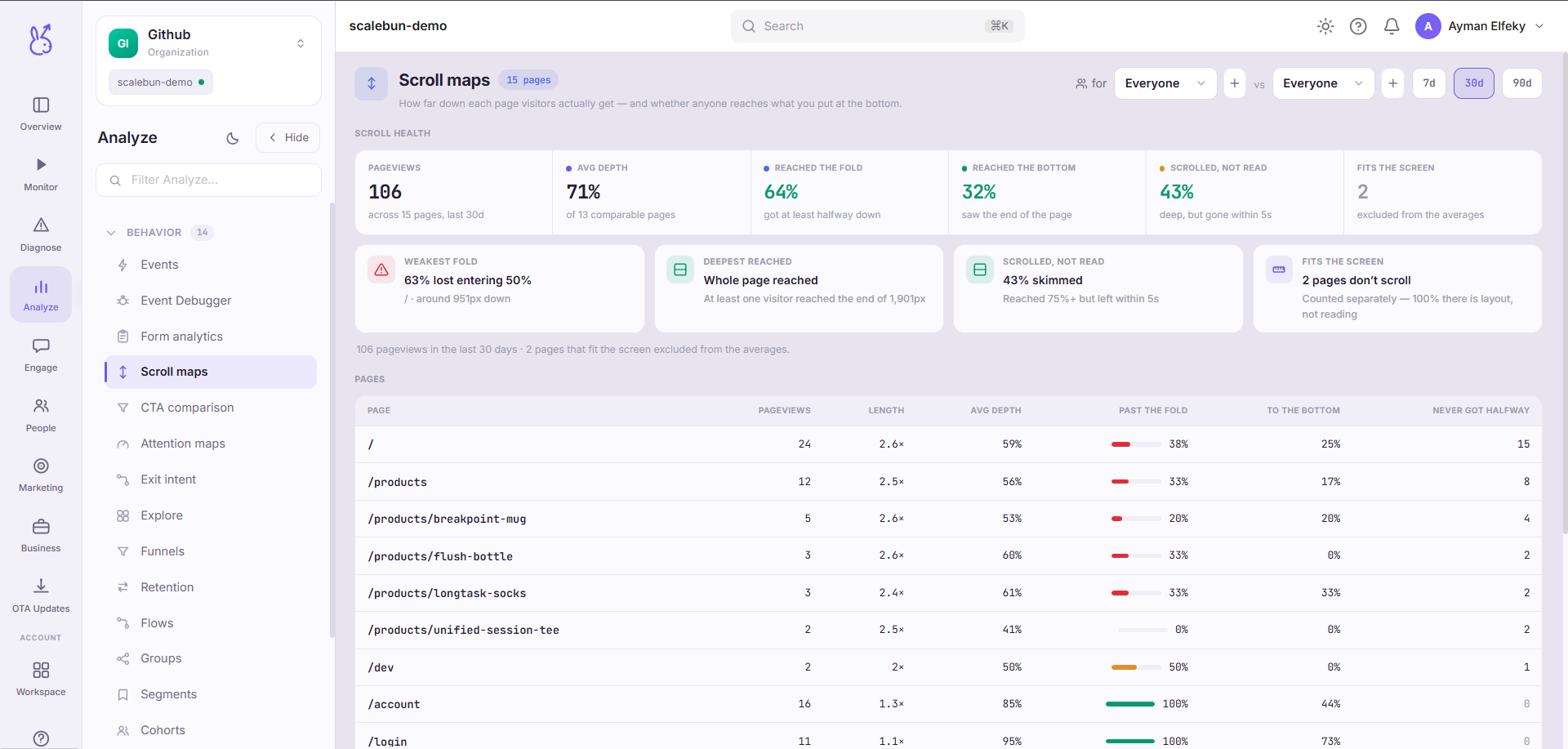
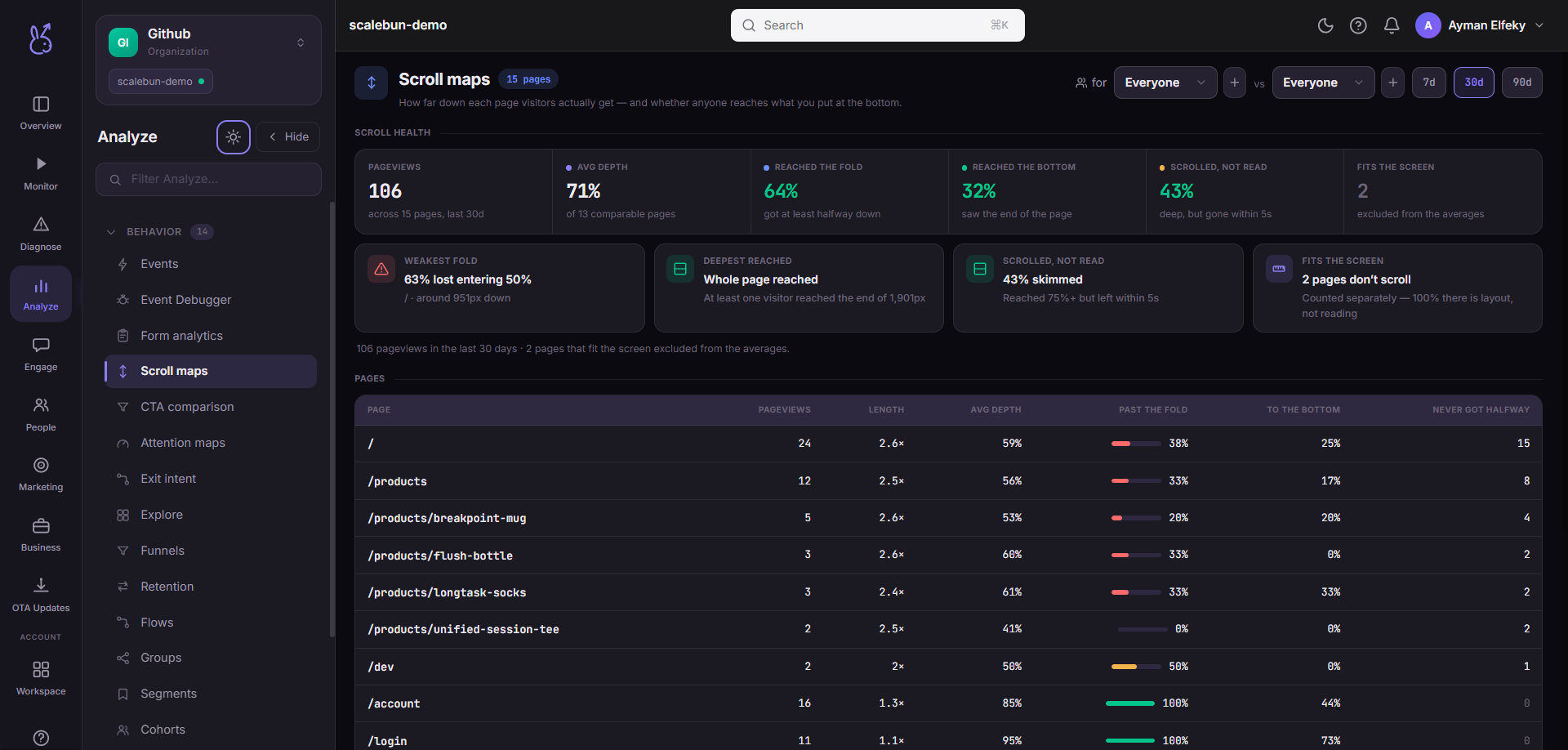
It is computed from the scroll-depth value the SDK attaches when a page is left, so there is no separate capture to enable.
When to use it#
Before you argue about page length, and after any layout change. Scroll depth settles the two arguments that otherwise go in circles:
"Nobody sees our call to action." If the CTA sits below a fold that 20% of visitors reach, that is not an opinion.
"The page is too long." If most visitors reach 75%, it is not.
Workflow#
Read the flagged worst fold first
It is the point where the page loses people. Everything above it is working.
Map the folds onto your actual layout
25% of a long page and 25% of a short one are different content. The percentage means nothing until you know what is there.
Move what matters above the failing fold
The usual fix, and it is cheaper than making the page shorter.
Slice by segment
New visitors scroll differently from returning ones. An aggregate hides that they are being served the same page badly for different reasons.
Permissions and prerequisites#
Web apps only — window scroll depth is an HTML concept. Requires the SDK's page-leave reporting.
Limits and edge cases#
Depth is recorded when the page is left. A visitor who never triggers a leave — a hard crash, a killed tab — may not contribute.
Percentages are of the document, not of the viewport. A tall viewport reaches a higher percentage without the visitor scrolling further, so mobile and desktop are not directly comparable.
Reaching a fold is not reading it. For attention rather than arrival, see Attention maps.
Dynamic content changes document height mid-visit, which makes percentages on infinite-scroll pages approximate.
Troubleshooting#
Everyone reaches 100%. The page is short enough to fit the viewport, so depth is trivially complete. This is not a data problem.
No data on a busy page. Confirm page-leave reporting is enabled and that the platform is web.
Where the data comes from#
Aggregates the scroll-depth value the SDK attaches when a page is left. No separate capture to enable.
From the SDK
Served by
Ingestion