Segments
Segments in the People area (Audiences) — route /people/segments.
Segments lives in the People area of the dashboard, under Audiences.
At a glance#
| Dashboard route | /people/segments |
| Area | People (people) |
| Group | Audiences |
| Platforms | Available for every app platform. |
What it does#
Segments are saved, rule-based definitions of a group of users. Rules combine property comparisons — equals, not equals, contains, exists, greater/less than and their inclusive forms — and event conditions, into a tree you build in the editor. Each segment can be edited, reset, deleted, and opened to see its current members.
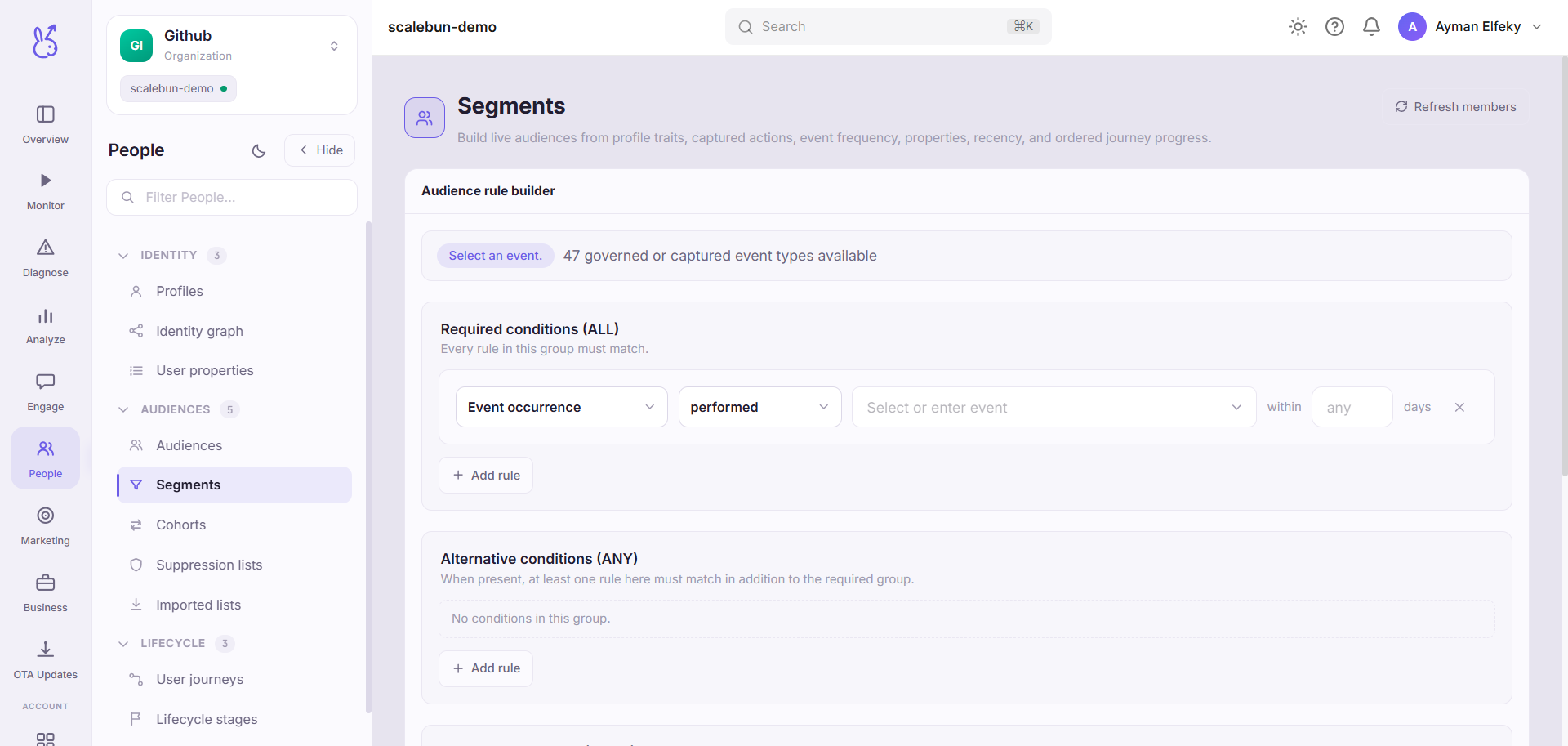
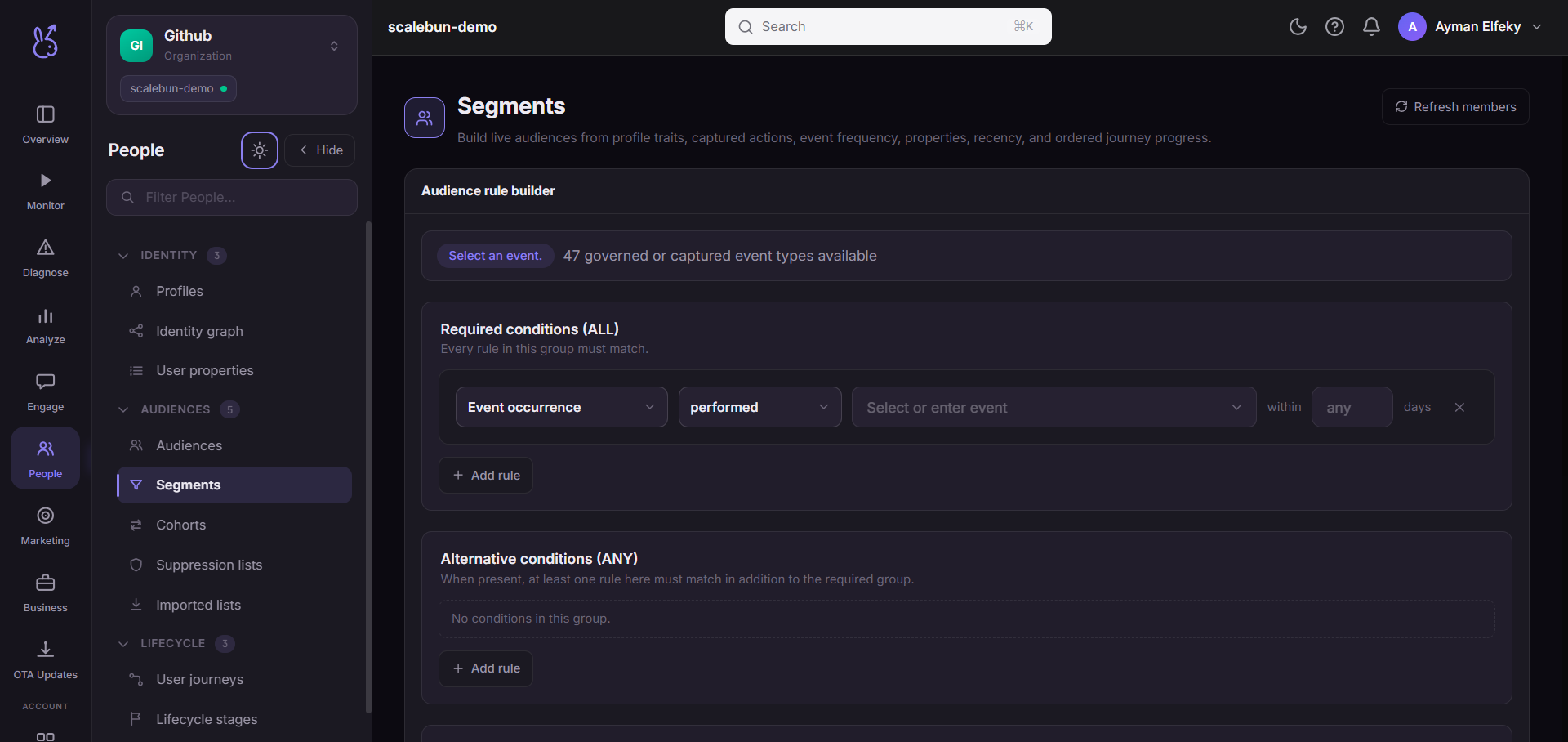
A segment is a definition, not a list. Membership is evaluated when it is used, so a user who stops matching leaves it without anyone doing anything.
When to use it#
Whenever you need the same group more than once — for messaging, for analysis, for comparing behaviour. Building it as a segment rather than an ad-hoc filter means the definition is written down and everyone is talking about the same people.
Compare with the neighbouring concepts:
| Use | For |
|---|---|
| Segments | A rule that evaluates continuously. |
| Cohorts | A group fixed by when they arrived, tracked over time. |
| Imported lists | A fixed set of identifiers from a CSV. |
| Audiences | Sending to a segment. |
Workflow#
Check the property names first
Build against user properties, not against memory. A mistyped property produces an empty segment and no warning.
Start broad, then narrow
Add one condition at a time and watch the size. A segment that is empty after four conditions gives you no clue which one did it.
Open the members drawer
Read actual people before you act on the definition. It catches logic errors that a plausible count will not.
Name it for the rule, not the campaign
"Trial users, no purchase, active in 7 days" survives. "March push" does not.
Permissions and prerequisites#
Requires identified users for anything person-shaped to be meaningful, and event ingestion for event conditions.
Limits and edge cases#
Membership is evaluated at use time, so a segment's size changes on its own. That is the point, and it means a size you noted yesterday is not reproducible today.
existsis not the same asnot equals. A user missing the property entirely fails an equality test and passes anot equalsone in most engines. Be explicit.Event conditions depend on your event names. A renamed event silently breaks the segment that referenced the old name.
Empty is a valid result. It usually means a condition is wrong, not that nobody qualifies.
Troubleshooting#
Segment is empty and should not be. Remove conditions one at a time until it populates; the last one you removed is the problem. Nine times in ten it is a property name or a value case mismatch.
Size changed with no edit. Expected — the rule re-evaluates. If you need a frozen set, use an imported list.
Where the data comes from#
Served by
Audiences