OTA Updates
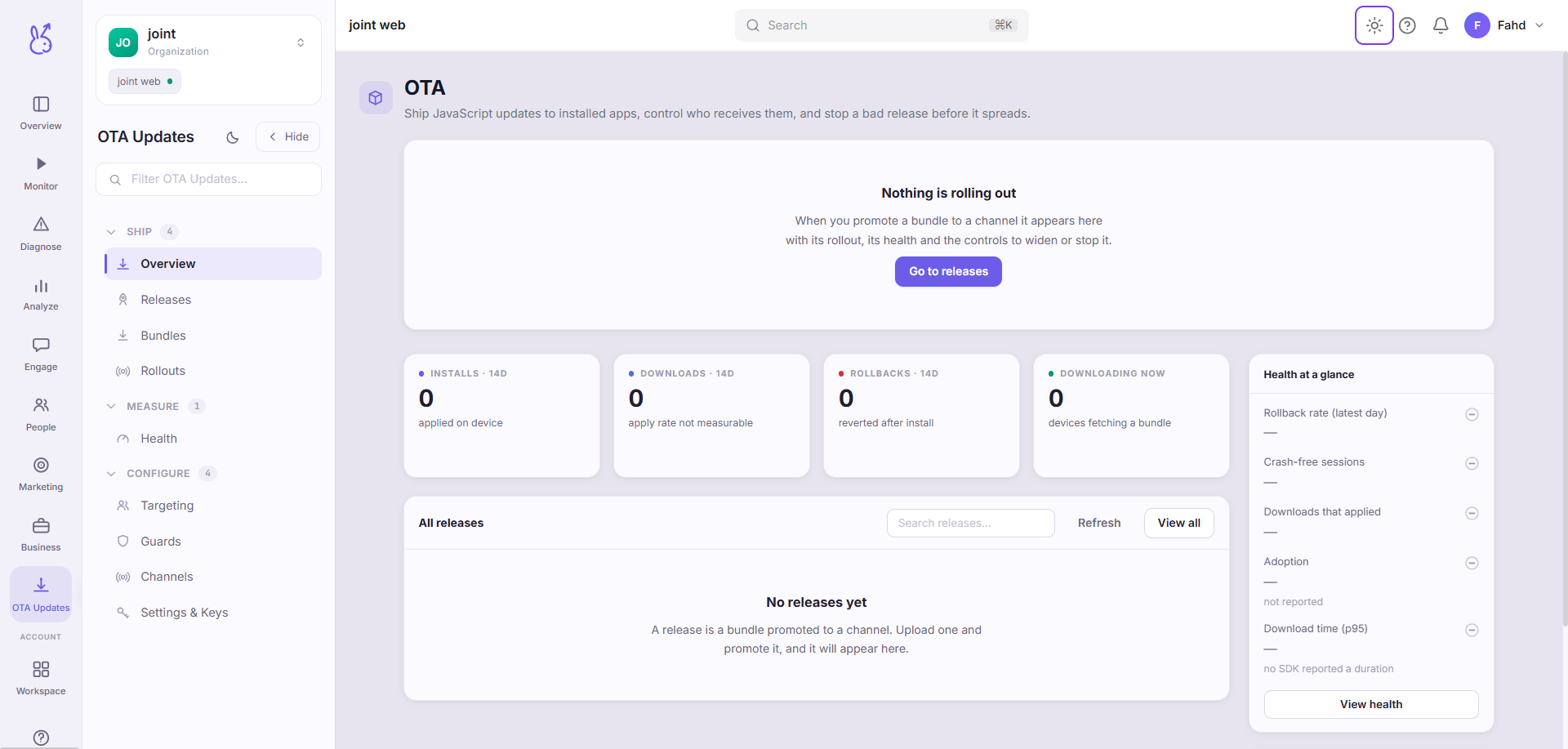
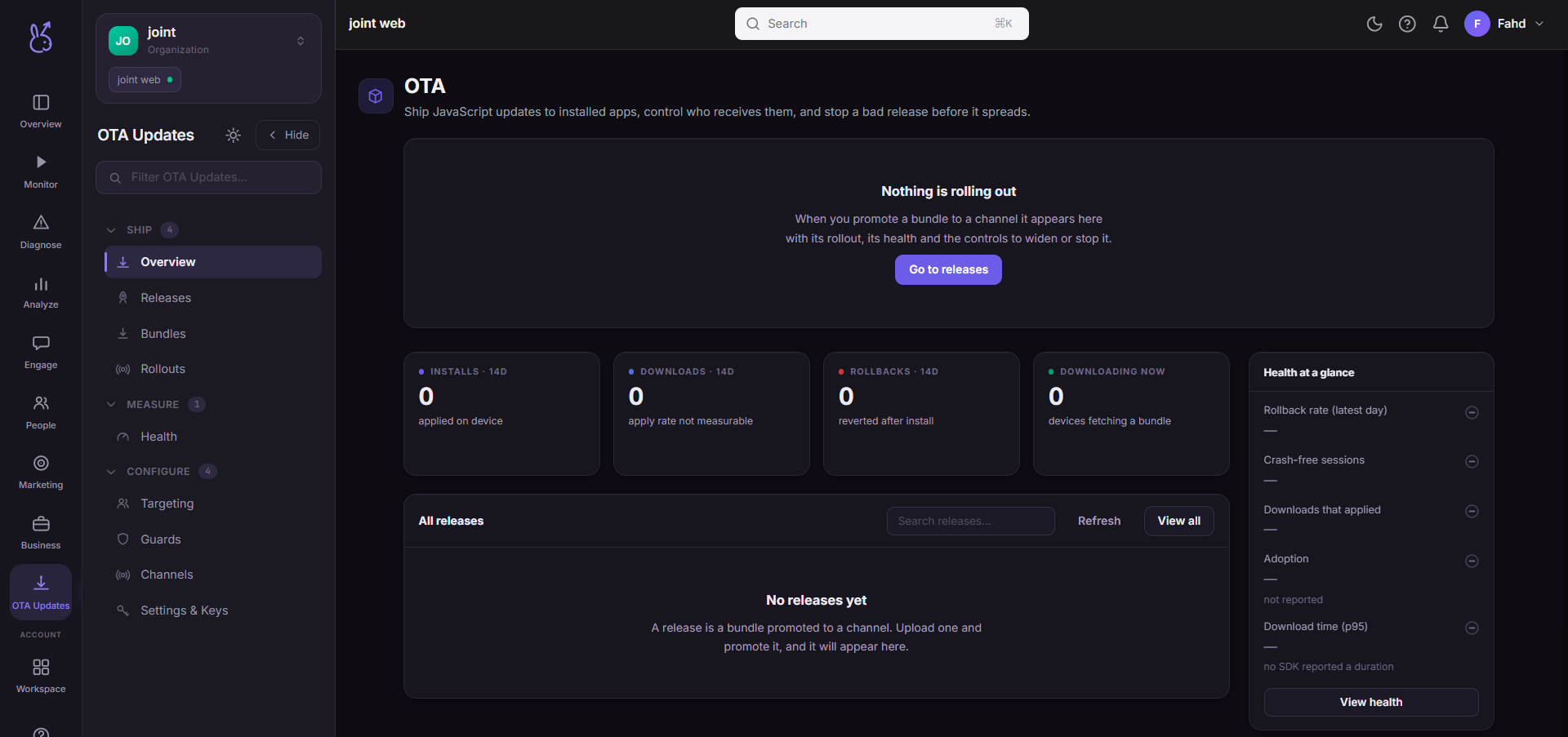
The OTA Updates area of the ScaleBun dashboard.
What OTA updates are#
Over-the-air (OTA) updates ship a new JavaScript bundle to installed apps without going through an app store. The device checks for a newer bundle, downloads it, applies it atomically, and — if the new bundle misbehaves — reverts to the one it replaced. The native binary never changes; only the JS layer does, which is why a fix reaches users in minutes instead of a review cycle.
How a release reaches a device#
Publish. You build a bundle and publish it to a channel. Bundles compile to Hermes bytecode by default.
Check. Each device asks whether a newer bundle exists for its app version, platform and channel. The server answers: do nothing, download a named bundle, or roll back.
Download & verify. The device fetches the bundle, verifies its SHA-256 checksum, and stages it next to the running one.
Apply. The staged bundle is promoted in an atomic swap. Depending on the release's install mode the app restarts immediately, on next restart, or on next resume.
Recover. If the new bundle crashes on boot, the device reverts to the previous one on the next cold start — on its own, with no network.
Add OTA to your app#
OTA lives in the @scalebun/react-native SDK. Enable it in your init() call — read the
client key and API base from the dashboard's SDK setup panel rather than hard-coding them:
import { init } from '@scalebun/react-native';
init({ clientKey: 'skb_live_ck_…', ota: { enabled: true, // turn OTA on checkOnForeground: true, // check for a new bundle each time the app foregrounds },});New to native setup? Run npx scalebun doctor to verify your project first.
Two ways to drive it#
Everything after setup — publishing, staging a rollout, watching health, rolling back — you do either from the dashboard or from the CLI. They share one backend, so you can start a release in your terminal and finish it here.
Related#
SDK install — get
@scalebun/react-nativeinto your app first.SDK rollouts — percentage-based feature rollouts on the device.