CTA comparison
CTA comparison in the Analyze area (Behavior) — route /analyze/cta.
CTA comparison lives in the Analyze area of the dashboard, under Behavior.
At a glance#
| Dashboard route | /analyze/cta |
| Area | Analyze (analyze) |
| Group | Behavior |
| Platforms | Web apps only. Hidden for mobile apps. |
What it does#
CTA comparison ranks your calls to action by click-through rate — clicks divided by impressions. Both sides come from autocapture: click events and impression events, with no bespoke instrumentation to add.
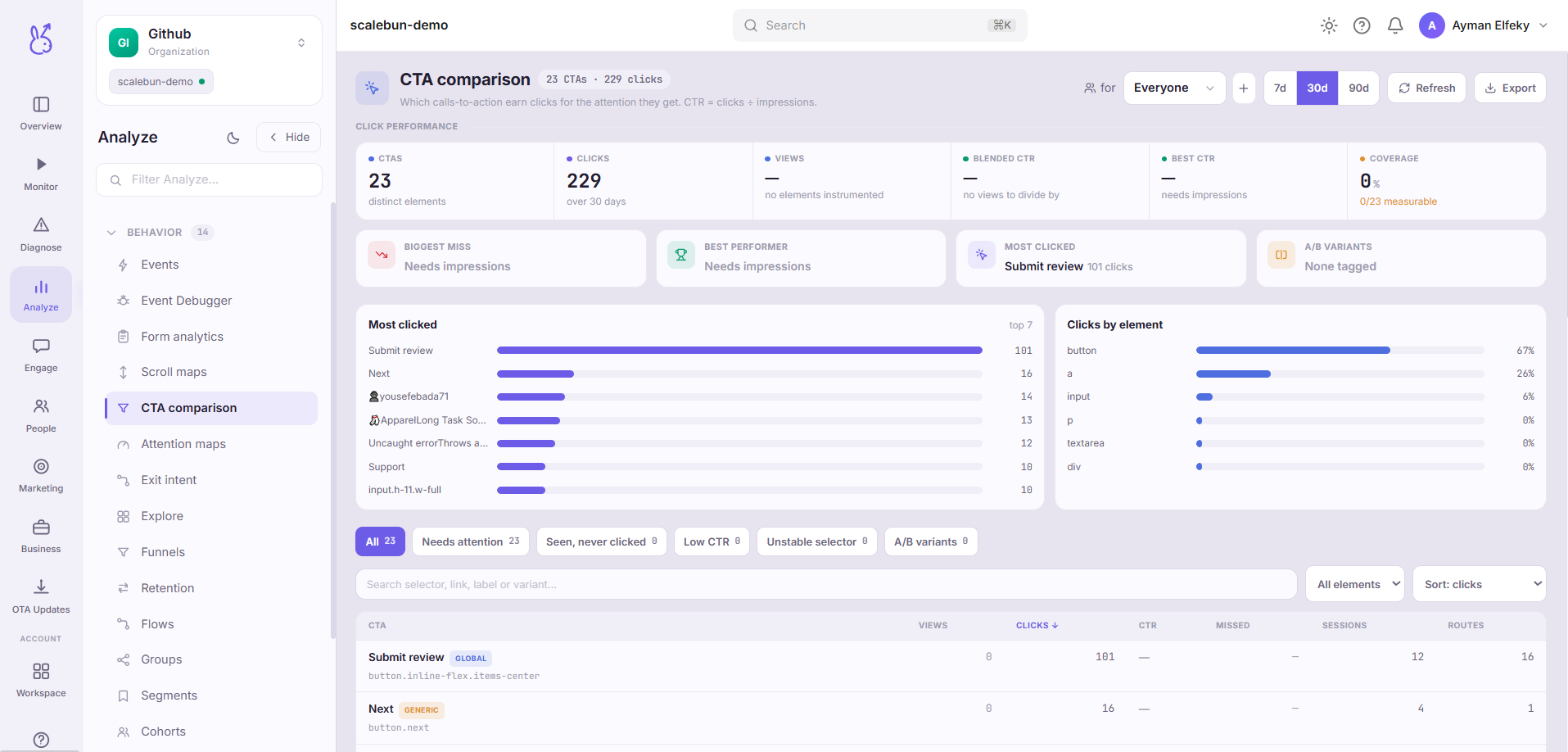
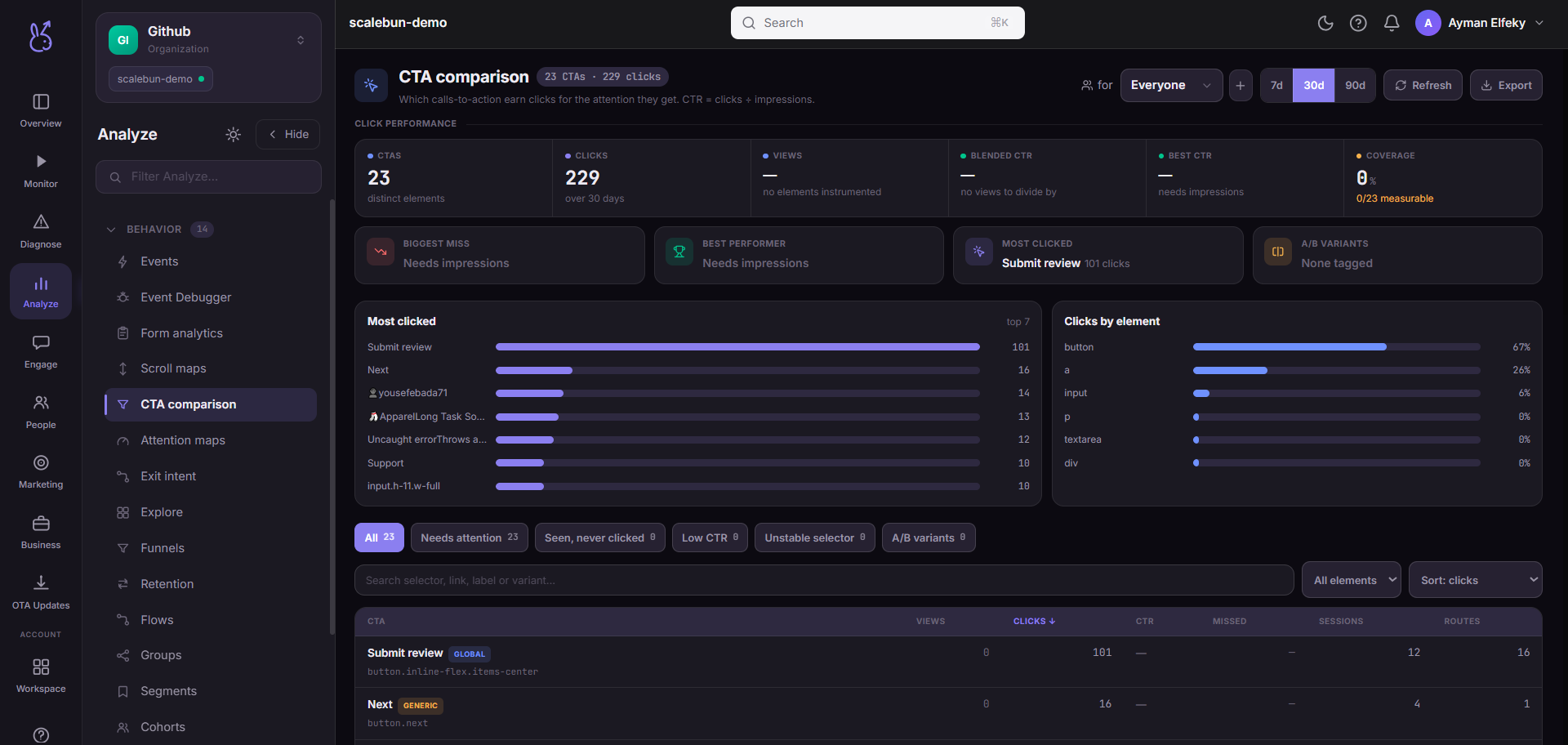
Dividing by impressions rather than by page views is the whole point. A CTA with few clicks might be ineffective, or it might simply never be seen — and those are opposite problems with opposite fixes. Only a view-rate distinguishes them.
When to use it#
When conversion is lower than you expect and you need to know which element is responsible. Also whenever you have several CTAs competing on one page: this is the view that tells you they are competing, and which one is losing.
Workflow#
Sort by CTR, then check impressions
A 40% CTR on 20 impressions is not a finding. Read both columns together.
Separate "not seen" from "not clicked"
Low impressions means a placement problem — see scroll maps. High impressions with low CTR is a copy or design problem.
Look for cannibalisation
Two CTAs on one page each getting mediocre CTR usually beat one clear CTA when combined into it.
Slice by segment before rewriting
A CTA that works for returning users and fails for new ones does not need new copy; it needs to not be shown to the wrong audience.
Permissions and prerequisites#
Web apps only — CTAs and impressions are HTML concepts. Requires autocapture, including impression reporting, in the SDK.
Limits and edge cases#
An impression means it entered the viewport, not that it was noticed. CTR is therefore a floor on how ineffective a CTA is, not a measure of attention. Pair with attention maps.
Autocapture identifies elements structurally. A refactor that changes markup can make an element look new, splitting its history in two.
A click is not a conversion. People click and abandon. Follow the CTA into a funnel before celebrating.
Very small samples produce dramatic rates. Ignore rows with low impressions.
Troubleshooting#
A CTA I know exists is missing. Autocapture did not identify it, or it was never in a viewport during the window. Check that impression reporting is enabled.
CTR above 100%. Clicks recorded without a matching impression — usually an element clicked before its impression fired, or a programmatic click. Treat the row as unreliable.
Where the data comes from#
Click-through rate is autocaptured clicks over autocaptured impressions, so it needs impression reporting as well as click reporting.
From the SDK
Served by
Ingestion