Cohorts
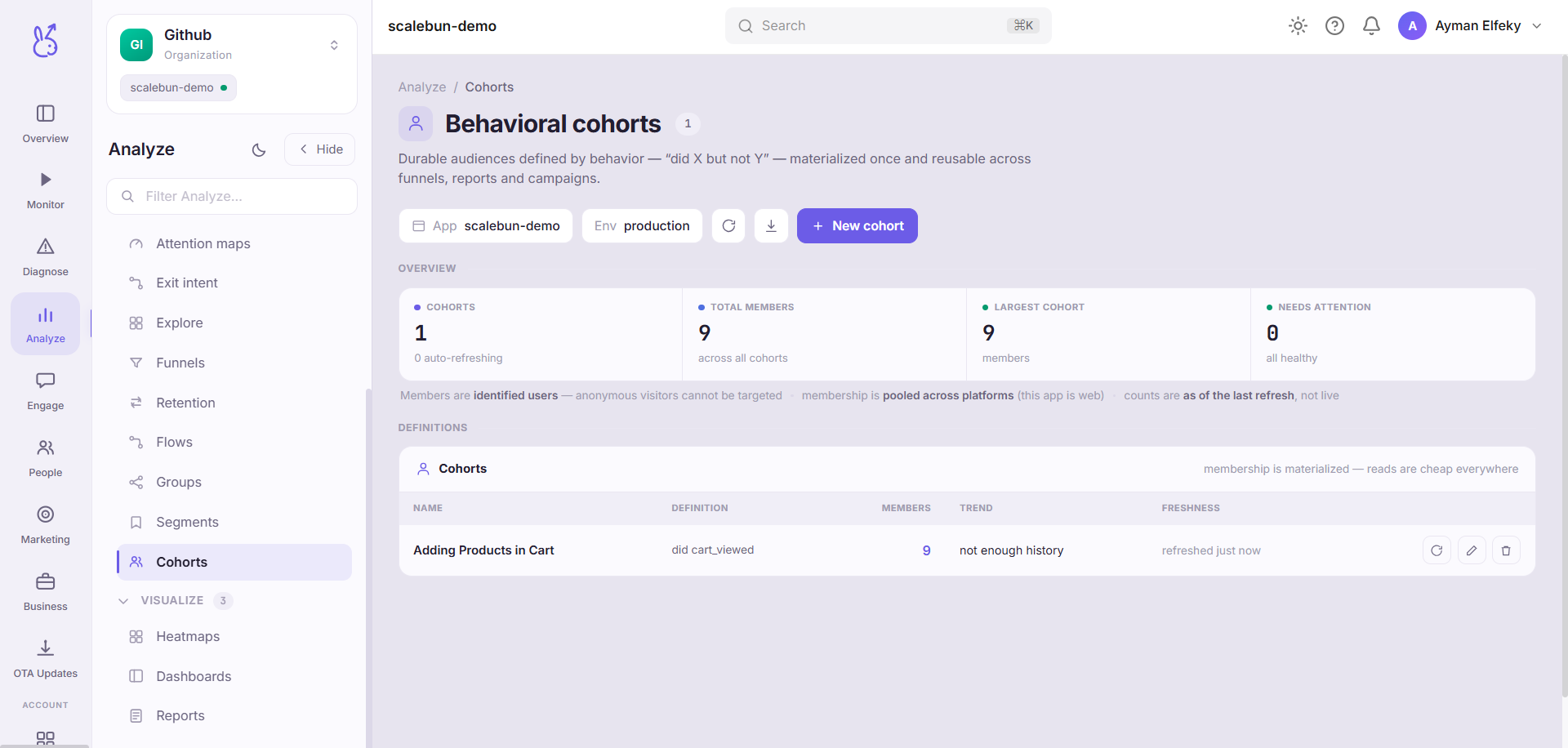
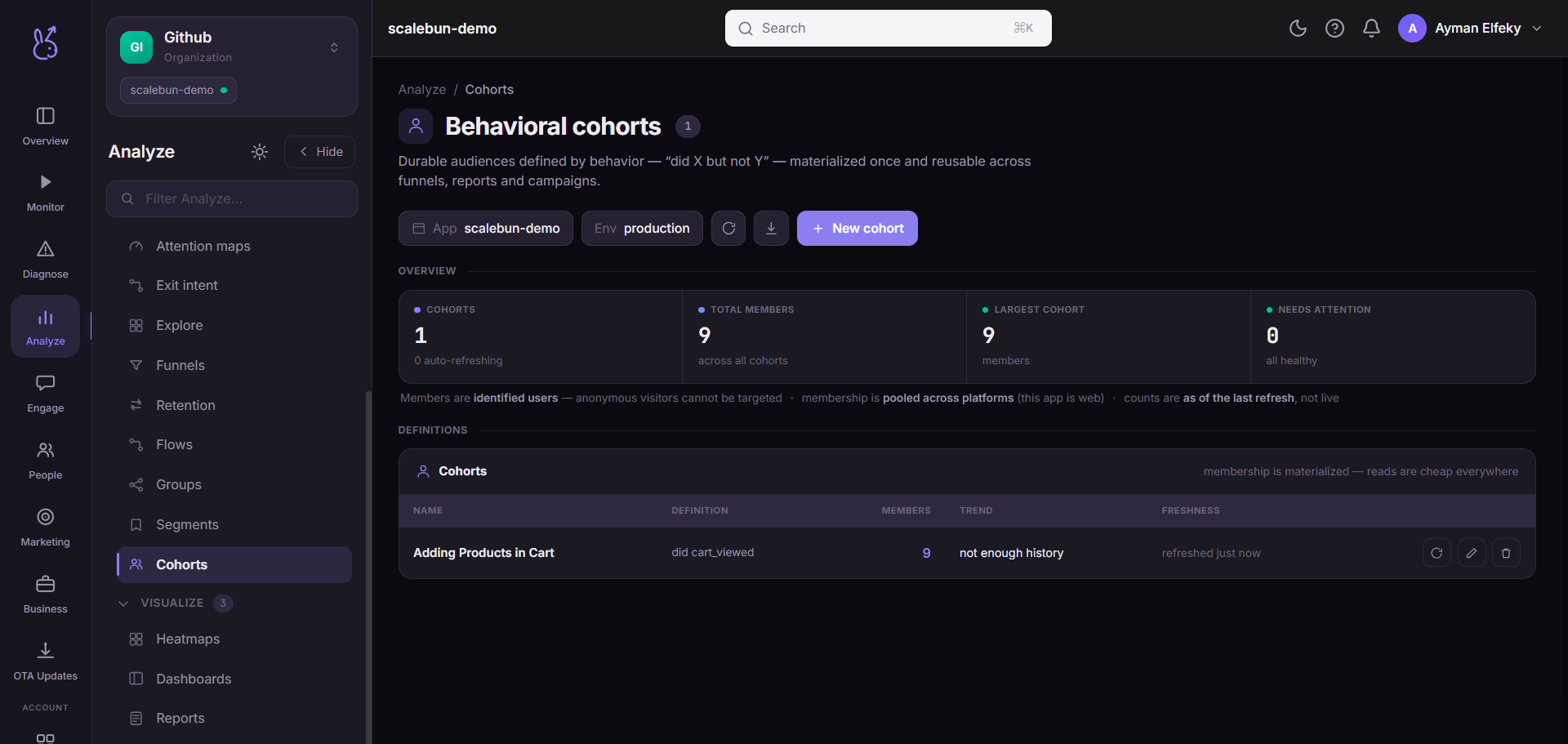
Cohorts in the Analyze area (Behavior) — route /analyze/cohorts.
Cohorts lives in the Analyze area of the dashboard, under Behavior.
At a glance#
| Dashboard route | /analyze/cohorts |
| Area | Analyze (analyze) |
| Group | Behavior |
| Platforms | Available for every app platform. |
What it does#
Behavioural cohorts are durable, materialised audiences defined by what people did — "bought but never returned", "viewed pricing three times without signing up", "completed onboarding then went quiet".
Rules combine four kinds of condition:
| Rule | Meaning |
|---|---|
did | Performed the event. |
did_not | Did not perform the event. |
count | Performed it at least / at most N times. |
sequence | Performed events in a given order. |
The backend materialises membership, so this page manages the definitions, shows each cohort's freshness, and lets you refresh it.
When to use it#
When the group is defined by behaviour over history rather than by current attributes. did_not and
sequence are the two rules nothing else here offers, and they are where the value is: "did X but not Y"
is the shape of almost every interesting retention question.
Three neighbouring concepts, deliberately distinct:
| Feature | How membership works |
|---|---|
| Segments | A filter evaluated on read. Always current, never materialised. |
| Behavioural cohorts | Materialised by the backend. Fast to use, refreshed on a cadence. |
| Retention cohorts | Grouped by when users arrived, for a retention grid. |
Workflow#
Check freshness before acting on a cohort
Membership is materialised, so it is as of the last refresh — not as of now. This is the trade for it being fast, and the page shows you the age.
Build the negative condition explicitly
did_notneeds a window to be meaningful. "Never purchased" and "has not purchased in 30 days" are very different cohorts.Use sequence sparingly
Order matters less often than people assume, and a sequence rule that is too strict silently matches almost nobody.
Refresh after an instrumentation change
A renamed event breaks the rule that referenced the old name. The cohort will not error; it will just shrink.
Permissions and prerequisites#
Requires event history and, for person-level accuracy, identified users.
Limits and edge cases#
Materialised means stale between refreshes. For a group that must be exactly current, use a segment.
did_notover all history is expensive and rarely what you want. Bound it.A cohort built on a renamed event quietly empties. Nothing errors, because "did not do X" is trivially true for an event nobody sends.
Membership can shrink as well as grow on refresh, which surprises people expecting a cohort to be append-only.
Troubleshooting#
Cohort is empty. Remove conditions one at a time. sequence and unbounded did_not are the two most
common causes.
Size dropped sharply after a refresh. An event name it depends on stopped arriving. Check Events.
Where the data comes from#
Served by
Cohorts