Form analytics
Form analytics in the Analyze area (Behavior) — route /analyze/forms.
Form analytics lives in the Analyze area of the dashboard, under Behavior.
At a glance#
| Dashboard route | /analyze/forms |
| Area | Analyze (analyze) |
| Group | Behavior |
| Platforms | Web apps only. Hidden for mobile apps. |
What it does#
Form analytics tells you which field costs you money. It reports form starts, completions and abandonment, broken down per field, so you can see exactly where people stop.
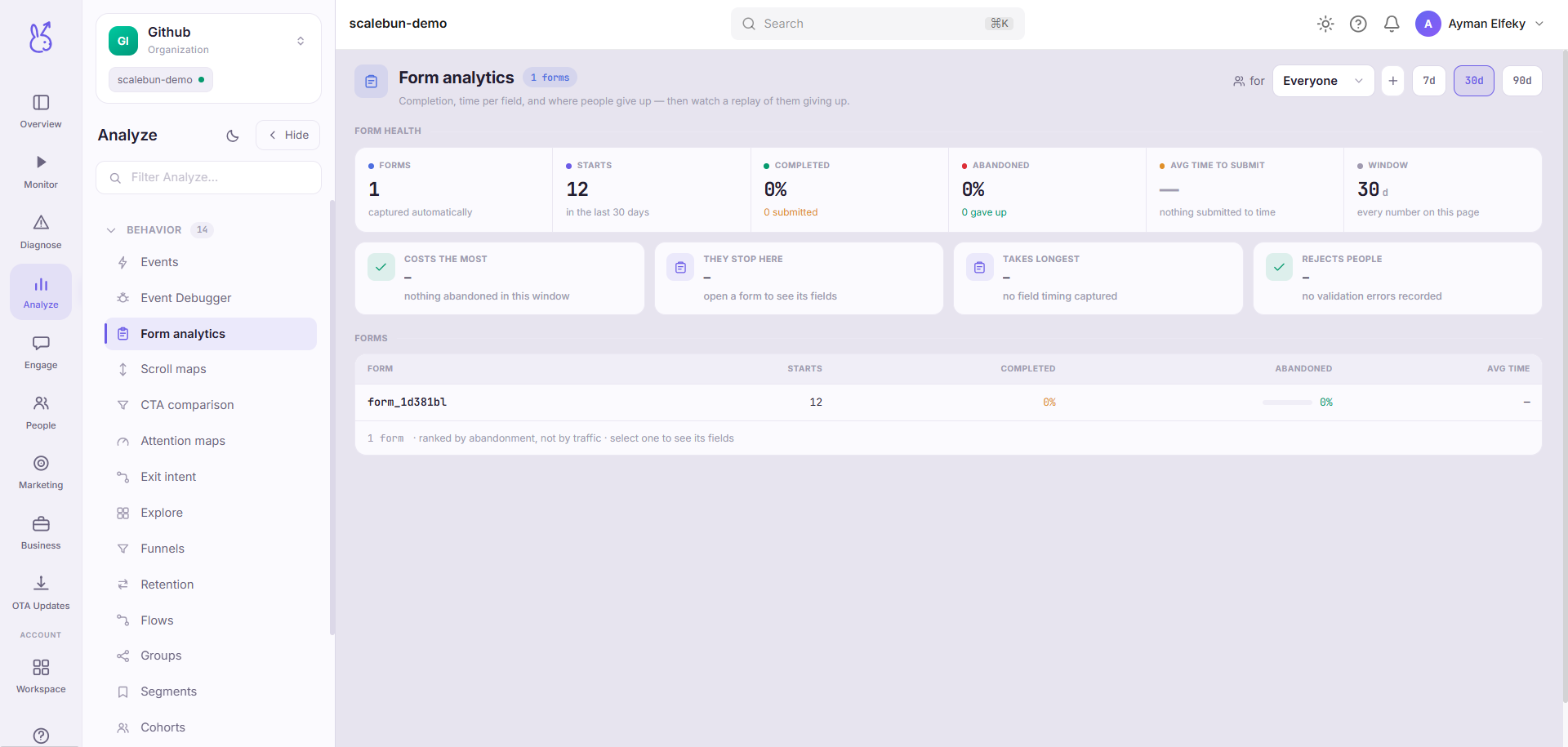
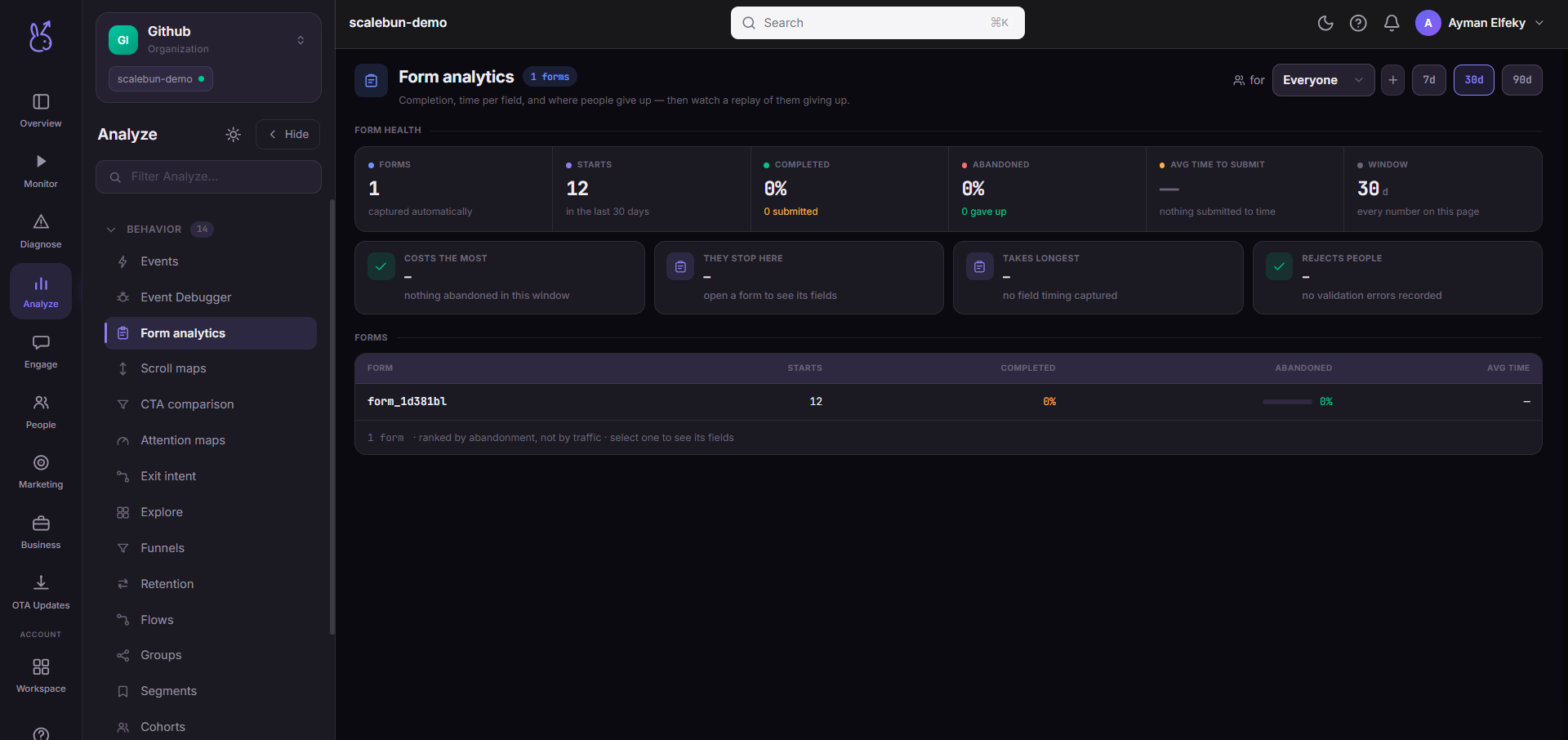
The last column of the drop-off table is the reason to use this page rather than a funnel: every abandonment deep-links to the session replay at the frame the user gave up. You do not infer why they left — you watch it.
When to use it#
Any form that matters commercially: signup, checkout, application, onboarding. Forms are where the highest concentration of avoidable loss sits in almost every product, and per-field data is the only way to find it — a funnel tells you the form failed, not which field did it.
Workflow#
Find the field with the worst drop-off
It is almost never the first one. It is usually a field asking for something the user did not expect to provide, or a validation rule they cannot satisfy.
Watch three replays of that abandonment
This is the step people skip and the one that answers the question. Three sessions is normally enough to see the same struggle repeat.
Ask whether you need the field at all
The cheapest fix for a costly field is deleting it. The second cheapest is making it optional.
Re-measure after the change
Field-level drop-off is sensitive enough to show the effect of one edit within days.
Permissions and prerequisites#
Web apps only — forms are an HTML concept. Requires the SDK's form event reporting. Replay deep-links additionally require session replay to be capturing.
Limits and edge cases#
Abandonment is inferred from leaving without completing. A user who returns later and finishes is counted as both.
Replay links need the session to still exist. Beyond the retention window the row remains and the link does not resolve.
Autocapture identifies fields structurally, so restructuring a form can split a field's history.
Troubleshooting#
Drop-off on a field nobody complains about. Watch a replay. Silent friction — an unclear format requirement, a validation message off-screen — never generates complaints, only abandonment.
Replay link goes nowhere. The session has aged out, or replay was not capturing for that visit.
Where the data comes from#
Field-level drop-off comes from the SDK’s form events; the replay deep-link works because the SDK stamps a replay coordinate on every event.
From the SDK
Served by
Ingestion