Flows
Flows in the Analyze area (Behavior) — route /analyze/flows.
Flows lives in the Analyze area of the dashboard, under Behavior.
At a glance#
| Dashboard route | /analyze/flows |
| Area | Analyze (analyze) |
| Group | Behavior |
| Platforms | Available for every app platform. |
What it does#
Flows shows screen-to-screen navigation: where people go from any given screen, and in what proportion. It is built from screen-view events, and it can be scoped to a segment via the URL so a link from elsewhere in the dashboard lands on the flow for that group.
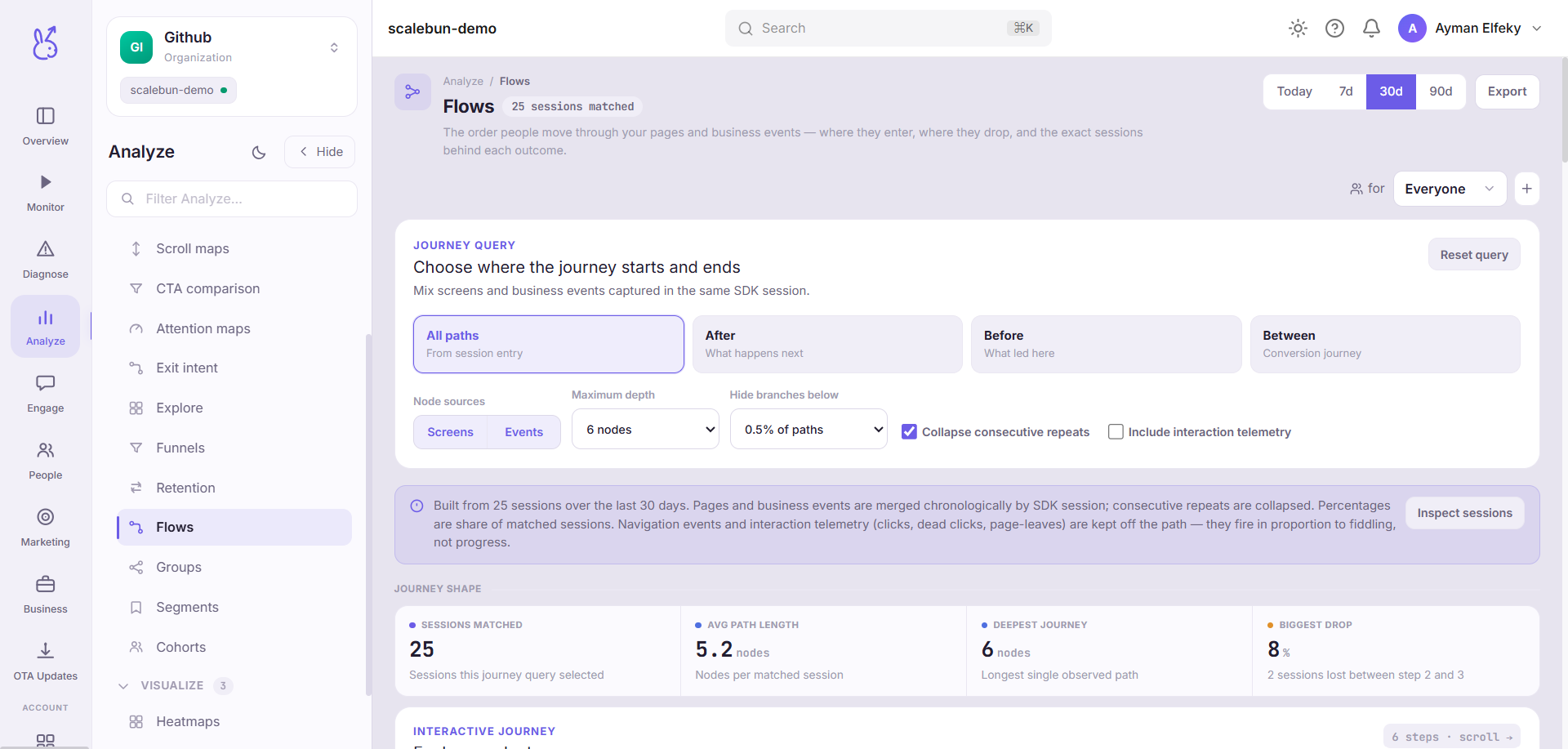
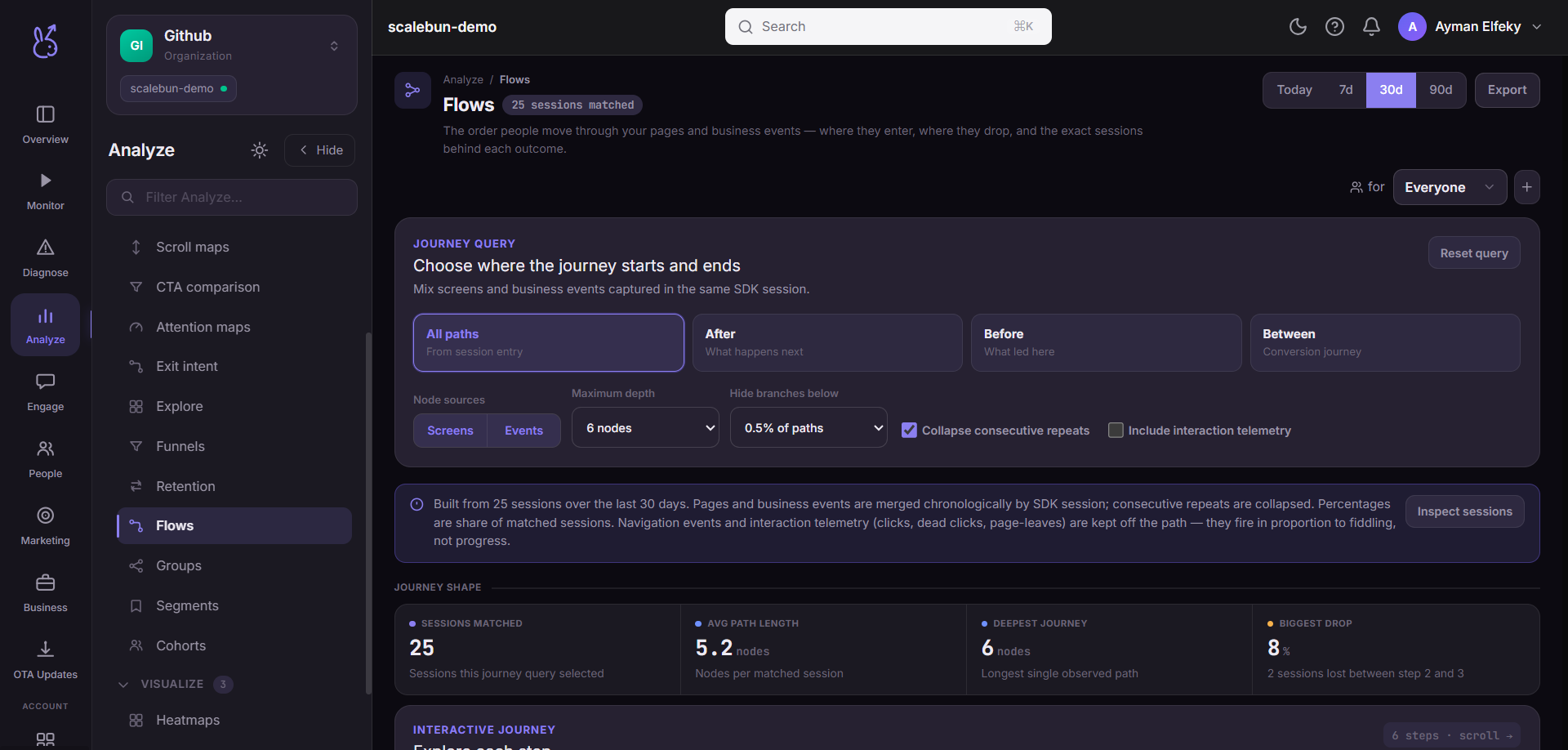
With no screen-view events it explains how flows are built rather than showing an empty diagram.
When to use it#
When you want to know the paths people actually take, as opposed to the one you designed. Funnels test a hypothesis you already have; flows show you the routes you did not think to test — including the loops, the backtracking, and the screen everyone visits on the way to giving up.
Workflow#
Start from a screen you care about, not from the entry point
The entry point's flow is dominated by volume. A mid-journey screen tells you more.
Look for backtracking
People returning to the previous screen is the clearest confusion signal there is, and it appears nowhere in a funnel.
Compare segments
The same flow for new versus returning users is frequently two different products. Scoping to a segment is the point of the segment parameter.
Follow the surprise into a replay
Flows tell you the path. A replay tells you why they took it.
Permissions and prerequisites#
Requires screen-view events with stable screen names. This is the one prerequisite that decides whether the page is useful or useless.
Limits and edge cases#
Transitions, not sessions. A flow aggregates steps across many visits; no individual took the whole diagram.
Low-volume paths are hidden or thin. A rare but important path may not be visible at aggregate scale.
Mobile and web both work, but only where screen or route instrumentation exists.
Troubleshooting#
One giant node. Screen names are missing. Instrument them.
Thousands of nodes. Screen names contain identifiers. Switch to templates.
Empty with traffic. No screen-view events are being sent — separate from other events being sent successfully.
Where the data comes from#
From the SDK
Served by
Analytics