Attention maps
Attention maps in the Analyze area (Behavior) — route /analyze/attention.
Attention maps lives in the Analyze area of the dashboard, under Behavior.
At a glance#
| Dashboard route | /analyze/attention |
| Area | Analyze (analyze) |
| Group | Behavior |
| Platforms | Web apps only. Hidden for mobile apps. |
What it does#
Attention maps show where on a page visitors actually spend their attention. The hero is a vertical attention gradient: which horizontal slice of the page holds the eye, and where interest drops off.
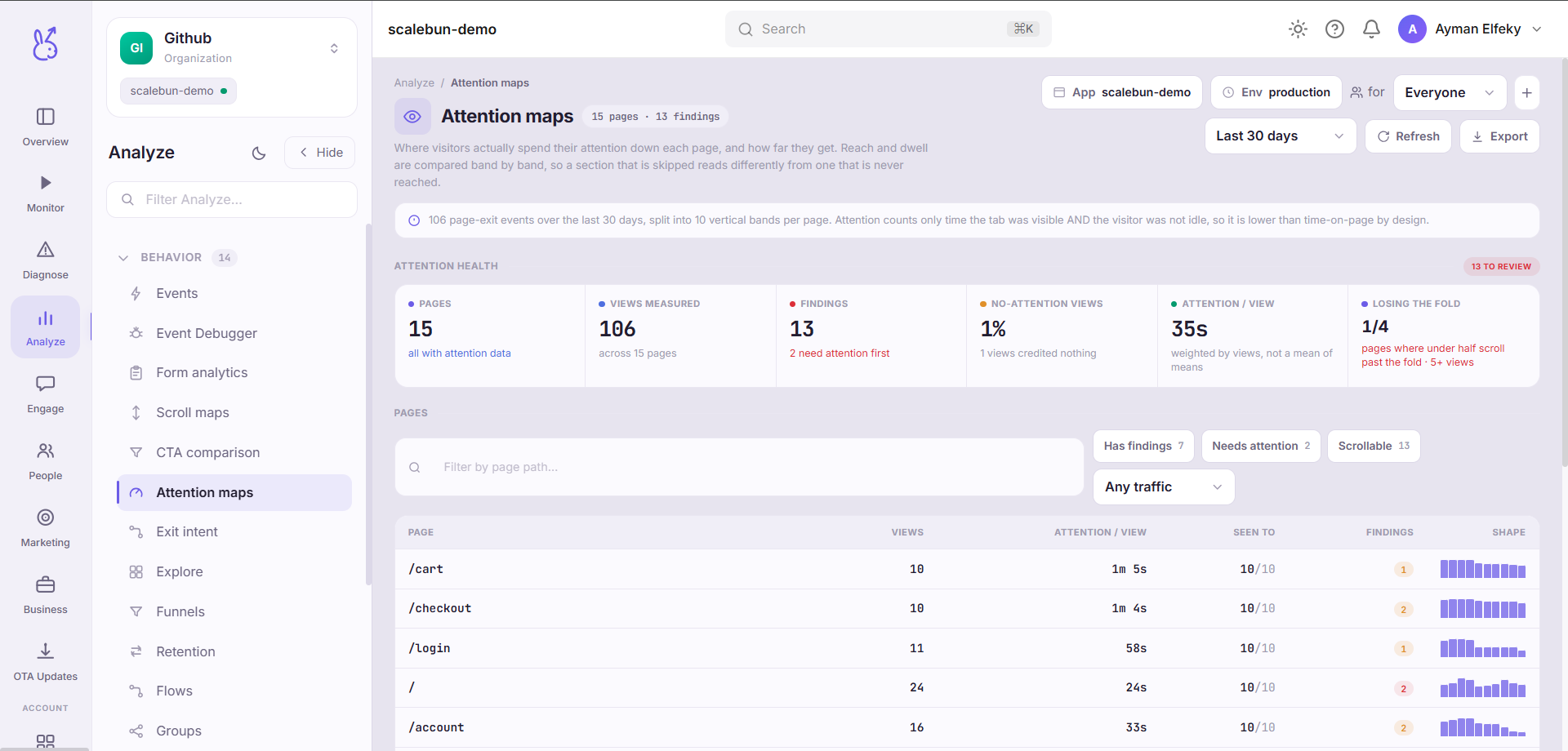
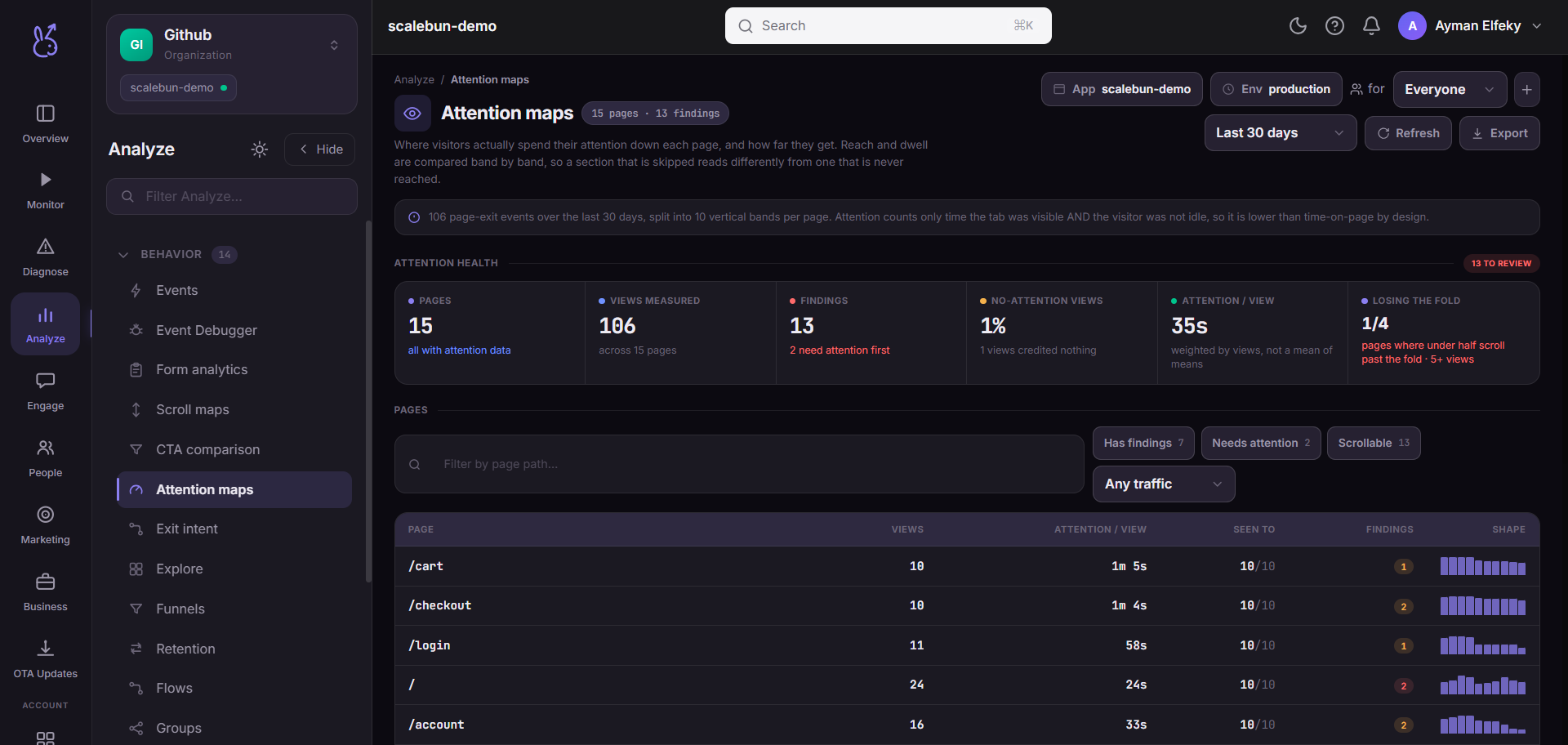
The measure is dwell time per band, counting only time that was both active and visible — a tab left open in the background does not accumulate attention. That distinction is what separates this from scroll depth, and it is the reason the two pages disagree in useful ways.
When to use it#
When scroll maps says people reached a section and you want to know whether they engaged with it. Arriving and reading are different, and the gap between them is where most copy problems live.
Most useful on content-heavy pages: landing pages, pricing, documentation, long-form articles.
Workflow#
Find the band that holds attention
It is usually not the one you designed to. Whatever it is, that is your most valuable real estate.
Find the cliff
Attention falling off sharply at a band means something there stops people — a wall of text, an ambiguous heading, or a section that reads as an ending.
Cross-check against scroll depth
High arrival with low attention means the content is being skipped, not missed. That is a copy fix. Low arrival is a layout fix.
Slice by segment
A returning visitor scanning for one thing and a new visitor evaluating you produce opposite gradients.
Permissions and prerequisites#
Web apps only. Requires the SDK's attention-band reporting, which is folded into page-leave — there is no separate capture to configure.
Limits and edge cases#
Attention is inferred from visibility and activity, not from eye tracking. A visitor staring out of the window with your page in front of them registers as attentive.
Bands are positional. A responsive layout puts different content in the same band at different viewport sizes, so slicing by device is worth doing before drawing conclusions.
Long dwell is ambiguous. It can mean engaged or confused. Pair a surprising band with a replay before deciding which.
Short visits contribute little. A bounce has almost no attention to distribute.
Troubleshooting#
Attention concentrated at the very top only. Usually a page where the fold answers the question, or one where nothing below invites continuing. Compare against scroll depth to tell those apart.
No data. Confirm the platform is web and page-leave reporting is active.
Where the data comes from#
Aggregates per-band dwell time folded into the page-leave event, counting only time that was both active and visible.
From the SDK
Served by
Ingestion