Dashboards
Dashboards in the Analyze area (Visualize) — route /analyze/dashboards.
Dashboards lives in the Analyze area of the dashboard, under Visualize.
At a glance#
| Dashboard route | /analyze/dashboards |
| Area | Analyze (analyze) |
| Group | Visualize |
| Platforms | Available for every app platform. |
What it does#
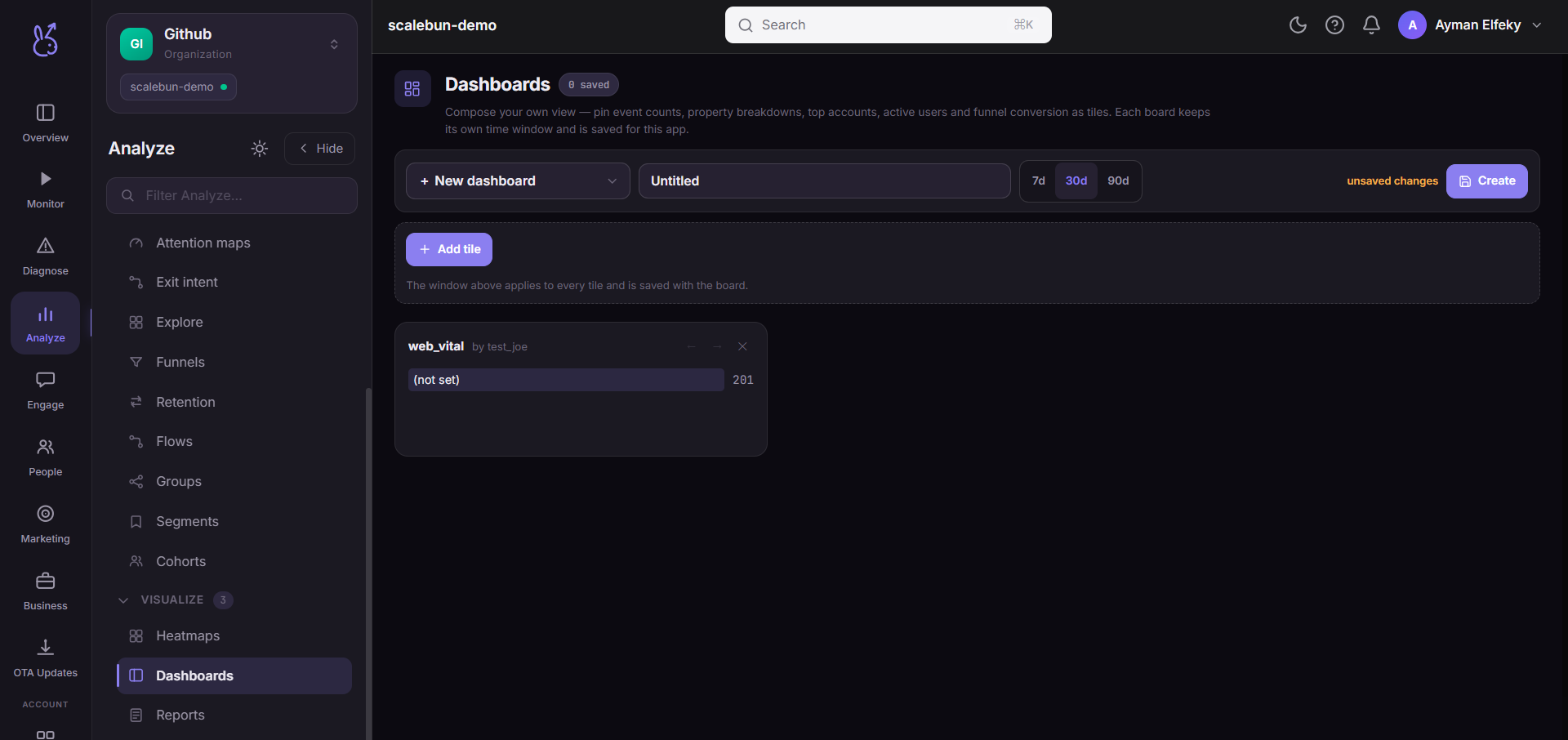
Dashboards is a tile builder. You compose named dashboards from tiles over the analytics you already have:
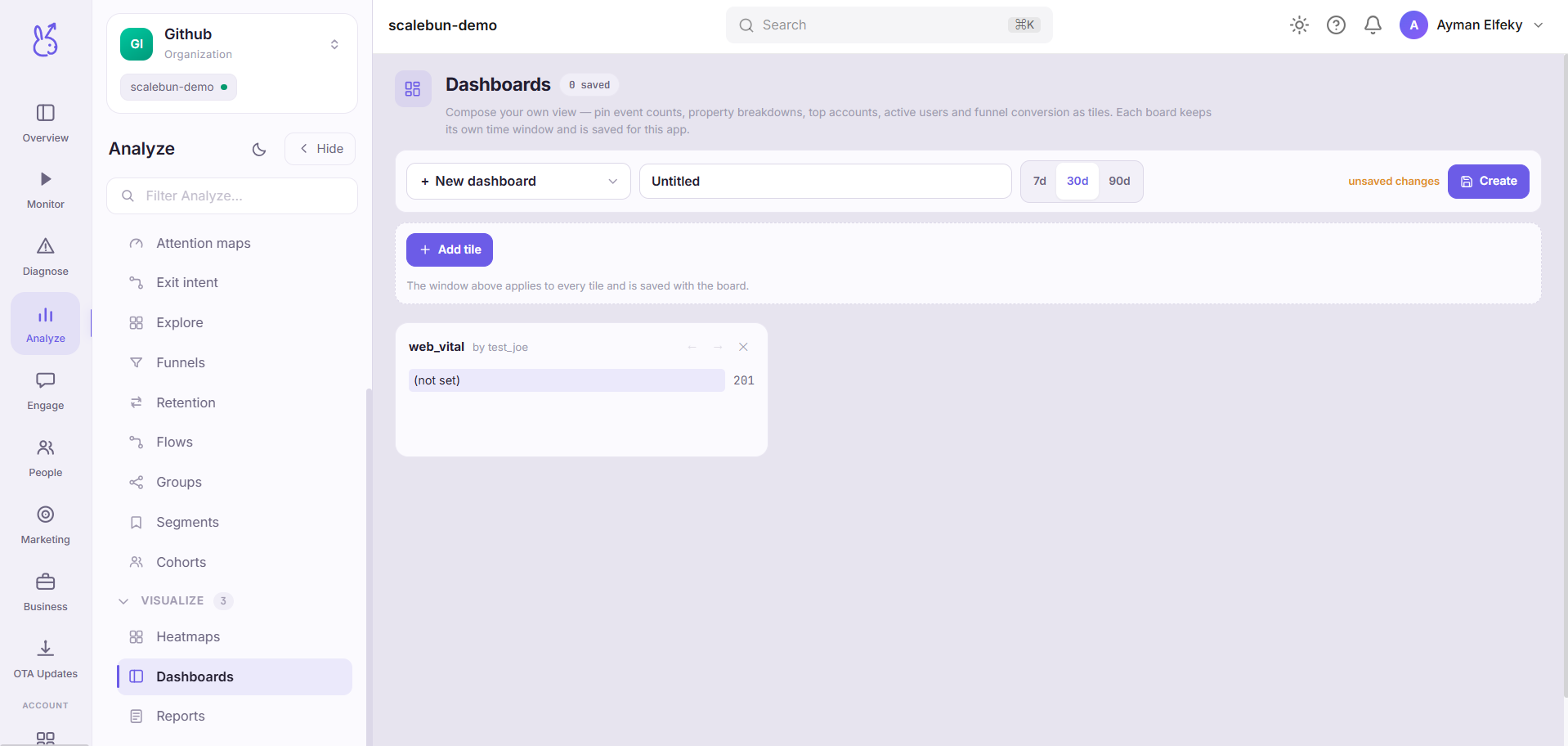
Metric — the count of one event.
Breakdown — one event split by one of its properties.
Groups — account-level activity.
Active users — DAU / WAU / MAU.
Funnel conversion — conversion through a defined funnel.
Named dashboards persist on the server, so they are shared rather than living in your browser.
When to use it#
For the questions you ask repeatedly. Explore is for a question you have once; a dashboard is for the four numbers you check every Monday, assembled so nobody has to rebuild them.
Also as the shared artifact in a team. A dashboard everyone looks at is a much better foundation for a discussion than five people each running their own query and getting slightly different answers.
Workflow#
Build the smallest dashboard that answers one question
A dashboard with twenty tiles gets scanned and not read. One with four gets used.
Put the tile you check first at the top
Tile order is the only priority signal the reader gets.
Name it for the question, not the team
"Onboarding funnel health" ages better than "Growth team dashboard".
Set the time range deliberately
A dashboard's range applies to what it shows. Too short and every tile is noise; too long and a regression is invisible.
Permissions and prerequisites#
Requires the underlying events to exist. A tile referencing an event that is not arriving renders empty rather than erroring.
Limits and edge cases#
Tiles are built from the existing analytics endpoints, so a tile can only show what those can compute. There is no free-form query.
A breakdown tile inherits the cardinality problem. Splitting by a near-unique property makes the tile unreadable.
Dashboards persist server-side and are not personal. Deleting one removes it for everyone.
A renamed event silently empties its tile. Nothing warns you, because an event that is not arriving is indistinguishable from one with no occurrences.
Troubleshooting#
A tile went blank. Check the event still arrives, in Events. A rename is the usual cause.
Numbers differ from another page. Compare time ranges before anything else.
Where the data comes from#
Served by
Dashboard
Saved views