Push
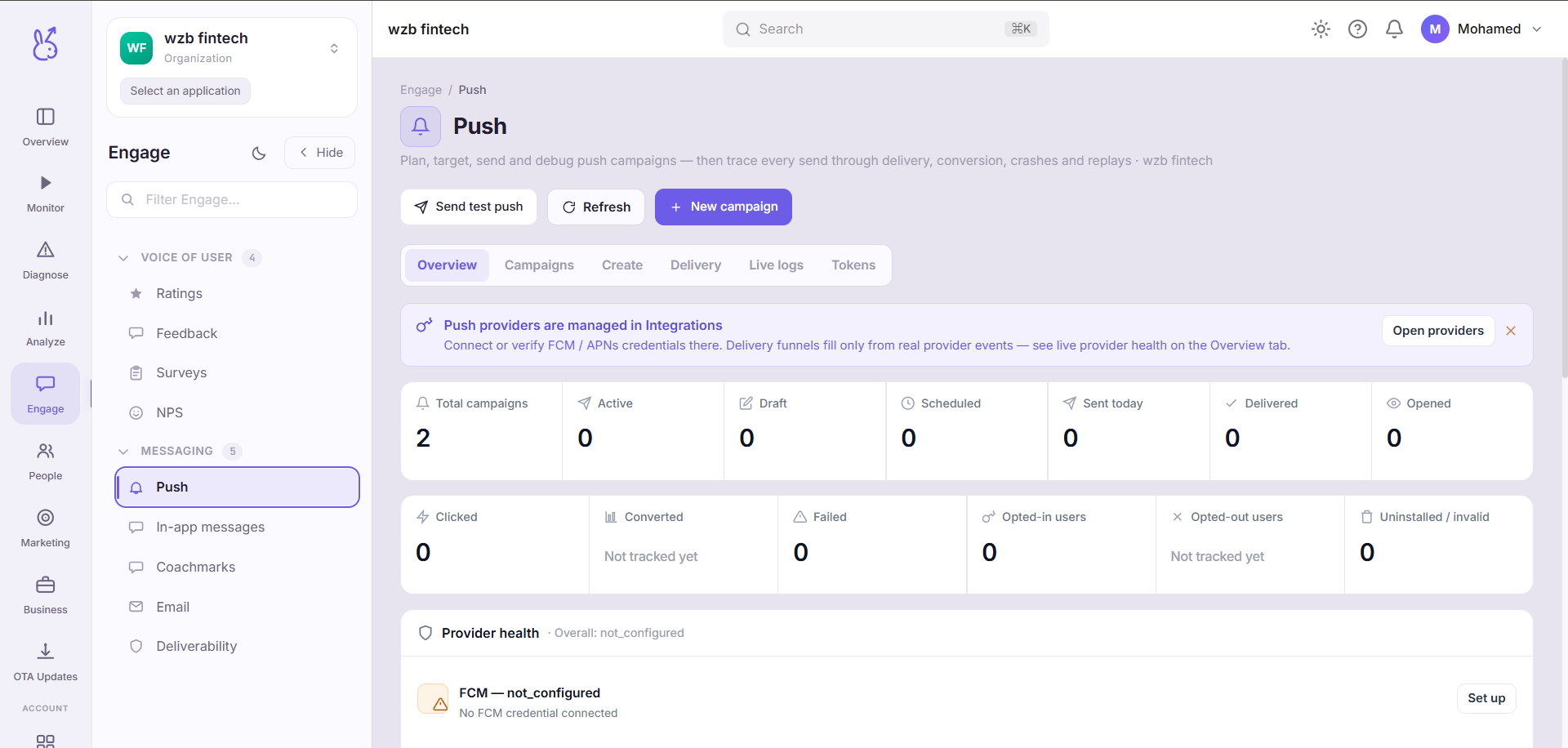
Push in the Engage area (Messaging) — route /engage/push.
Push lives in the Engage area of the dashboard, under Messaging.
At a glance#
| Dashboard route | /engage/push |
| Area | Engage (engage) |
| Group | Messaging |
| Platforms | Available for every app platform. |
What it does#
Push composes, targets and sends notifications to devices that have granted permission, and reports what happened to each send.
When to use it#
For something genuinely time-sensitive and useful to the recipient. Push is a finite resource: a permission denied once is very hard to recover, and the cost of a bad notification is not one ignored message — it is losing the channel.
For anything only relevant while someone is using the app, use In-app messages instead. They need no permission and cannot be revoked.
Prerequisites#
Push has more moving parts outside the dashboard than any other feature, and a send that "works" in the dashboard can still deliver nothing:
| Requirement | Where |
|---|---|
| FCM / APNs credentials | Workspace → Integrations |
| Permission granted on device | Your app, via ScaleBun.enablePush() |
| A registered token | Automatic after enablePush() resolves |
| A usable delivery adapter | Verify with npx scalebun doctor |
Workflow#
Confirm the plumbing first
Send a test to your own device before building an audience. Debugging targeting and delivery at the same time is far slower than debugging them separately.
Check Deliverability afterwards
Sent is not delivered. Deliverability reports the gap, which is where token expiry and credential problems show up.
Where the data comes from#
Delivery depends on FCM/APNs credentials configured under Workspace → Integrations.
From the SDK
Served by
Engage delivery
Push credentials
Notifications
Related#
Push notifications SDK guide — adapters, and why delivery fails.
Suppression lists — hard exclusions that