Audiences
Audiences in the People area (Audiences) — route /people/audiences.
Audiences lives in the People area of the dashboard, under Audiences.
At a glance#
| Dashboard route | /people/audiences |
| Area | People (people) |
| Group | Audiences |
| Platforms | Available for every app platform. |
What it does#
Audiences is where a segment becomes a send. You pick a saved segment, see its current size, compose a title and body, and preview it before sending.
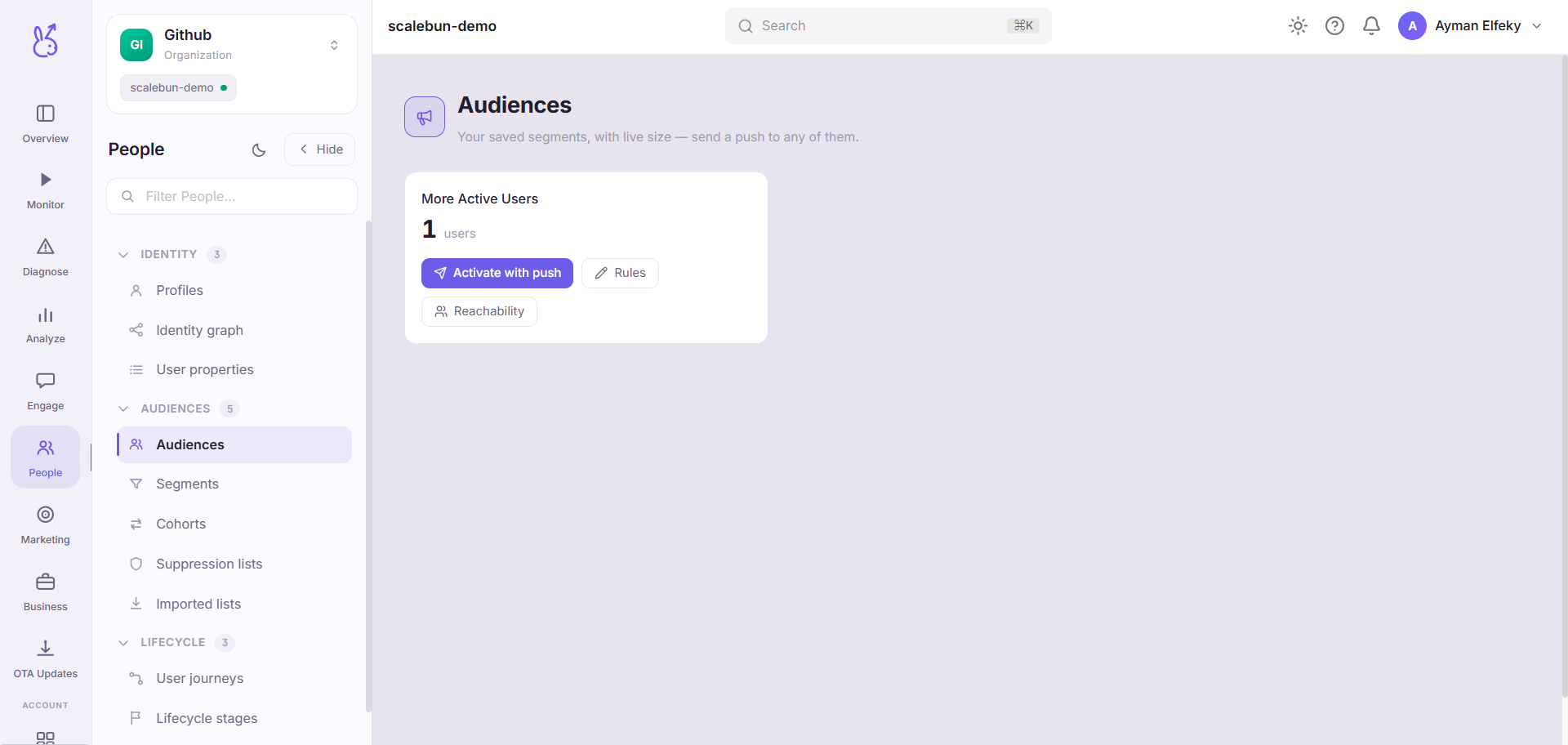
The size shown is the segment's size now — segments are rules, so a send goes to whoever matches at the moment it runs, not to whoever matched when you picked it.
When to use it#
For a one-off message to a defined group. Recurring or triggered messaging belongs in Engage, which has the channel-specific authoring and reporting.
Use this when the audience is the interesting part of the decision and the message is simple.
Workflow#
Check the size before you write
A segment that has drifted to twice its expected size is a segment whose rule you should re-read before sending to it.
Preview, always
The preview is the last point at which a typo is cheap. After sending, it is in front of everyone.
Send to a small segment first
Where you can, prove the message on a narrow audience. Messaging has no undo.
Permissions and prerequisites#
Requires at least one saved segment and a configured delivery channel. Recipients need whatever identifier that channel requires — a push token, a deliverable email address — attached to their profile.
Limits and edge cases#
Suppression is honoured. Anyone on a suppression list is excluded regardless of the segment, which is what keeps you compliant.
The segment re-evaluates at send time. Between choosing and sending, membership can change.
Reachable is smaller than matching. A user can match the segment and have no token or address, in which case they count toward size and not toward delivery.
Troubleshooting#
Sent to far fewer people than the segment size. The gap is unreachable users and suppression. Both are expected; the ratio is worth knowing for next time.
Segment size is zero. The rule matches nobody — fix it in Segments, where you can inspect the conditions.
Where the data comes from#
Served by
Audiences