In-app messages
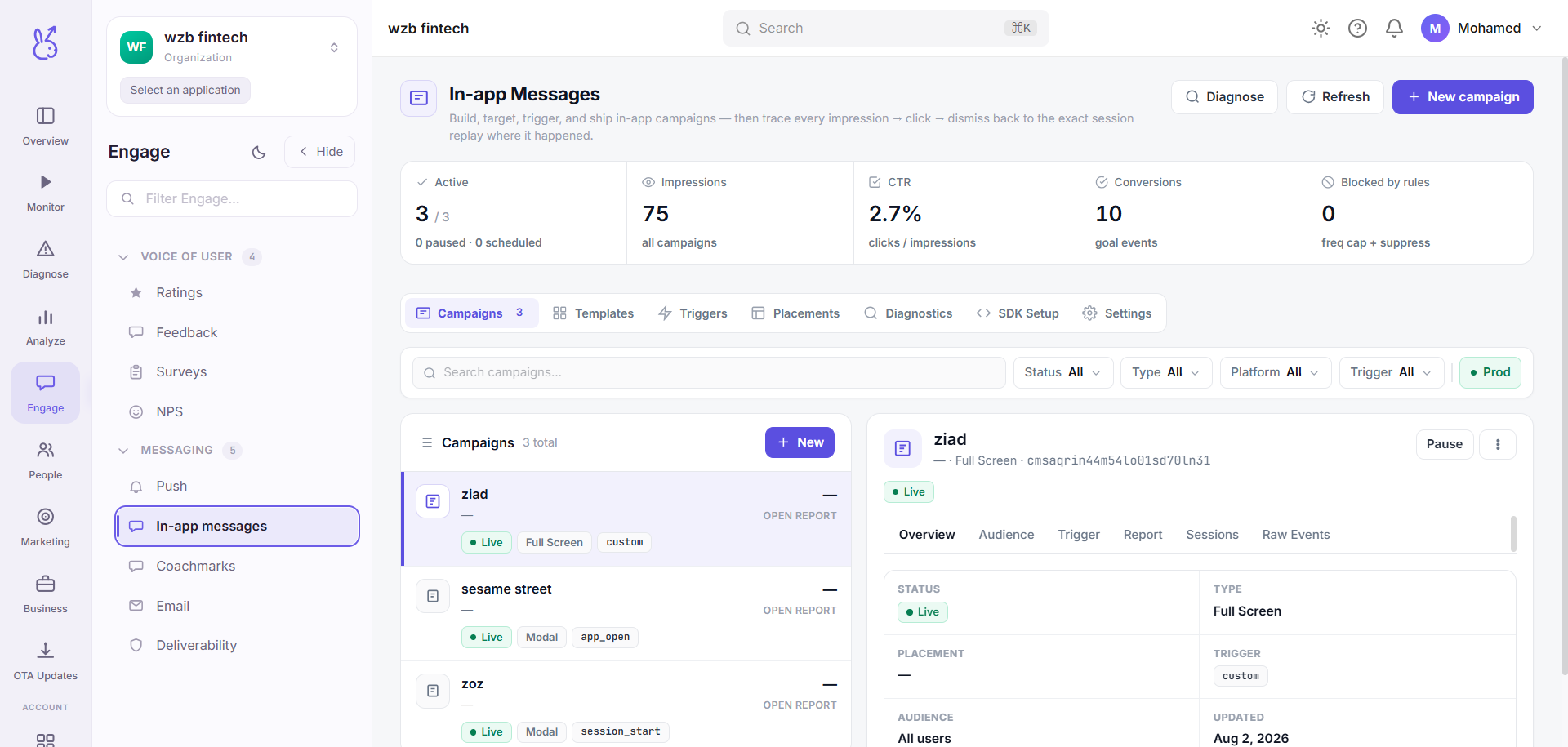
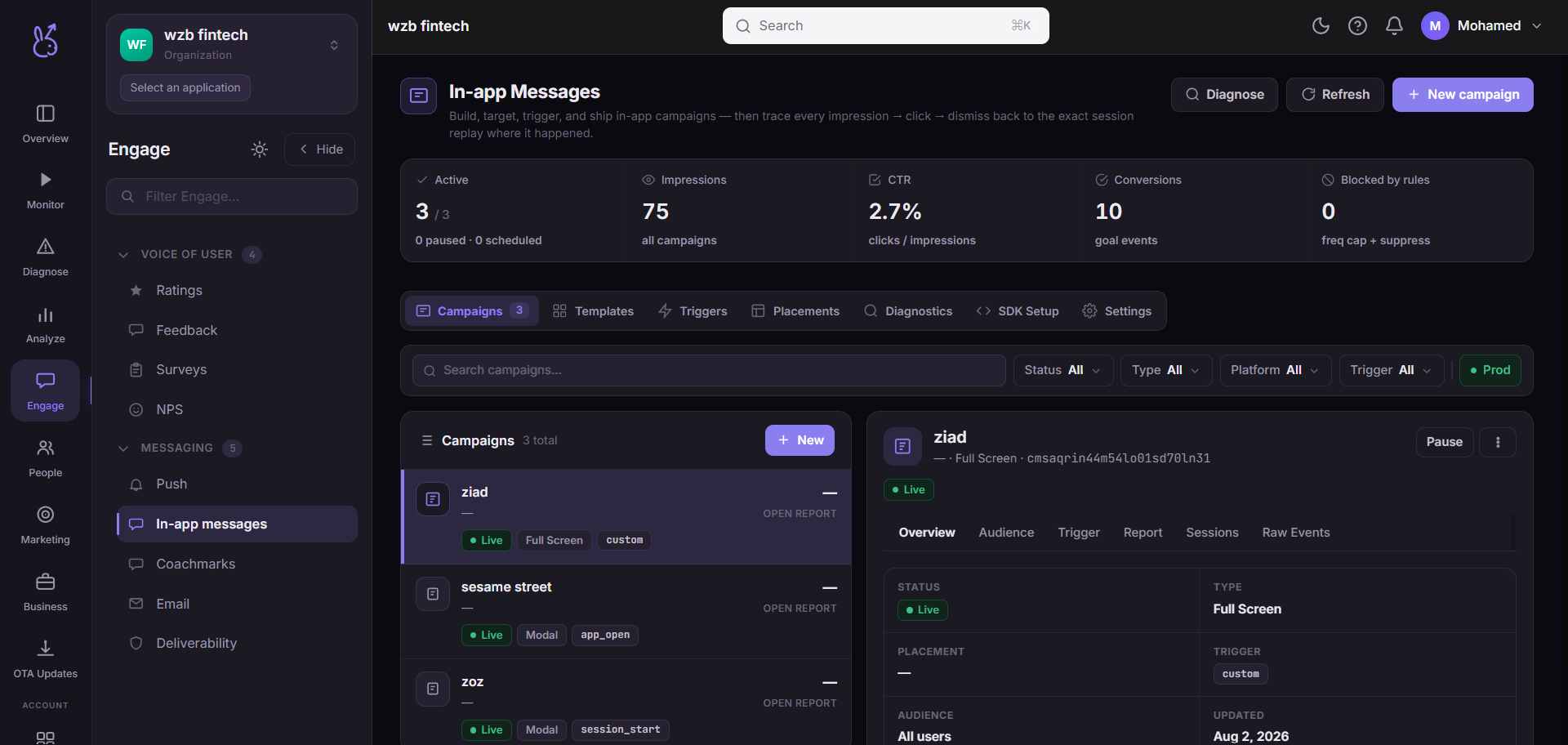
In-app messages in the Engage area (Messaging) — route /engage/in-app-messages.
In-app messages lives in the Engage area of the dashboard, under Messaging.
At a glance#
| Dashboard route | /engage/in-app-messages |
| Area | Engage (engage) |
| Group | Messaging |
| Platforms | Available for every app platform. |
What it does#
In-app messages render inside your app while someone is using it — modals, banners, inline slots and coachmarks — rendered by the SDK's shared overlay, so a new campaign needs no app release.
When to use it#
For anything only relevant in context. In-app needs no OS permission, cannot be revoked, and reaches the user at the moment they are already engaged — which makes it the right default for onboarding hints, feature discovery and contextual prompts.
Use Push only when the message must reach someone who is not in the app.
Targeting is server-side, and that is the point#
Your app signals that a moment occurred; the backend decides whether anything shows, based on targeting, frequency caps and whether a campaign is live. So campaign timing changes in the dashboard, not in a release.
Frequency capping#
Impressions, dismissals and completions are persisted on the device. This is what stops in-app messaging becoming spam: a show-once message stays dismissed across launches.
Workflow#
Pick the trigger event before the design
A well-timed plain message beats a beautiful mistimed one. The trigger is the campaign.
Set a frequency cap deliberately
Every message competes with every other for the same attention. An uncapped campaign will eventually be the reason a user ignores all of them.
Send a test to your own device
Then check it renders on the smallest screen you support — overlays are where layout assumptions break.
Where the data comes from#
From the SDK
Served by
Engage
Engage delivery
Related#
Engage SDK guide — the provider, anchors and inline slots.