Email in the Engage area (Messaging) — route /engage/email.
Email lives in the Engage area of the dashboard, under Messaging.
At a glance#
| Dashboard route | /engage/email |
| Area | Engage (engage) |
| Group | Messaging |
| Platforms | Available for every app platform. |
What it does#
Email is a two-sided workspace, like the other Engage channels: authoring on one side and results on the other.
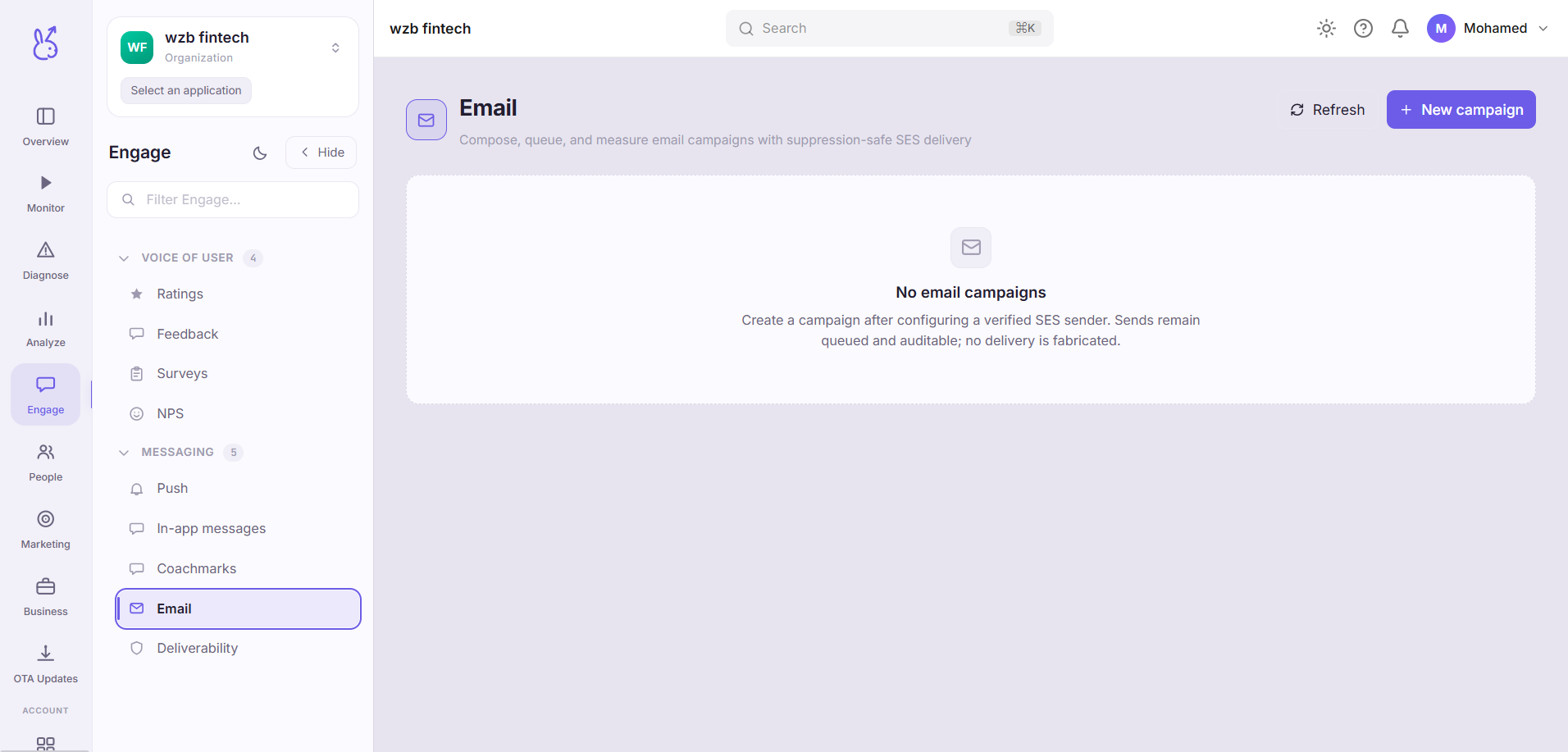
Authoring composes an email campaign — create it, pause it, resume it. Results, for the selected campaign, reads the delivery funnel: delivered → opened → clicked, with bounces and complaints counted separately, plus the suppression list for that campaign.
Bounces and complaints are shown alongside the funnel rather than tucked away, because they are the two numbers that decide whether your next campaign gets delivered at all.
When to use it#
To send a campaign, and to read one afterwards. For sender reputation across all campaigns — which is a different question from how one campaign performed — Deliverability is the page you want.
Workflow#
Compose, then check the funnel the next day
Open and click rates need hours, not minutes. Reading them an hour after send tells you about your fastest recipients only.
Read bounces before opens
A campaign with a good open rate and a bad bounce rate is a campaign that damaged your sending reputation to reach fewer people. That is a net loss whatever the open rate says.
Check the suppression list
Anyone suppressed will not receive the next one either. Growing suppression is the early warning that precedes deliverability problems.
Permissions and prerequisites#
Requires email sending to be configured for the workspace. Recipients need a deliverable email address on their profile — see Identity for how that gets attached to a user.
Limits and edge cases#
Opens are unreliable and always have been. Open tracking depends on remote image loading, which many clients block and some prefetch. Treat opens as a directional signal and clicks as the real one.
Suppression is honoured, not advisory. A suppressed address is not sent to, regardless of campaign targeting. That is deliberate — it is what keeps you compliant.
Pausing stops future sends only. Mail already handed to the provider is gone.
Troubleshooting#
Delivered is far below the audience size. Check the suppression list first, then bounces. Those two account for nearly every gap.
High complaint rate. Recipients are marking it as spam, which is the most damaging signal there is. Stop the campaign and look at how the audience was built before sending again.
Where the data comes from#
From the SDK
Served by
Engage delivery