Deliverability
Deliverability in the Engage area (Messaging) — route /engage/deliverability.
Deliverability lives in the Engage area of the dashboard, under Messaging.
At a glance#
| Dashboard route | /engage/deliverability |
| Area | Engage (engage) |
| Group | Messaging |
| Platforms | Available for every app platform. |
What it does#
Deliverability is the sender-reputation view: delivery, bounce, complaint, open and click rates across all email, with a trend over time, a feed of individual failures, and the health of your suppression list broken down by reason — bounces, complaints and unsubscribes.
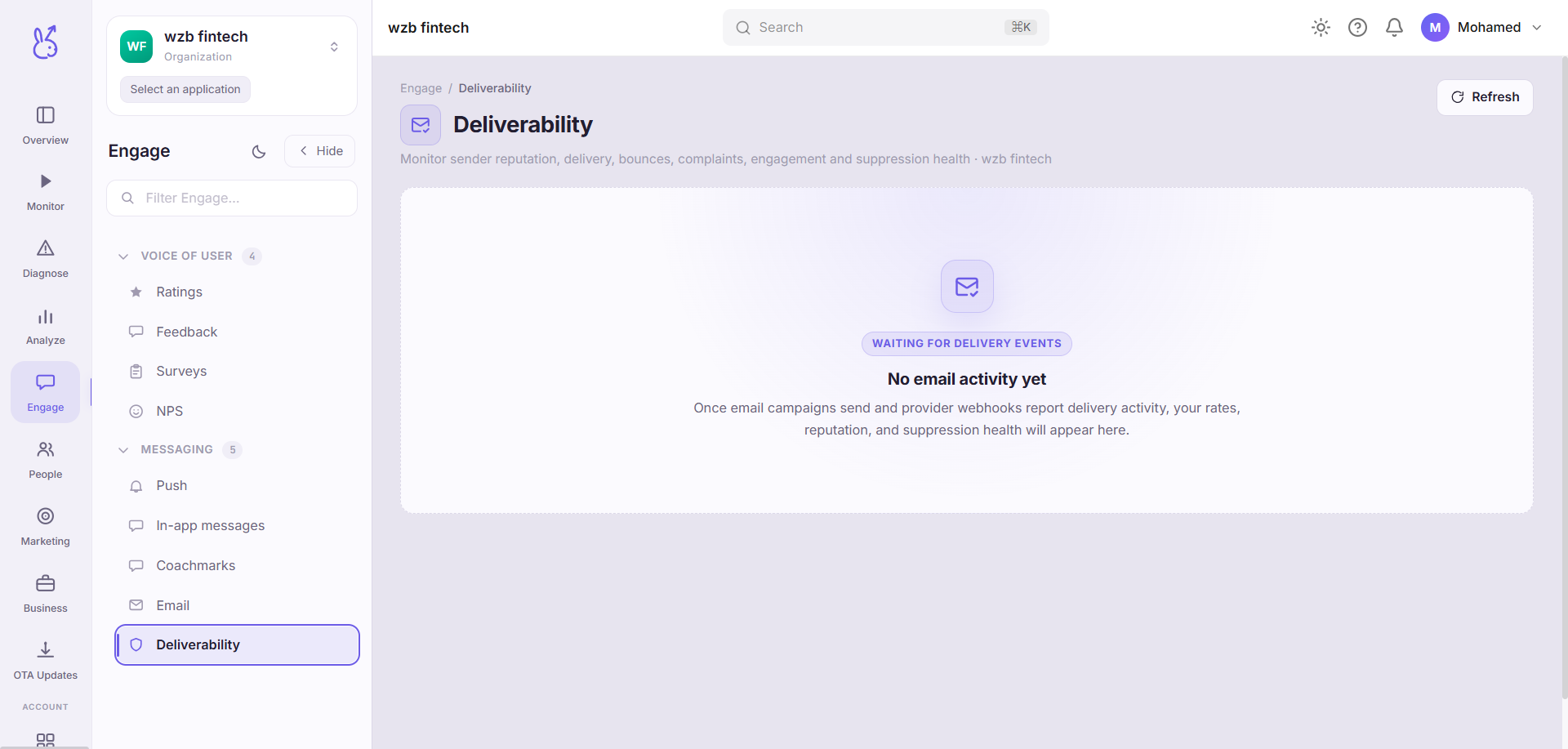
Email tells you how one campaign performed. This page tells you whether you will still be able to send the next one.
When to use it#
On a schedule, not in response to a problem. By the time deliverability is visibly broken you have already been filtered for weeks, and reputation recovers far more slowly than it degrades.
Also before any large or unusual send: a campaign to a list you have not mailed in a year is the single most common way to acquire a bounce rate you cannot undo.
Workflow#
Watch complaint rate above all else
Complaints are recipients marking you as spam. It is the most heavily weighted signal mailbox providers use, and the threshold is far lower than people expect — fractions of a percent matter.
Then bounce rate
Hard bounces mean you are mailing addresses that do not exist, which providers read as a list you did not earn. Persistent bounces get you throttled.
Read the failures feed for patterns
Bounces concentrated at one domain are a different problem — usually a blocklist entry — from bounces spread evenly, which is list quality.
Check suppression growth against send volume
Suppression growing faster than your list is shrinking your reachable audience every campaign.
Permissions and prerequisites#
Requires email sending to be configured. The metrics are computed over the engagement event stream, so there is nothing extra to enable.
Limits and edge cases#
Open rate is the least trustworthy metric here and is included for trend, not for absolute value. Image blocking suppresses it and prefetching inflates it.
Rates are only meaningful at volume. One bounce out of twelve sends is an 8% bounce rate and means nothing. Check the counts.
Reputation is per sending domain, not per campaign. A bad campaign damages every subsequent one from the same domain, which is why this page is aggregate by design.
Troubleshooting#
Delivery rate fell without a change in how we build lists. Check whether a new campaign type or a new sending domain was introduced. Also check the failures feed for a single dominant recipient domain — that pattern is a blocklist, not list quality.
Suppression list is growing and unsubscribes are flat. The growth is bounces and complaints. Those are the two you must fix; unsubscribes are a healthy signal by comparison.
Where the data comes from#
Served by
Engage delivery
delivery-guard— internal module, no public endpoints