Suppression lists
Suppression lists in the People area (Audiences) — route /people/suppression-lists.
Suppression lists lives in the People area of the dashboard, under Audiences.
At a glance#
| Dashboard route | /people/suppression-lists |
| Area | People (people) |
| Group | Audiences |
| Platforms | Available for every app platform. |
What it does#
Suppression lists hold the users who must not be messaged: unsubscribes, complaints, and anyone marked do-not-contact. It uses the same list management as imported lists, so you can add entries by upload as well as having them added automatically.
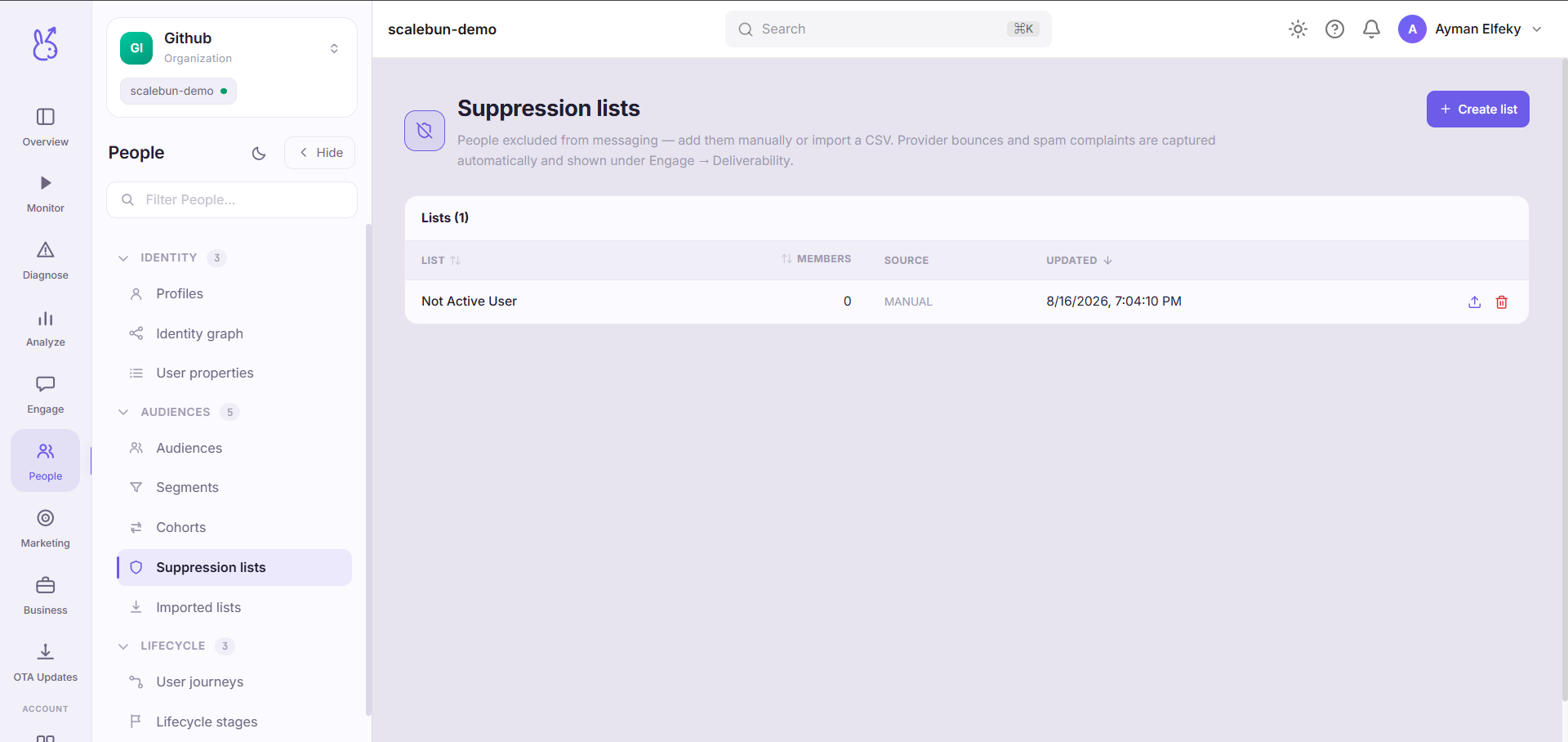
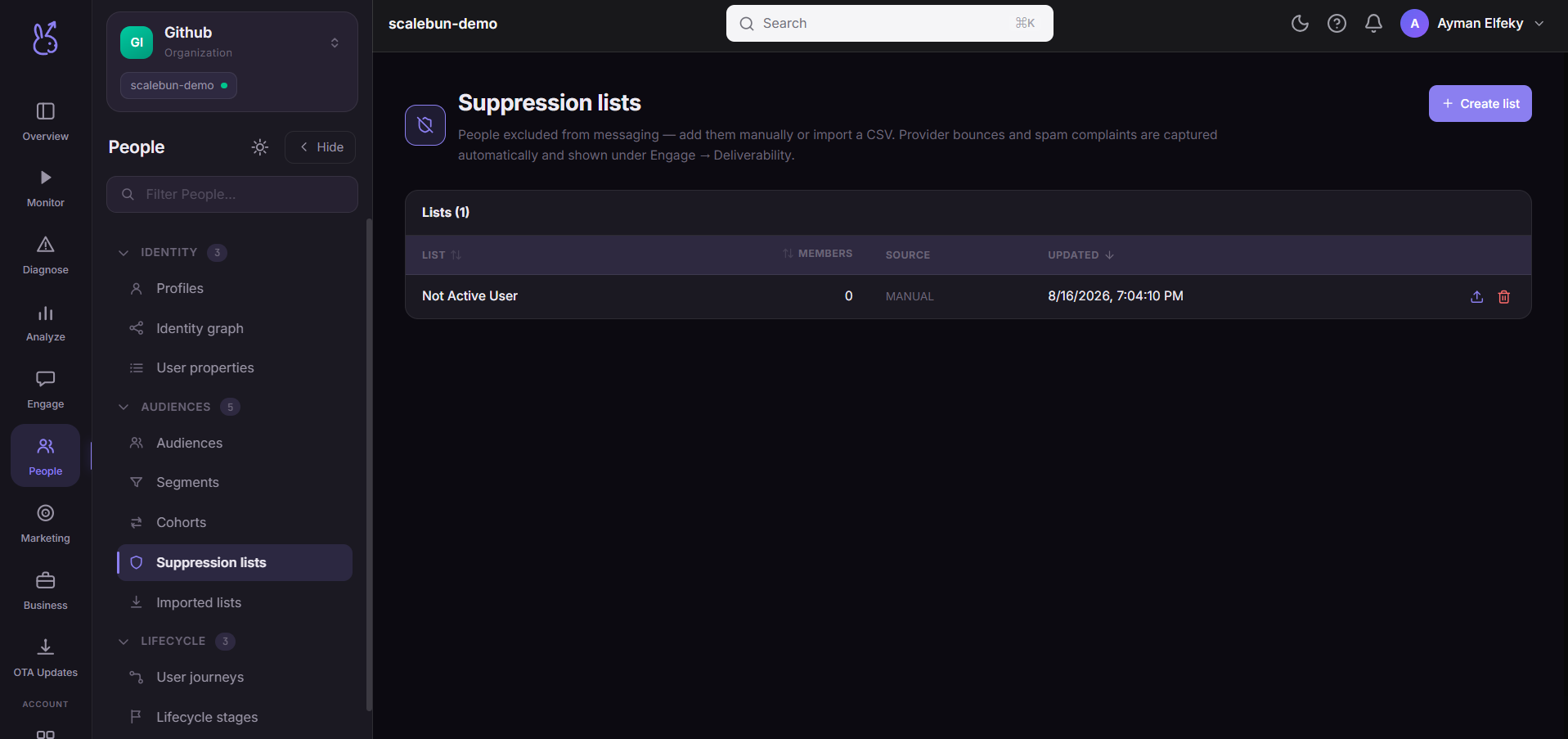
Suppression is enforced at send time and overrides everything else — segment membership, audience selection, an explicit imported list. There is no targeting option that sends to a suppressed user.
When to use it#
Mostly you do not: entries arrive on their own when someone unsubscribes or files a complaint. You come here to add people the automatic sources cannot know about, and to check what happened.
Add someone manually when: they asked you not to contact them through a channel other than an unsubscribe link — a support ticket, an email reply, a legal request. Those never reach the automatic path, and honouring them is not optional.
Workflow#
Add a manual request the day you receive it
This is the entire compliance story for do-not-contact requests. A request in someone's inbox is not a suppression.
Watch the list's growth, not its size
Growth relative to send volume is the health signal. Rising fast means your targeting or your content is driving people away — Deliverability shows the same problem from the reputation side.
Never remove someone to reach them again
Removing an unsubscribe to send one more message is the single most damaging thing you can do here, both legally and to your sending reputation.
Permissions and prerequisites#
None beyond access to the app. Suppression enforcement is automatic and cannot be switched off for a campaign.
Limits and edge cases#
Suppressed users still count toward segment size. Size counts who matches the rule; delivery counts who is reachable and permitted. The gap is expected.
Suppression is per identifier. A user who is suppressed by email may still be reachable by push, which is correct for some channels and not others — check what the request actually asked for.
Complaints and unsubscribes are different signals. Both end in suppression; a complaint also damages deliverability for everyone else.
Troubleshooting#
A user says they unsubscribed and still received a message. Check whether they are on the list, and by which identifier. An email unsubscribe does not suppress push.
The list is growing quickly. Look at what was sent immediately before the growth. Frequency is the usual cause, ahead of content.
Where the data comes from#
Served by
Preferences
Engage delivery