Coachmarks
Coachmarks in the Engage area (Messaging) — route /engage/coachmarks.
Coachmarks lives in the Engage area of the dashboard, under Messaging.
At a glance#
| Dashboard route | /engage/coachmarks |
| Area | Engage (engage) |
| Group | Messaging |
| Platforms | Available for every app platform. |
What it does#
Coachmarks are in-product tours: a sequence of steps, each anchored to an element in your UI. This page both authors them and — the part worth caring about — reports anchor health.
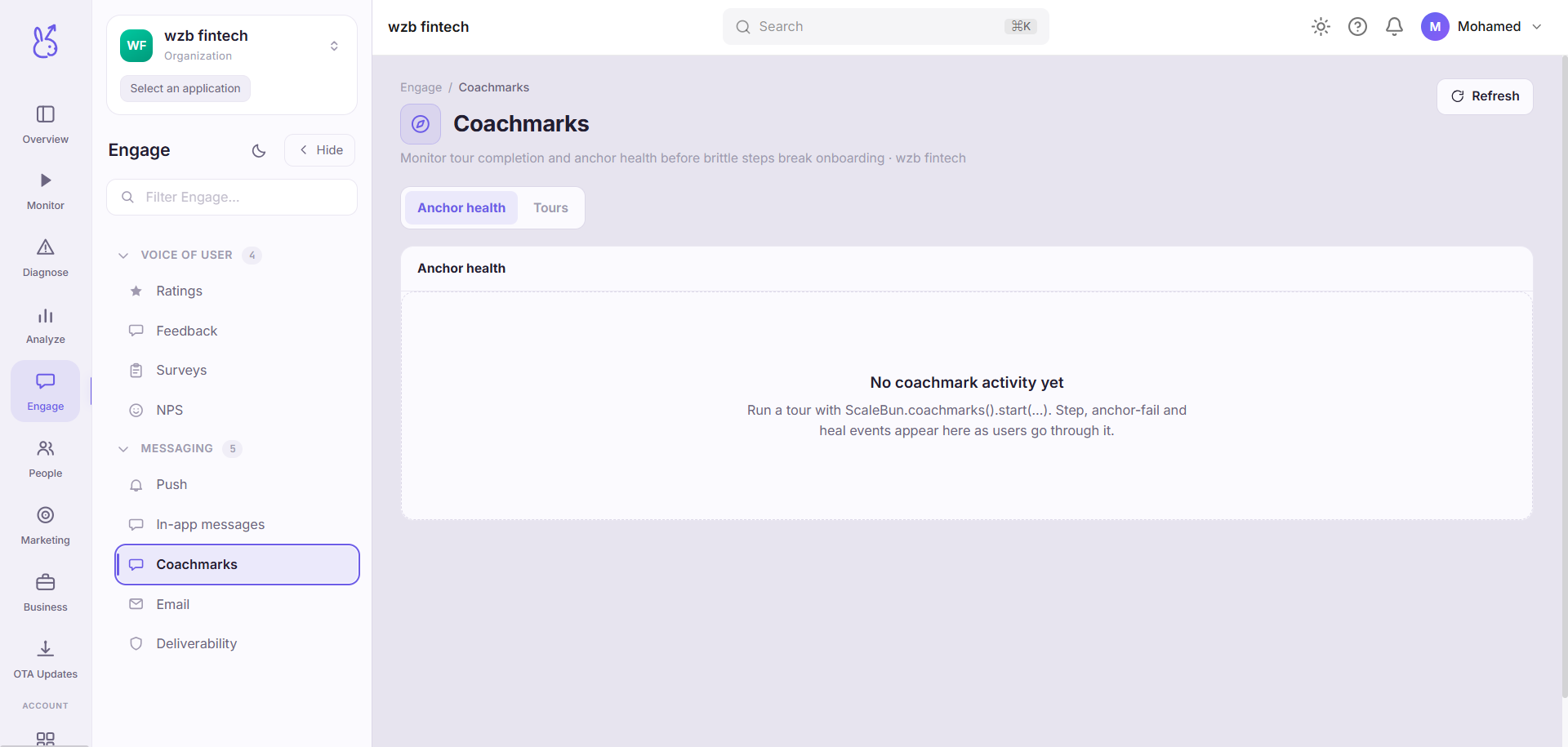
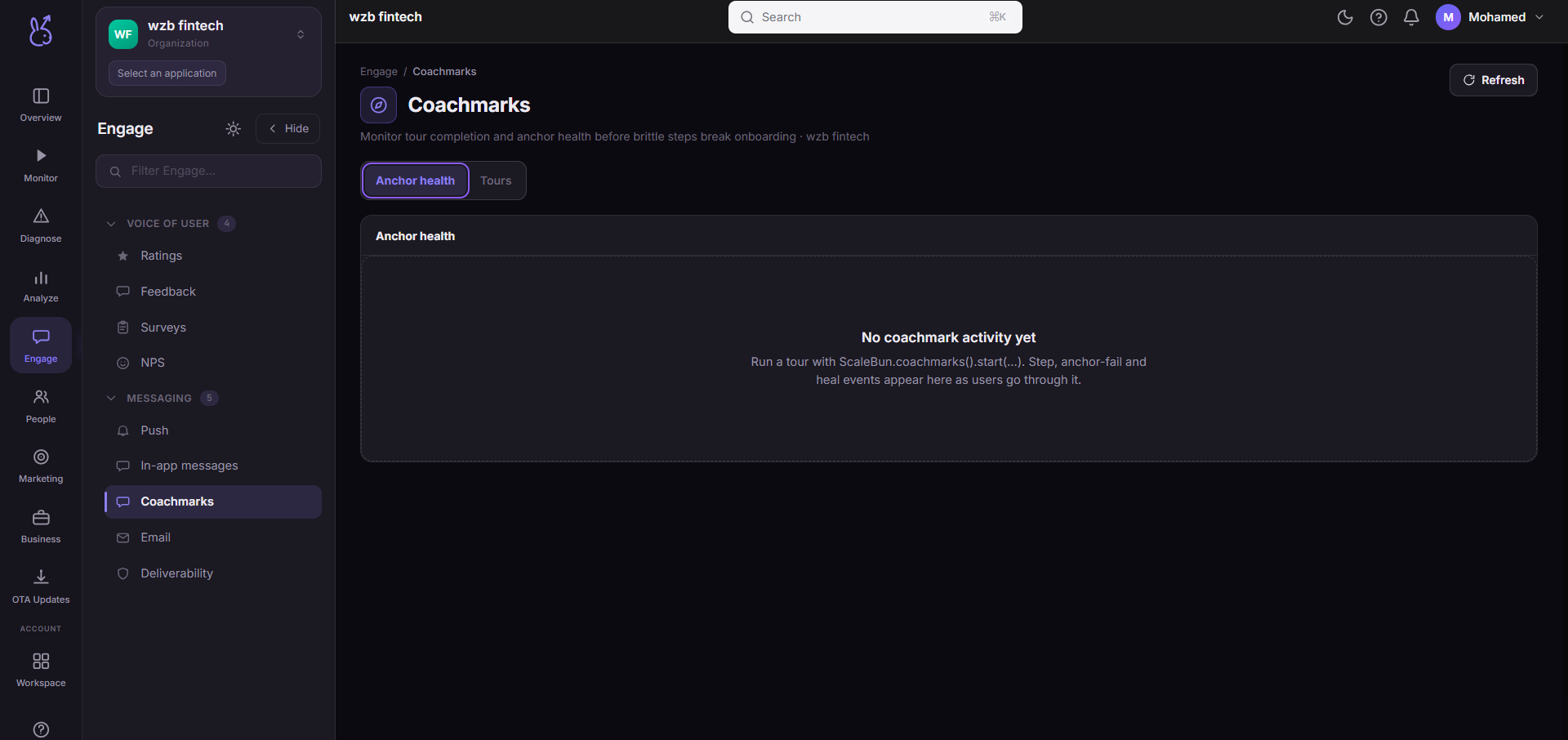
Every step records how often its anchor was not found and how often it was healed (found by a fallback strategy). That turns the single most common silent failure in every digital-adoption tool into a number: a tour step whose anchor no longer matches shows a step nobody ever saw, and without this metric it looks identical to a step nobody clicked.
The KPI row reads tours started, completion rate, anchor failures and anchor heals. Below it, a per-tour funnel of started → completed → abandoned, a per-step anchor-health table with fail and heal rates, and a breakdown of why anchors failed.
When to use it#
Every time you ship a UI change. A refactor that renames a class or restructures a container silently breaks every tour anchored to it. Anchor failures are the regression signal, and they will not appear anywhere else.
Also when a tour's completion rate drops without the content changing — check anchor health before you rewrite the copy.
Workflow#
Read anchor failures before completion rate
A tour cannot complete if step three never rendered. Fix the anchors, then judge the content.
Check the heal rate, not just the fail rate
A high fail rate with a high heal rate means your anchors are fragile but the fallback is holding — worth fixing, not urgent. High fail with low heal means users are seeing a broken tour right now.
Read the failure reasons
The breakdown distinguishes "element never existed" from "element appeared too late", which are a selector fix and a timing fix respectively.
Fix the funnel step with the biggest drop
Once anchors are healthy, abandonment is a content problem: too many steps, or a step that explains something nobody was confused about.
Permissions and prerequisites#
Requires the SDK's coachmark support. Anchor health depends on the SDK emitting its anchor failure and heal events, so an older SDK will show tours without health data.
Limits and edge cases#
Anchors are coupled to your markup. That is inherent to the technique, not a defect here — which is exactly why the health metric exists. Prefer stable, purpose-added anchor attributes over structural selectors.
A tour with no starts reports nothing. Zero rows means nobody triggered it, which is a targeting question rather than a tour question.
Heals are best-effort. A healed anchor may be the wrong element. A high heal rate is a signal to go and look, not a resolution.
Troubleshooting#
Completion rate is zero and started is high. Look at the first step with a nonzero fail rate — the tour is dying there.
Anchor failures spiked with no tour change. Your UI changed. Compare the spike's start against your release timeline.
Where the data comes from#
From the SDK
Served by
Coachmarks