Engage
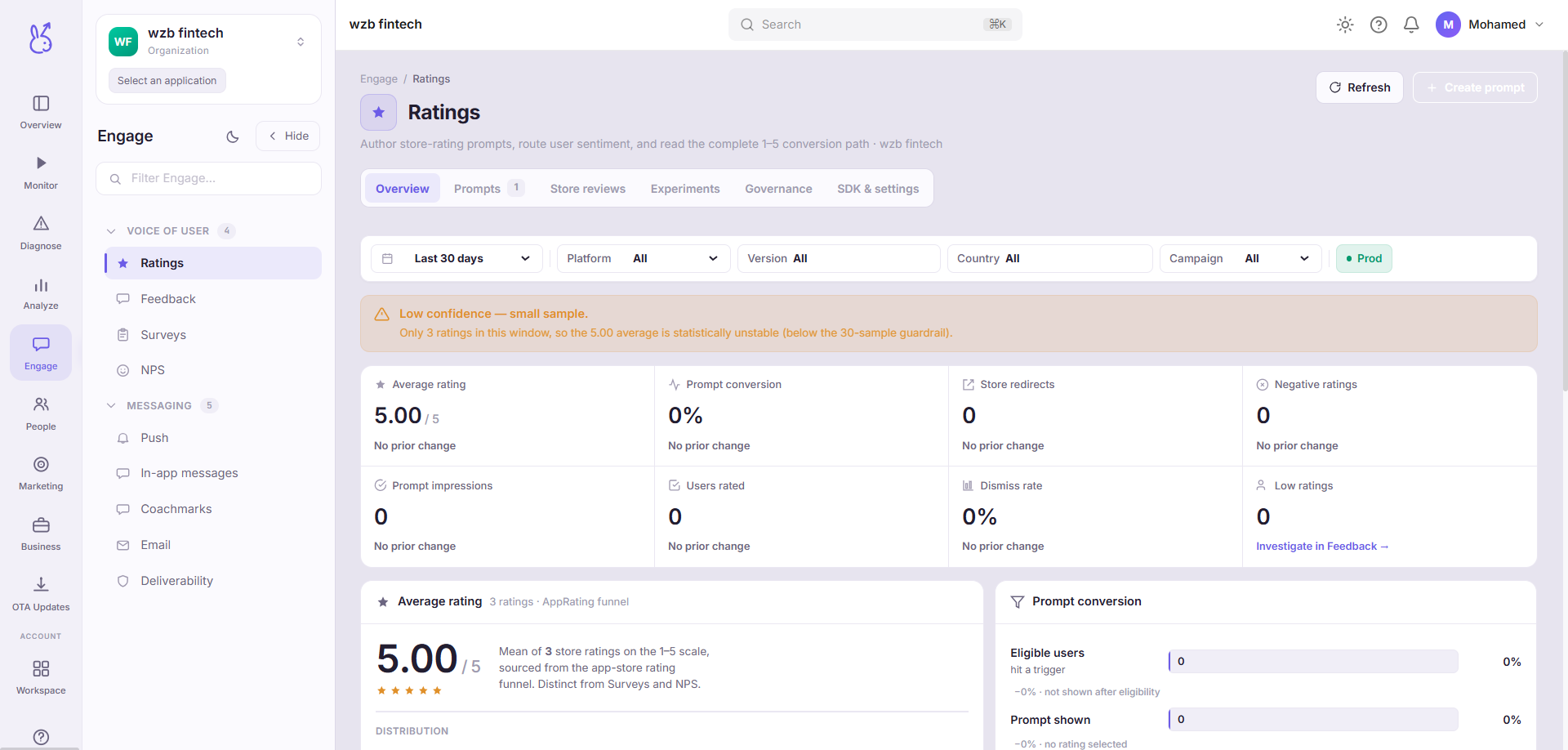
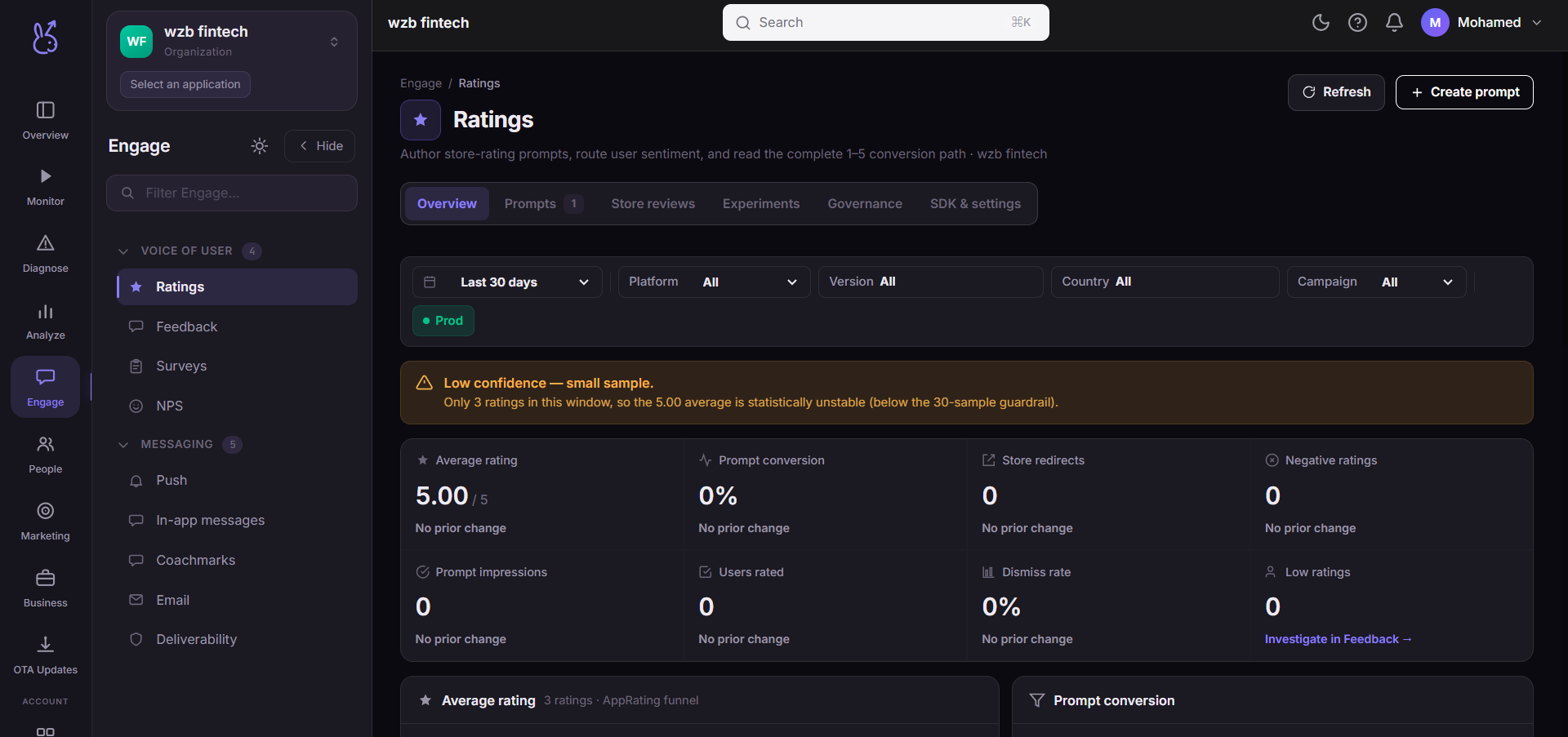
The Engage area of the ScaleBun dashboard.
Engage is outbound: collecting what users think, and reaching them. Analyze tells you what happened, Engage does something about it.
Two halves#
Voice of user collects: ratings, feedback, surveys and NPS.
Messaging delivers: push, in-app messages, email, and — for web apps — a message inbox and coachmarks. Deliverability reports whether any of it actually arrived.
Choose the channel by intent#
| Channel | Reaches | Needs permission | Best for |
|---|---|---|---|
| In-app message | Users already in the app | No | Contextual, high-intent moments |
| Push | Users who are away | Yes | Time-sensitive, genuinely useful |
| Everyone with an address | No (but consent) | Longer content, receipts, digests |
In-app needs no permission and cannot be revoked, which makes it the right default for anything that is only relevant while someone is using the product. Push is a finite resource — a permission denied once is difficult to recover.
Ask for a rating at the right moment#
Rating campaigns can route by score: a high rating goes to the platform store review prompt, a low one to a private feedback form. That means you are not inviting an unhappy user to review you publicly — and the routing is campaign configuration, not app code.
Trigger it after a success, never after an error and never on launch.
Related#
Engage SDK guide — the provider, anchors, and frequency capping.
Push SDK guide — adapters and why delivery fails.
Voice of user#
| Page | Route | Platforms |
|---|---|---|
| Ratings | /engage/ratings | Mobile only |
| Feedback | /engage/feedback | All |
| Surveys | /engage/surveys | All |
| NPS | /engage/nps | All |
Messaging#
| Page | Route | Platforms |
|---|---|---|
| Push | /engage/push | All |
| In-app messages | /engage/in-app-messages | All |
| Message Inbox | /engage/message-inbox | Web only |
| Coachmarks | /engage/coachmarks | All |
/engage/email | All | |
| Deliverability | /engage/deliverability | All |