Surveys
Surveys in the Engage area (Voice of user) — route /engage/surveys.
Surveys lives in the Engage area of the dashboard, under Voice of user.
At a glance#
| Dashboard route | /engage/surveys |
| Area | Engage (engage) |
| Group | Voice of user |
| Platforms | Available for every app platform. |
What it does#
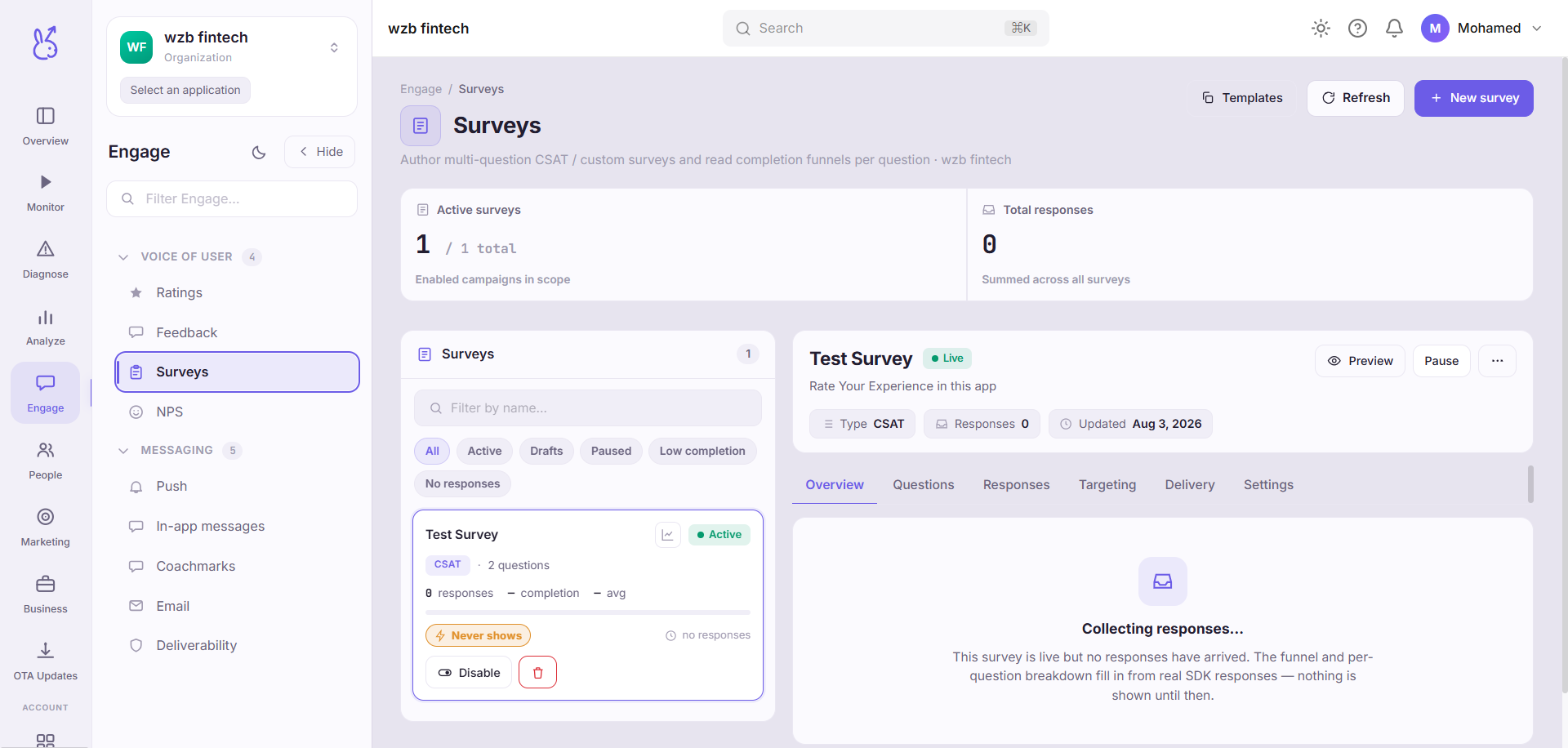
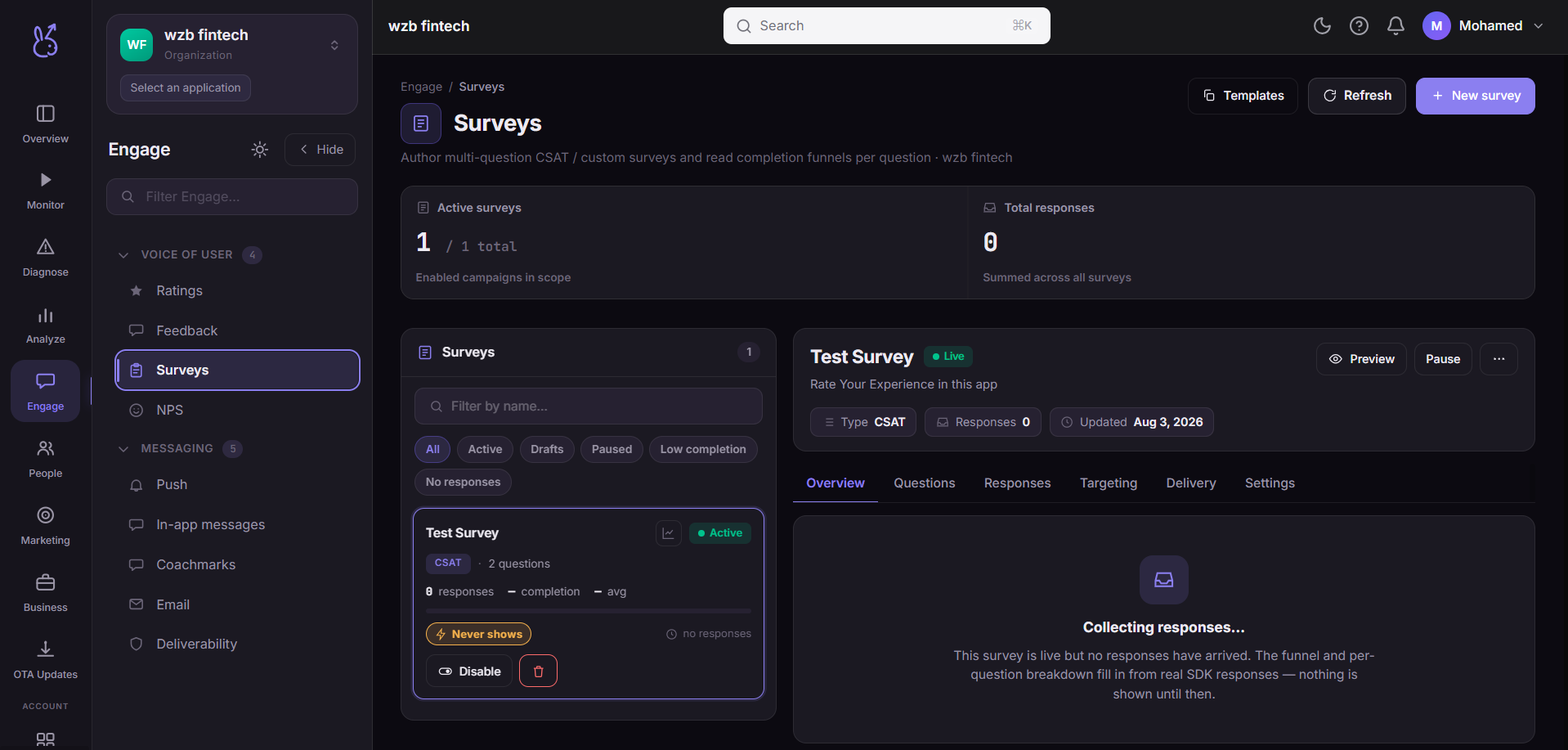
Surveys authors multi-question in-app surveys and reports what came back. The list supports search and view filters; selecting a survey shows its overview statistics, a response funnel, derived KPIs, its questions, and the top answers per question. You can create a survey, toggle it on and off, and delete it.
For the single standard recommend question, NPS is the purpose-built page. Use this one for anything with more than one question or a non-standard scale.
When to use it#
When you need to ask something instrumentation cannot answer. Analytics is excellent at what people did and silent on why. A survey is the only tool that returns intent — and the only one whose data quality is entirely determined by how you asked.
Workflow#
Ask fewer questions than you want to
Completion falls with every question. Three answered questions are worth more than eight abandoned ones, and the funnel on this page will show you exactly where people left.
Target narrowly
A survey shown to everyone gets answered by the people with the strongest feelings. Ask the specific users whose behaviour prompted the question.
Read the funnel before the answers
If most respondents dropped at question two, your answers to questions three onward come from a self-selected remainder.
Read top answers, then the free text
Aggregates tell you the shape. Individual text tells you the reason, and it is where anything surprising will be.
Permissions and prerequisites#
Requires the SDK's survey support to present surveys in-app.
Limits and edge cases#
Respondents are self-selected. This is inherent to surveys and worth restating whenever the results are quoted to anyone.
Top answers need volume before the ordering means anything.
Deleting a survey removes its responses. Export anything you want to keep first.
Troubleshooting#
A panel shows no data and is marked in the UI. That is the not-yet-wired set above, not a capture failure.
Low completion on a short survey. Check when it appears. A survey that interrupts a task is dismissed regardless of length.
Where the data comes from#
From the SDK
Served by
Engage