Ratings
Ratings in the Engage area (Voice of user) — route /engage/ratings.
Ratings lives in the Engage area of the dashboard, under Voice of user.
At a glance#
| Dashboard route | /engage/ratings |
| Area | Engage (engage) |
| Group | Voice of user |
| Platforms | Mobile apps only (iOS, Android, React Native, Flutter). Hidden for web apps. |
What it does#
The Ratings Growth Center is about app-store ratings: prompting for them, measuring what the prompts achieve, and governing when they fire. It has six panes — overview, prompts, experiments, settings, governance and reviews — over a funnel, KPI, trend and breakdown view of prompt performance.
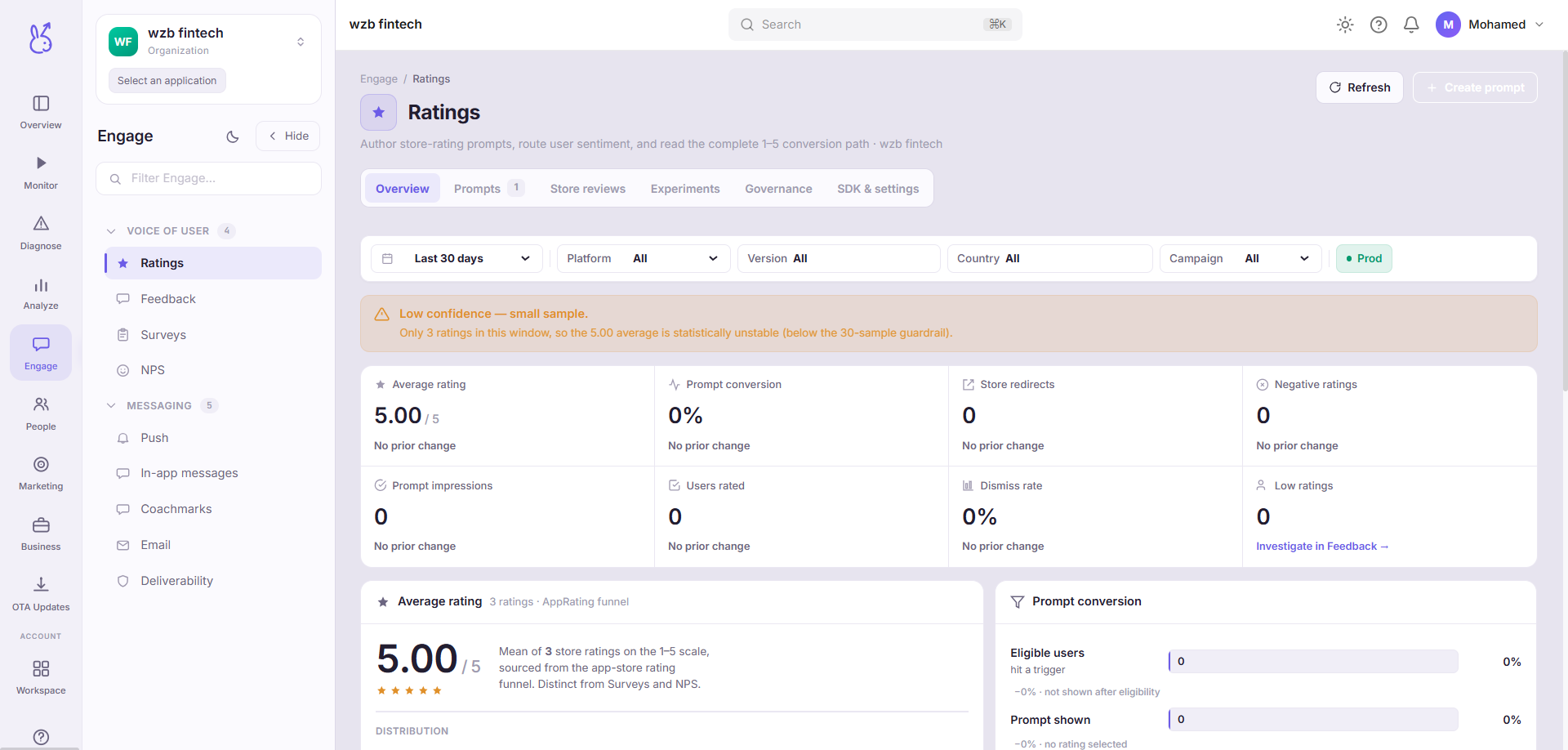
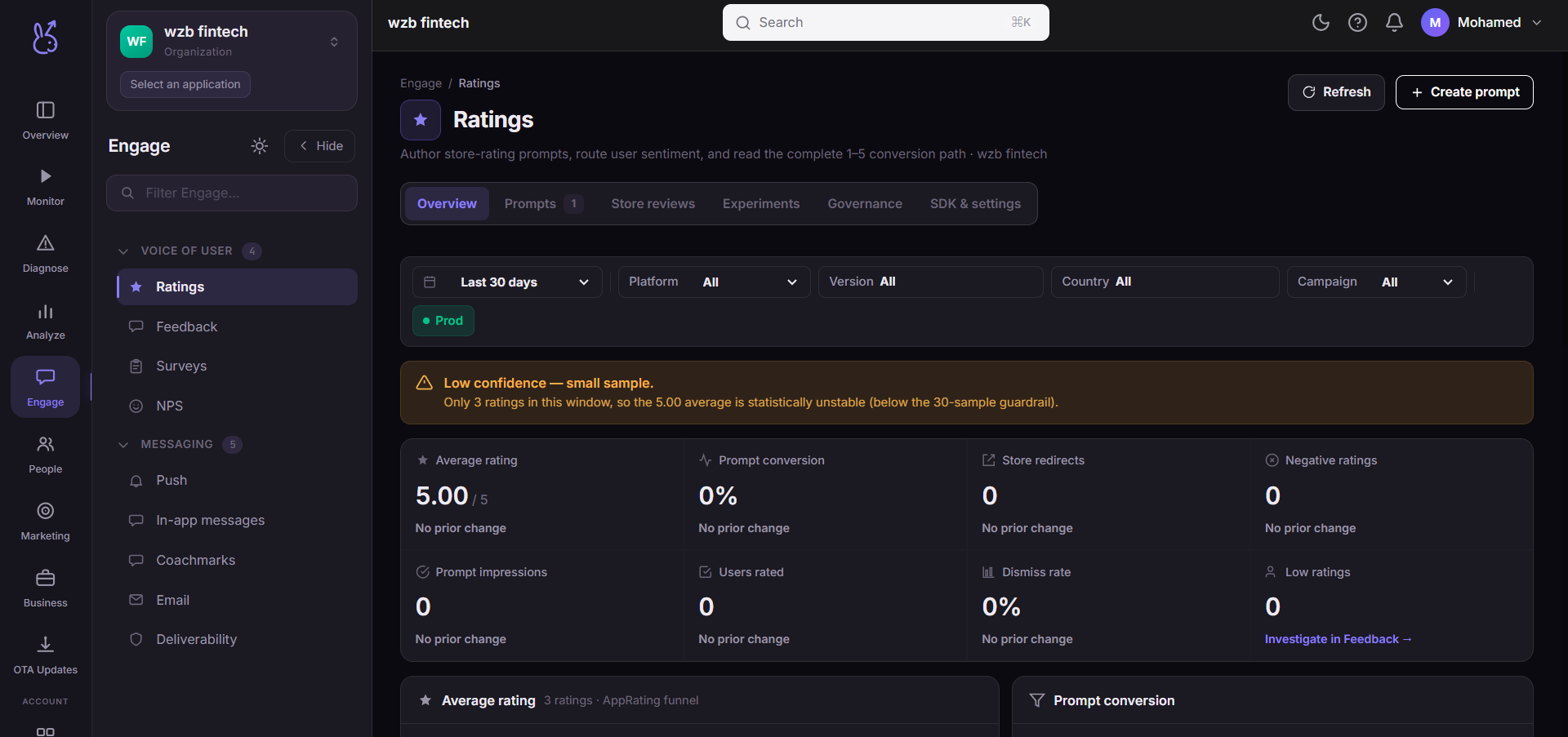
The overview carries a low-confidence banner driven by real backend signals: small sample size, and iOS silence. That last one matters and is explained below.
When to use it#
When your store rating does not match the product you believe you have shipped. Store ratings are dominated by two populations — people delighted enough to act, and people annoyed enough to act — and prompting changes which of those you hear from. That is the lever this page manages.
Use the experiments pane to change when you ask before you change how you ask; timing dominates wording by a wide margin.
Workflow#
Read the confidence banner first
If it is showing, the numbers below it are not yet reliable. That banner is computed from real signals, not shown by default.
Set governance before prompts
Governance is the rate limiting: how often a user can be asked, and after what. Getting this wrong is worse than not prompting, because a badly-timed prompt converts a neutral user into a one-star review.
Prompt after success, never after failure
The single highest-leverage decision on this page. Ask after a completed task, and never in a session that contained an error.
Run one experiment at a time
With store ratings the feedback loop is slow and the sample is small. Two simultaneous changes give you an uninterpretable result.
Permissions and prerequisites#
Requires the SDK's rating-prompt support. The prompt itself is presented by the operating system, not by your app or by ScaleBun.
Limits and edge cases#
Store review data is not real-time. Stores publish on their own schedule.
Sample sizes are small by nature. Ratings are a rare action. Expect the confidence banner more often than you would on a behavioural metric.
Never render demo traffic. Where there is no data this page shows zero or empty rather than an illustrative number.
Troubleshooting#
Prompts requested but no ratings appear. On iOS this is the expected and unresolvable case above. On Android, check governance — you may be rate-limited by your own rules.
The confidence banner will not clear. It clears when sample size crosses the threshold. On a low-volume app that may take a long time, and the honest reading is that you do not yet have enough ratings to measure.
Where the data comes from#
From the SDK
Served by
Engage