Feedback
Feedback in the Engage area (Voice of user) — route /engage/feedback.
Feedback lives in the Engage area of the dashboard, under Voice of user.
At a glance#
| Dashboard route | /engage/feedback |
| Area | Engage (engage) |
| Group | Voice of user |
| Platforms | Available for every app platform. |
What it does#
Feedback is the voice-of-customer workspace: everything users have told you, in one place, across six tabs — an overview, analytics, an inbox of individual items, per-item detail, and a drill-down you can open from any figure to see the items behind it.
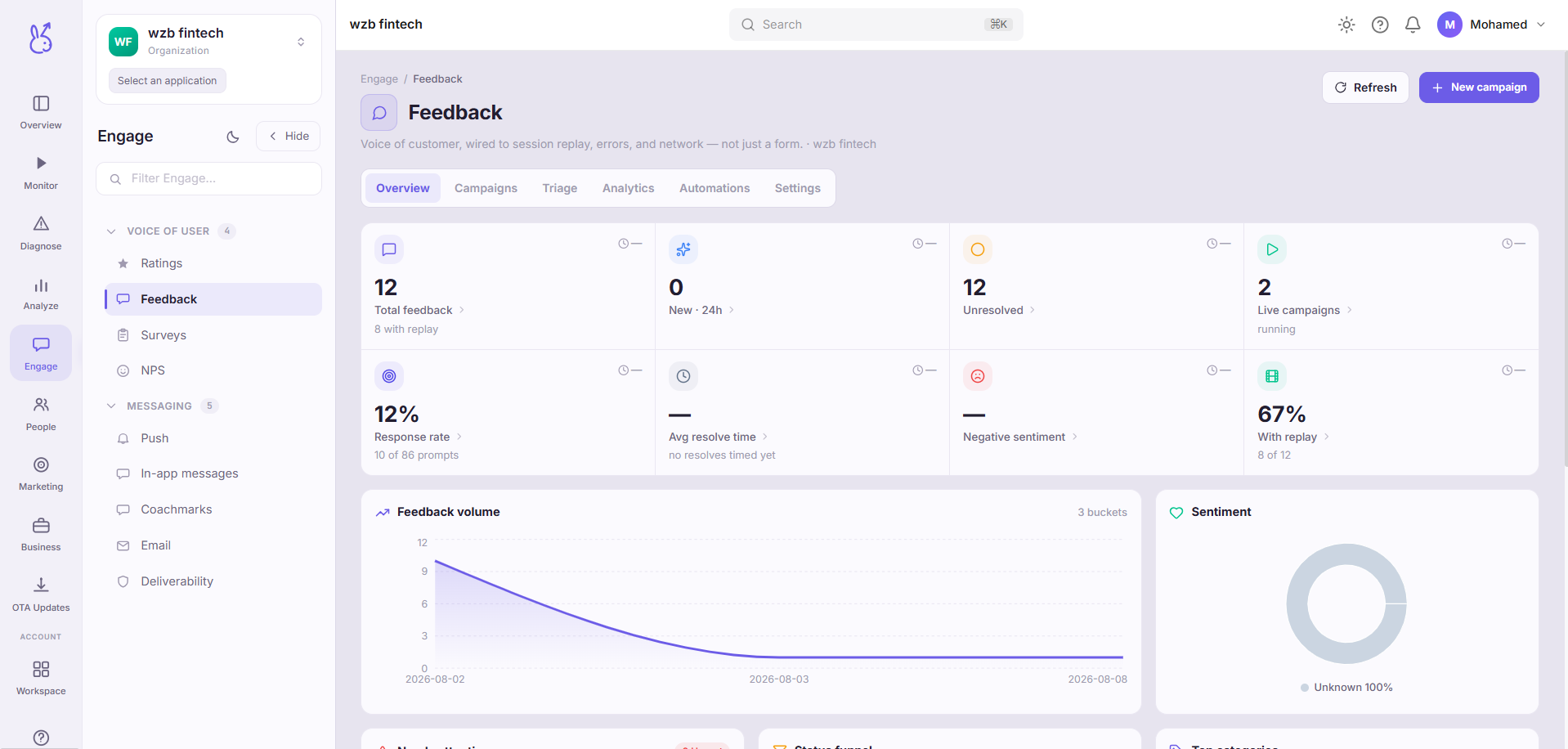
That drill-down is the point of the page. An aggregate that you cannot open is a claim you have to take on faith; here every number leads back to the specific pieces of feedback that produced it.
When to use it#
When you need to know what users are asking for rather than what they are hitting. Bug reports is the right page for "this is broken"; this one is for "this is confusing", "this is missing", and "I wanted to do X".
Also before any roadmap discussion. Feedback volume is a poor prioritisation signal on its own — loud is not the same as common — but it is the only source of the actual words users use, and those words matter for how you build the thing.
Workflow#
Start on the overview, then drill
Read the shape first, then open the items behind whatever looks unexpected. Reading the inbox top to bottom biases you toward whoever wrote most recently.
Group by theme, not by count
Five people describing the same confusion in five different ways will not group themselves. This is a reading task, and it is where the value is.
Check analytics for change over time
A theme that is growing is worth more attention than a larger theme that is flat — the growing one is being caused by something you recently did.
Permissions and prerequisites#
Requires a way for users to submit feedback — the SDK's feedback entry point, or your own form. An app that never collects it will show an empty workspace, which is not a fault.
Limits and edge cases#
Self-selected, always. The people who submit feedback are not a sample of your users. Weight accordingly and never present feedback counts as prevalence.
No automatic grouping. Items are not clustered by topic, so themes have to be identified by reading. On high volume this is real work.
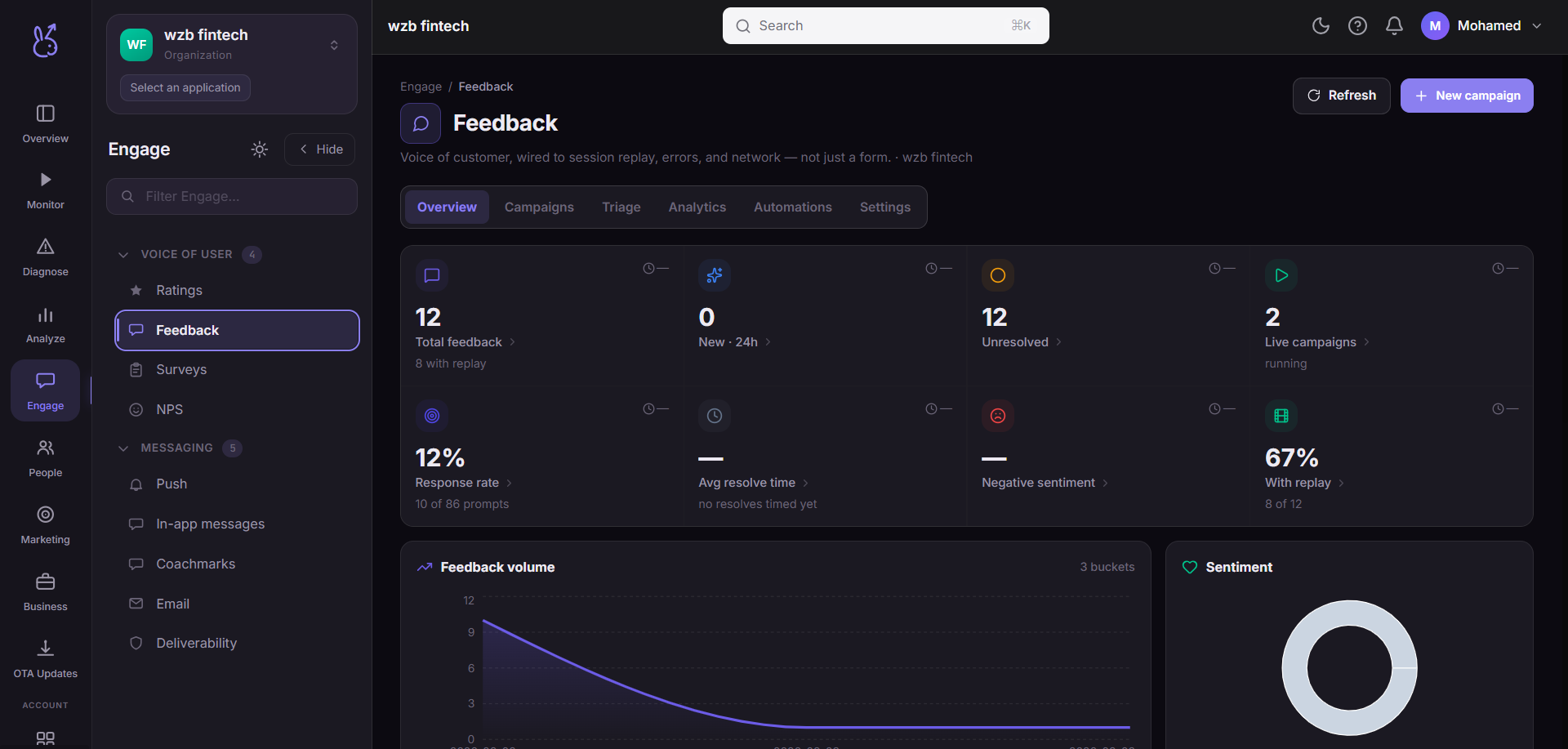
This workspace currently renders in the light palette only, so it will not follow a dark dashboard theme. Cosmetic, but you will notice it if you work in dark mode.
Troubleshooting#
Empty workspace on a live app. Nothing is submitting feedback. Confirm the client entry point is wired.
Volume dropped sharply. Usually an entry point that moved or became harder to find in a UI change, rather than users having nothing to say.
Where the data comes from#
From the SDK
Served by
Engage