Exit intent
Exit intent in the Analyze area (Behavior) — route /analyze/exit-intent.
Exit intent lives in the Analyze area of the dashboard, under Behavior.
At a glance#
| Dashboard route | /analyze/exit-intent |
| Area | Analyze (analyze) |
| Group | Behavior |
| Platforms | Web apps only. Hidden for mobile apps. |
What it does#
Exit intent reports which pages visitors are trying to leave, and how far down the page they were when they decided to. The signal comes from the SDK's exit-intent detector — pointer movement toward the top of the window, and scroll reversal — measured against page leaves to give a rate.
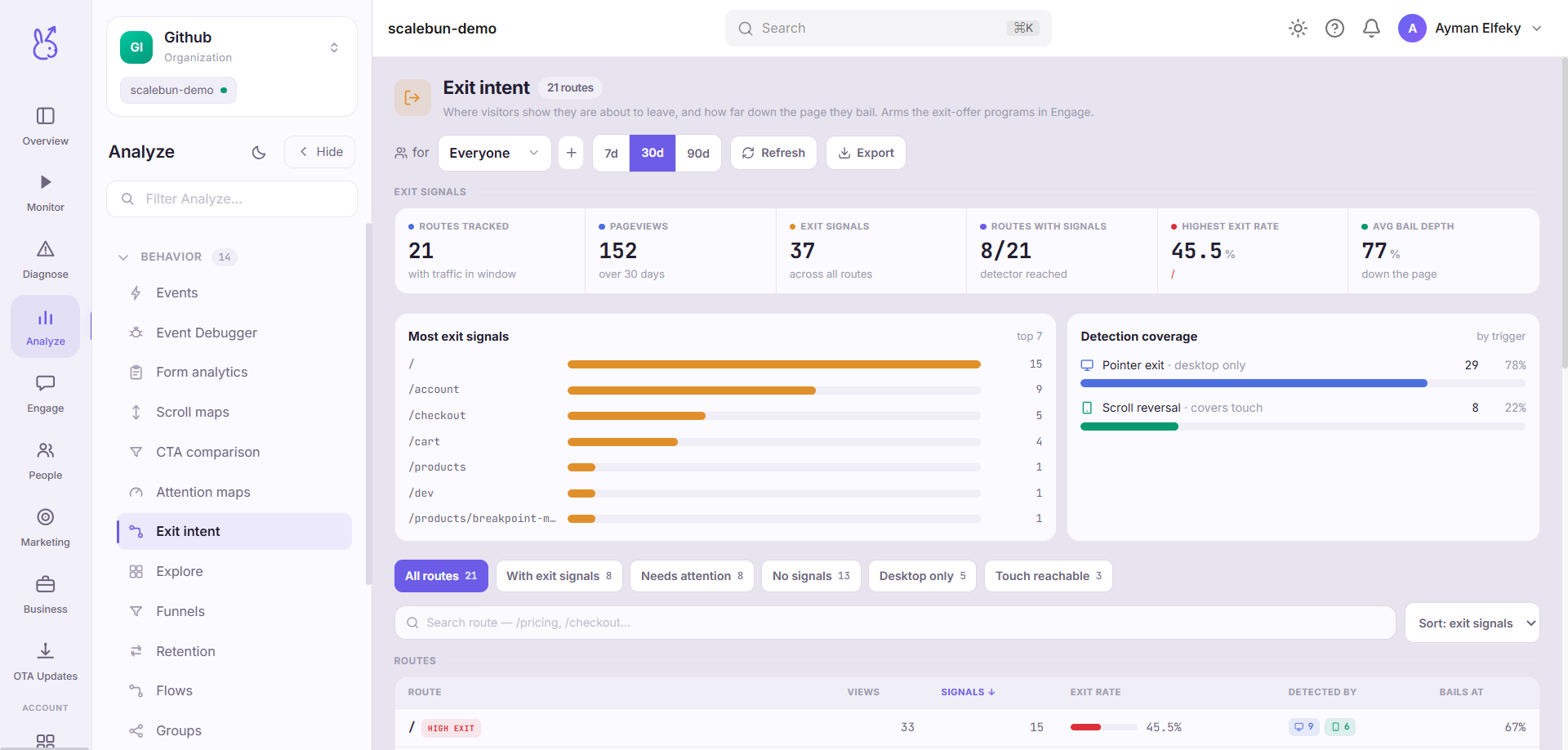
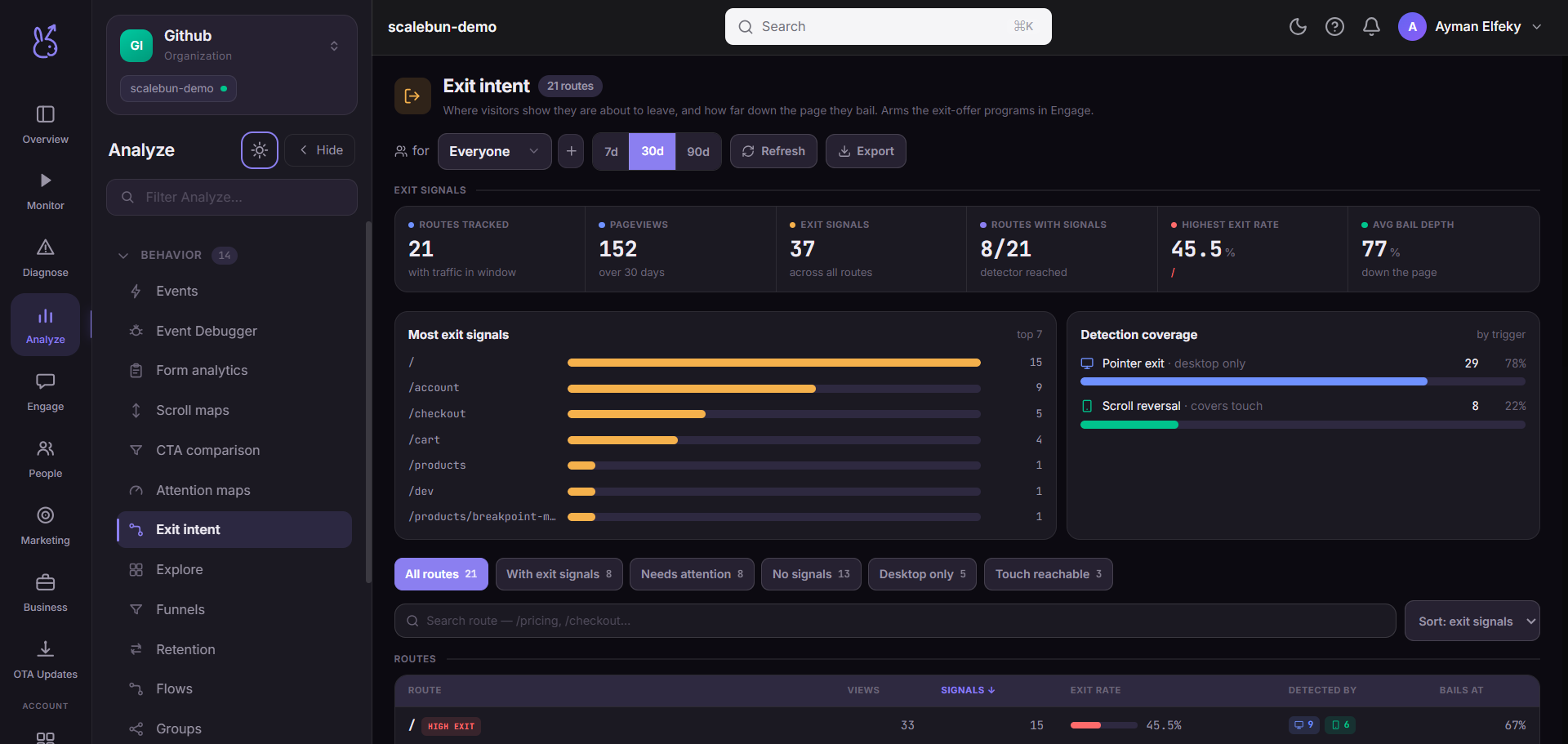
The same signal can arm an exit offer in the SDK, so this page is both the measurement and the targeting input for that.
When to use it#
To find the pages that lose people, and to decide whether an exit intervention is worth building. High exit intent on a page users are supposed to leave — a confirmation, a completed checkout — is meaningless. High exit intent mid-funnel is a specific, locatable problem.
Combined with scroll position it gets more useful: leaving from the top means the page failed immediately; leaving from three quarters down means they read it and were not convinced. Those need different fixes.
Workflow#
Exclude the pages where leaving is correct
Filter mentally before you read. Otherwise your worst offender is your success page.
Read the depth alongside the rate
Early exit is a relevance or load problem. Late exit is a persuasion or pricing problem.
Watch a replay before intervening
An exit offer aimed at the wrong reason is an annoyance. The replay tells you what they were doing when they turned away.
Intervene sparingly if at all
An exit interstitial is the most disliked pattern on the web. Fix the page first; treat the interruption as a last resort.
Permissions and prerequisites#
Web apps only — the detection relies on pointer and scroll behaviour in a browser window. Requires the SDK's exit-intent detector.
Limits and edge cases#
A detected exit intent is not always followed by leaving. Some are aborted, some are false positives.
Keyboard and tab-switch exits are not detected. Someone leaving via a bookmark or ⌘W contributes nothing.
Rates are only comparable between pages measured the same way. Do not compare a desktop-heavy page to a mobile-heavy one.
Troubleshooting#
Suspiciously high rate on one page. Check whether it has an element near the top of the window that attracts the pointer — a nav menu or a search box will generate false positives.
Almost no detections on a mobile-heavy app. Expected, per the limitation above.
Where the data comes from#
Built from the SDK’s exit-intent detector — pointer movement toward the top of the window, and scroll reversal — measured against page leaves for the rate.
From the SDK
Served by
Ingestion