Imported lists
Imported lists in the People area (Audiences) — route /people/imported-lists.
Imported lists lives in the People area of the dashboard, under Audiences.
At a glance#
| Dashboard route | /people/imported-lists |
| Area | People (people) |
| Group | Audiences |
| Platforms | Available for every app platform. |
What it does#
Imported lists are audiences uploaded from a CSV — one identifier per row, either an email address or a user id. You manage the lists here and use them wherever an audience is accepted.
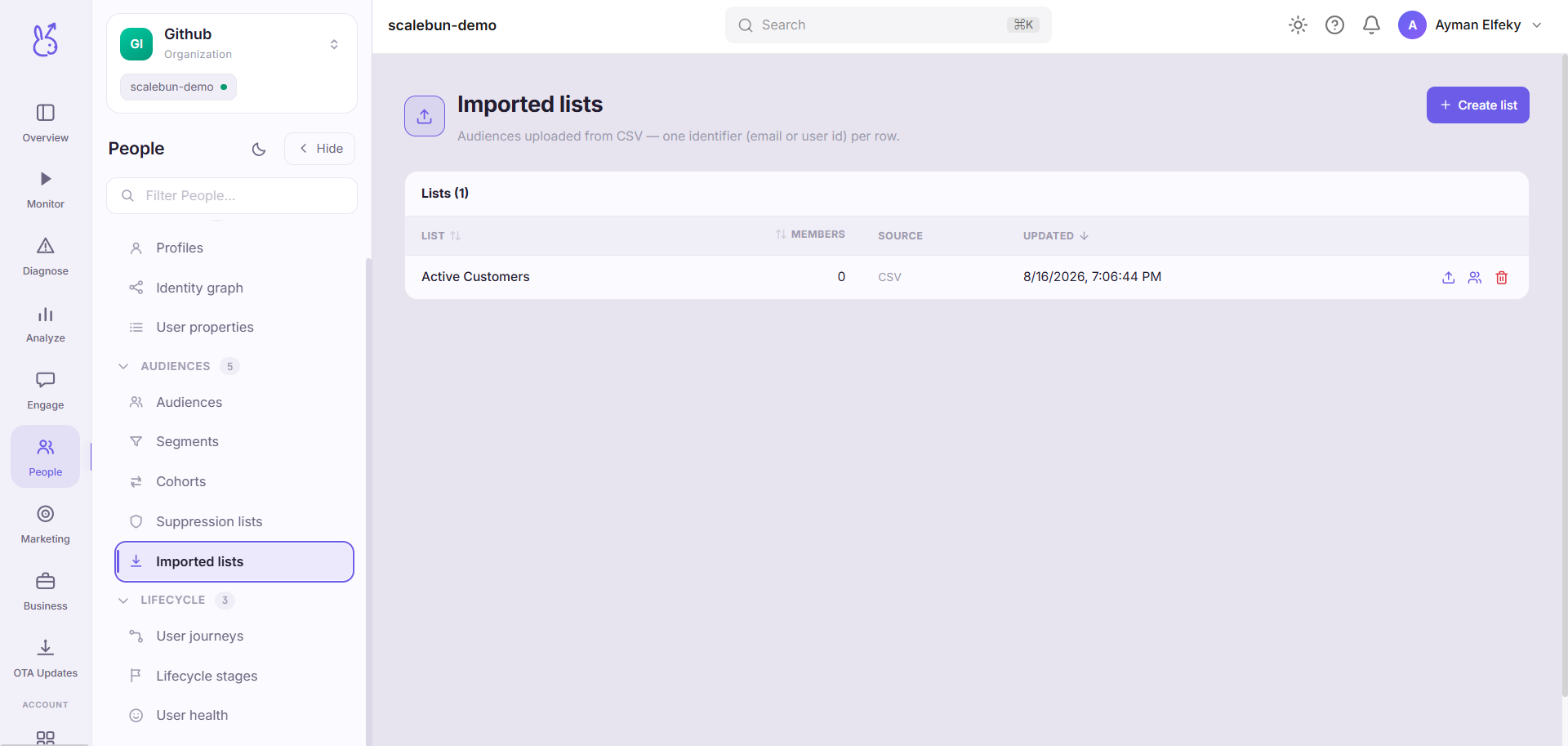
An imported list is a fixed set, which is the whole reason it exists. A segment re-evaluates and changes; a list stays exactly as uploaded until you replace it.
When to use it#
When the group is defined somewhere other than your product data:
A list from your CRM, your billing system, or a spreadsheet a colleague maintains.
Attendees of an event, or participants in a beta, that your app has no way to know about.
A set you need to be reproducible — a rule cannot give you the same people twice, and for anything auditable that matters.
If the group can be expressed as a rule over data you already collect, use a segment instead. It stays correct without maintenance.
Workflow#
Use one identifier type per file
One identifier per row, consistently. A file mixing emails and user ids will match partially and give you no clear signal about which rows failed.
Match on the identifier you actually collect
An email list is useless if your app never calls identify with an email. Check user properties first.
Check how many rows resolved
An uploaded row that matches nobody is silently inert. The gap between rows uploaded and users matched is the number to look at.
Permissions and prerequisites#
Requires identified users for matching to be possible at all. An app that never identifies its users cannot resolve an imported list to anyone.
Limits and edge cases#
Rows that match nobody do nothing. They are not errors, and they are not held pending a future match — a user who signs up tomorrow with an address on the list is not retroactively added.
Static by design. The list does not grow as new users qualify. That is the trade for reproducibility.
You are responsible for the provenance. Uploading addresses you do not have permission to contact is a compliance problem that no dashboard control can catch for you.
Suppression still wins. A suppressed user on an imported list is not messaged.
Troubleshooting#
Uploaded 5,000 rows, matched 300. Almost always an identifier mismatch: the file has emails and your users are identified by user id, or vice versa. Check what your identify call sends.
A user on the list is not receiving messages. Check the suppression lists — suppression overrides list membership deliberately.
Where the data comes from#
An uploaded row only resolves to a user if that identifier has been attached by an identify call — an email list matches nothing in an app that identifies by user id.
From the SDK
Served by
Audiences