User journeys
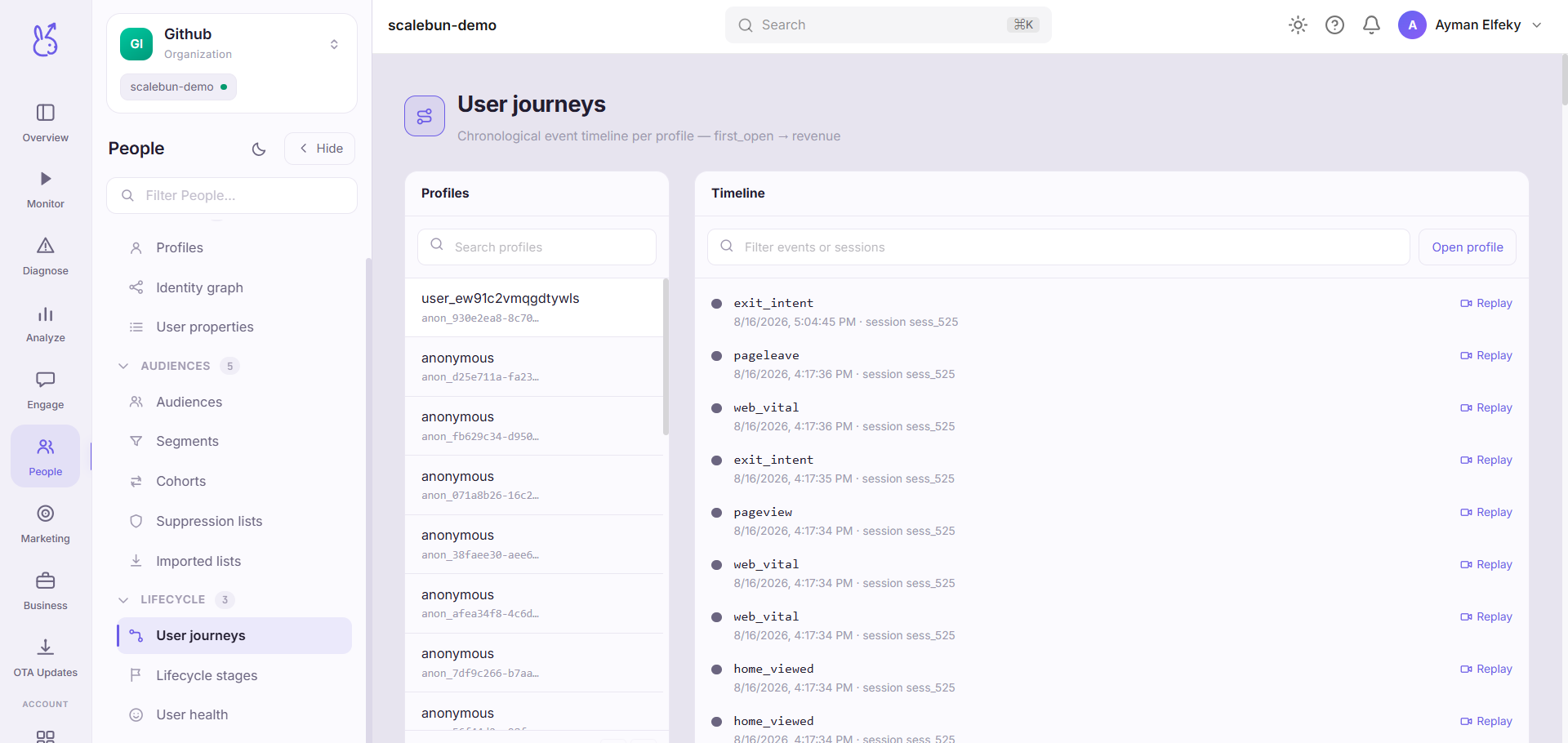
User journeys in the People area (Lifecycle) — route /people/journeys.
User journeys lives in the People area of the dashboard, under Lifecycle.
At a glance#
| Dashboard route | /people/journeys |
| Area | People (people) |
| Group | Lifecycle |
| Platforms | Available for every app platform. |
What it does#
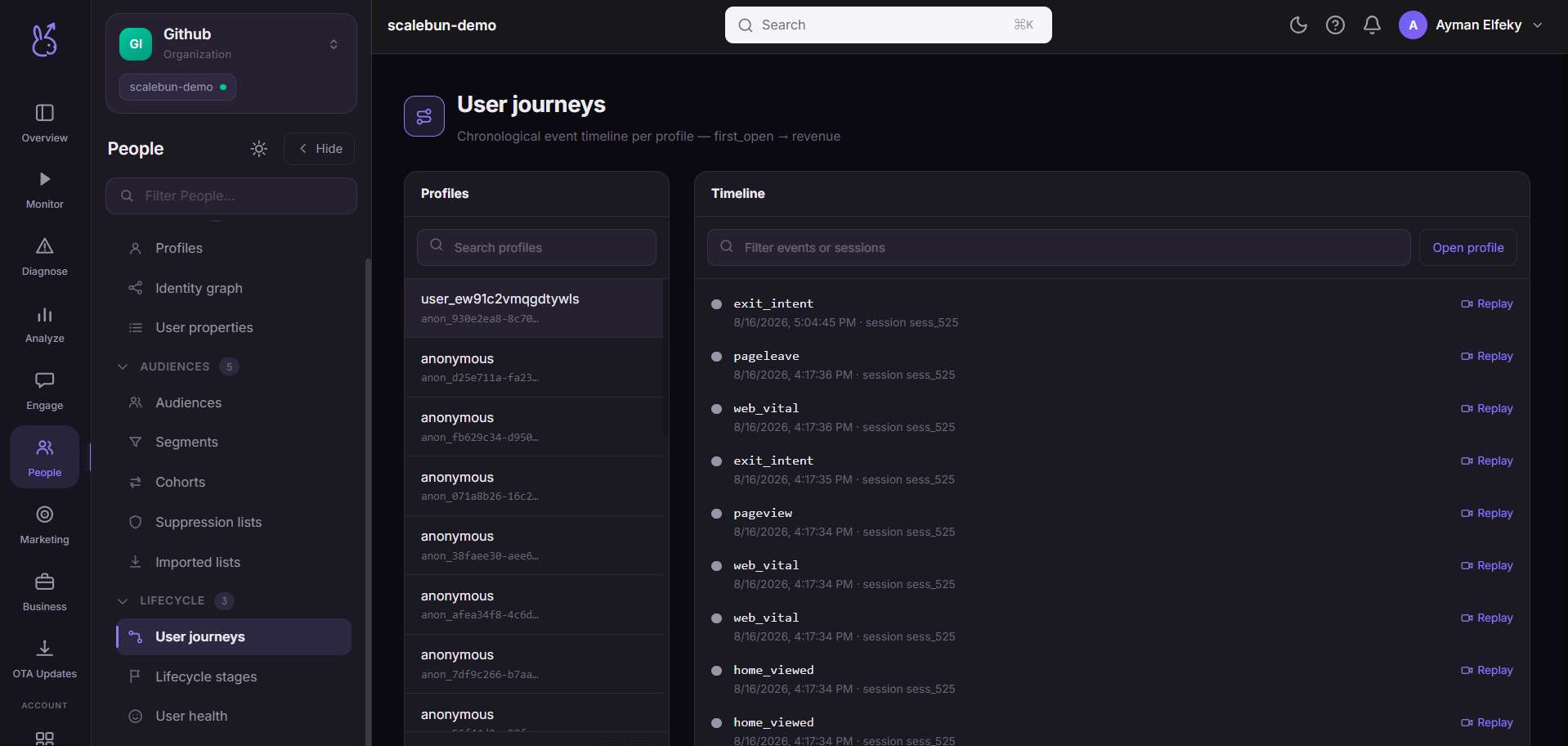
Journeys is a chronological event timeline for one profile or installation — everything they did, in order, with each event type colour-coded so the shape of a visit is readable at a glance: first open, app open, session start, signup, login, purchase, and your own custom events.
When to use it#
When the question is "what happened, in what order". Aggregates tell you that signups convert at 40%; a journey tells you that this person signed up, hit an error, opened the app three more times, and never came back — which is a story you can act on.
Also for verifying an instrumentation sequence. If your events are meant to fire in a particular order, this is where you see whether they do.
Workflow#
Find the profile first
Journeys is per person. Start from Profiles or a session and come here with an identifier.
Read for gaps, not just for events
A long pause between two events is often more informative than the events. It is where the person was thinking, or stuck, or gone.
Check event ordering against your intent
Events arriving in an unexpected order usually means a race in your instrumentation rather than unusual user behaviour.
Corroborate with a replay
The timeline is what was recorded. A session replay is what happened. Where they disagree, the replay is right and your instrumentation has a gap.
Permissions and prerequisites#
Requires event ingestion. A journey is only as complete as your instrumentation — see Events.
Limits and edge cases#
Only instrumented events appear. Anything the user did that you do not track is invisible, and a timeline gap can mean "nothing happened" or "nothing was measured". Those are not distinguishable here.
Ordering is by recorded time. A device with a badly-set clock, or events queued offline and flushed later, can produce an order that surprises you.
One journey, one identity. A user whose devices are not linked has a separate journey per device. Check the identity graph.
Subject to retention. Old events age out of the timeline.
Troubleshooting#
Journey looks unnaturally sparse. You are probably tracking fewer events than you think. Compare against your intended event list.
Events out of order. Look for offline queueing or client clock skew before assuming a product bug.
Where the data comes from#
Served by
Journeys