Profiles
Profiles in the People area (Identity) — route /people/profiles.
Profiles lives in the People area of the dashboard, under Identity.
At a glance#
| Dashboard route | /people/profiles |
| Area | People (people) |
| Group | Identity |
| Platforms | Available for every app platform. |
What it does#
Profiles is the searchable list of the people using your app. Opening one shows a drawer with their identity, a chronological event timeline, a revenue summary, and the raw events underneath — so you can go from "this customer says X" to exactly what their client sent.
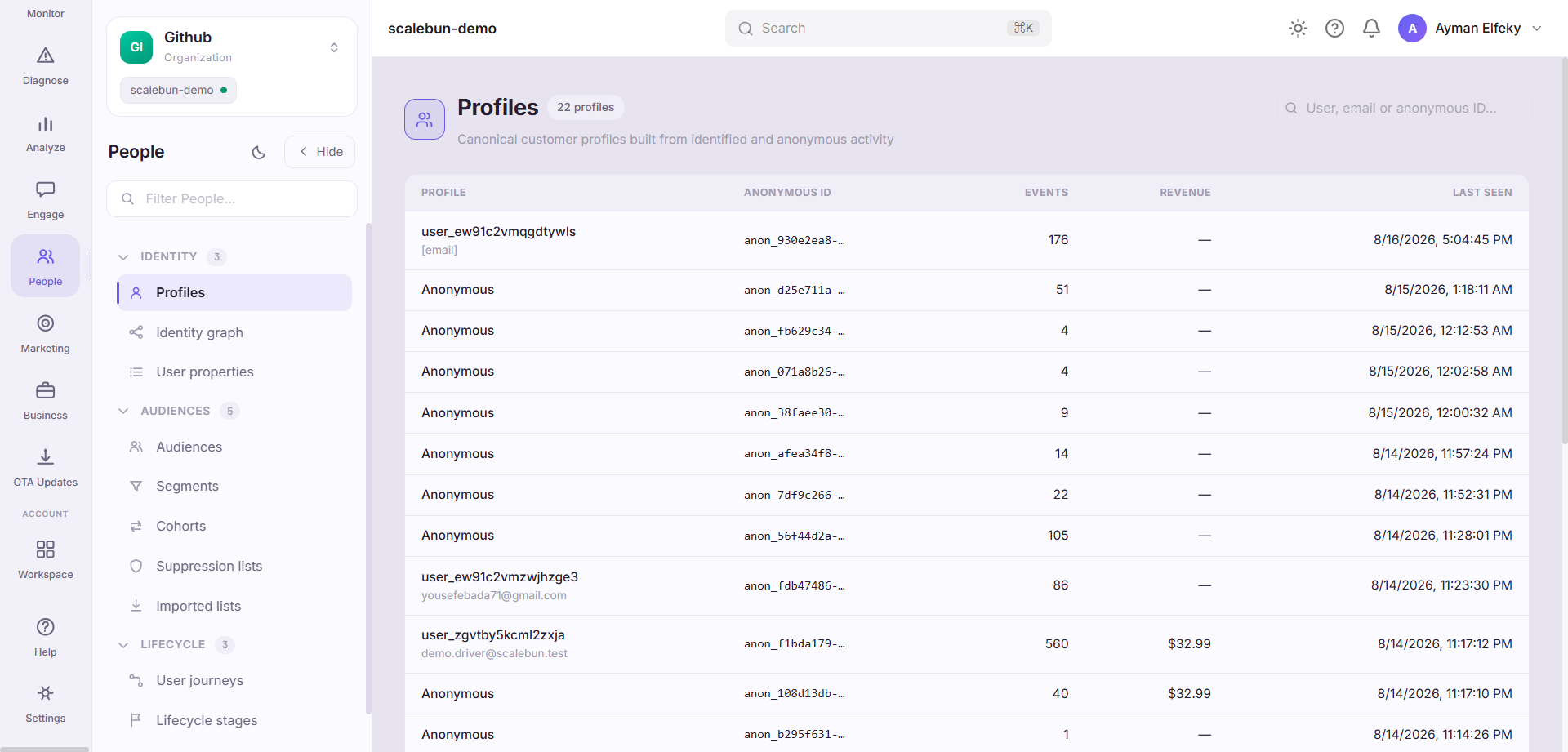
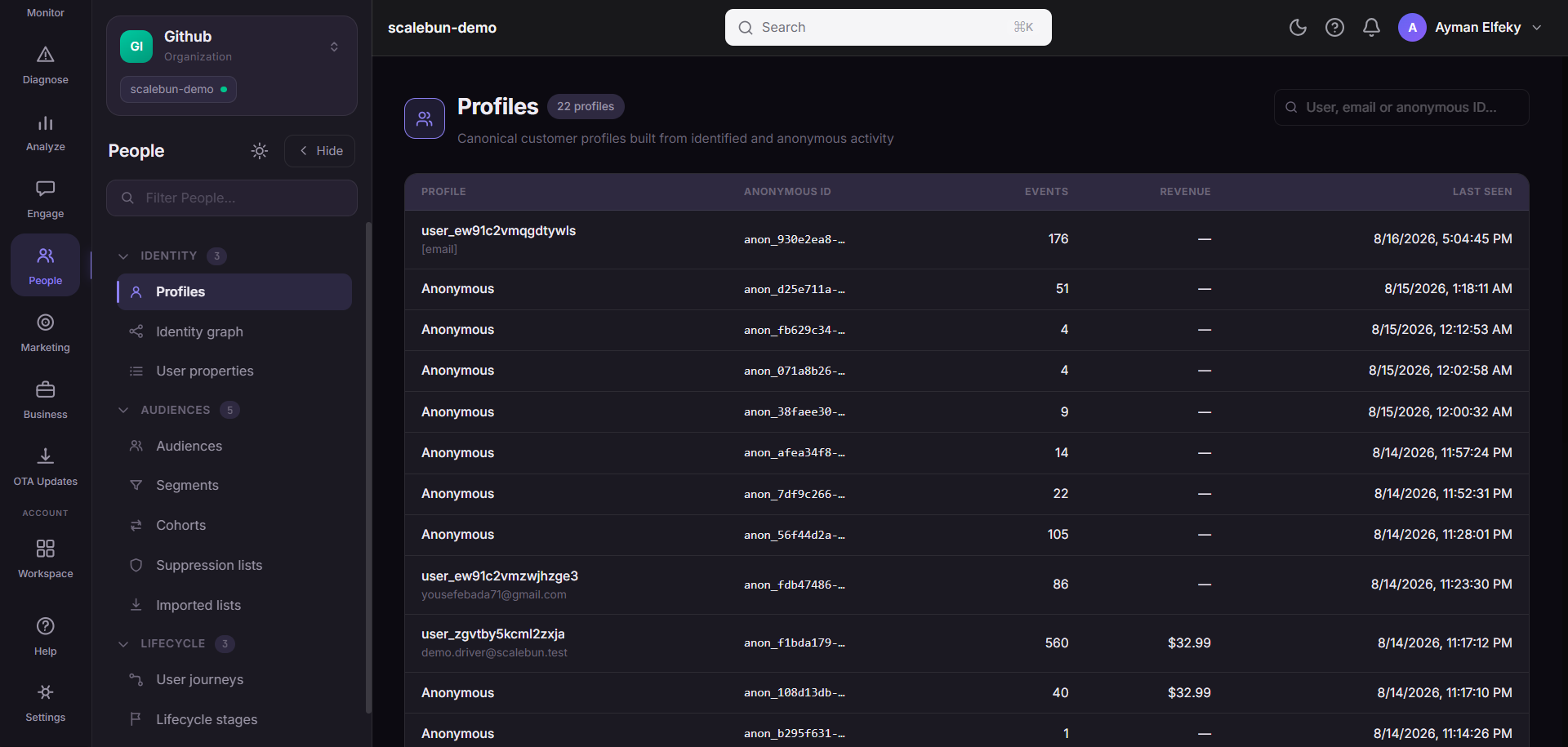
Profiles are derived from the ingested event stream. You do not create them; they appear because something arrived carrying an identifier.
When to use it#
For any question about one person. Support conversations, a suspicious refund, an "it worked for everyone else" report — all of them start here, because a profile is the only place the aggregate views can be dropped in favour of the specific truth.
The raw-events section is the part that ends arguments. Aggregates can be misread; the payload the client actually sent cannot.
Workflow#
Search by whatever identifier you have
Email or user id both work if they have been attached. If neither resolves, the user is likely still anonymous — see the limit below.
Read the timeline before the properties
Properties are the current state. The timeline is how they got there, which is almost always the actual question.
Drop to raw events when something looks wrong
An event with the wrong name or a missing property is an instrumentation bug, and it is visible here and nowhere else.
Follow the revenue summary for commercial questions
It aggregates what this profile has been credited with, which is the fastest check against a billing dispute.
Permissions and prerequisites#
Requires event ingestion. To find a profile by a human identifier you must be calling the SDK's identify — see Identity. Without it profiles exist but are keyed only by anonymous and installation identifiers.
Limits and edge cases#
A profile is only as joined-up as your identify calls. One person on two devices is two profiles until an identifier links them. The identity graph shows what has actually been linked.
Deep-linkable.
?user=<endUserId>opens a profile directly, which is why links from other pages land where you expect.Subject to retention. An old profile may exist with its events already aged out.
Personal data lives here. Access is a privacy decision, not only a convenience one.
Troubleshooting#
A user I know exists is not findable. They have not been identified, or you are searching a property that was never sent. Try their anonymous or installation id if you have it from a session.
Two profiles that are obviously the same person. Expected before identify runs. Check the identity graph to see which links exist.
Where the data comes from#
From the SDK
Served by
People / CDP