Diagnose
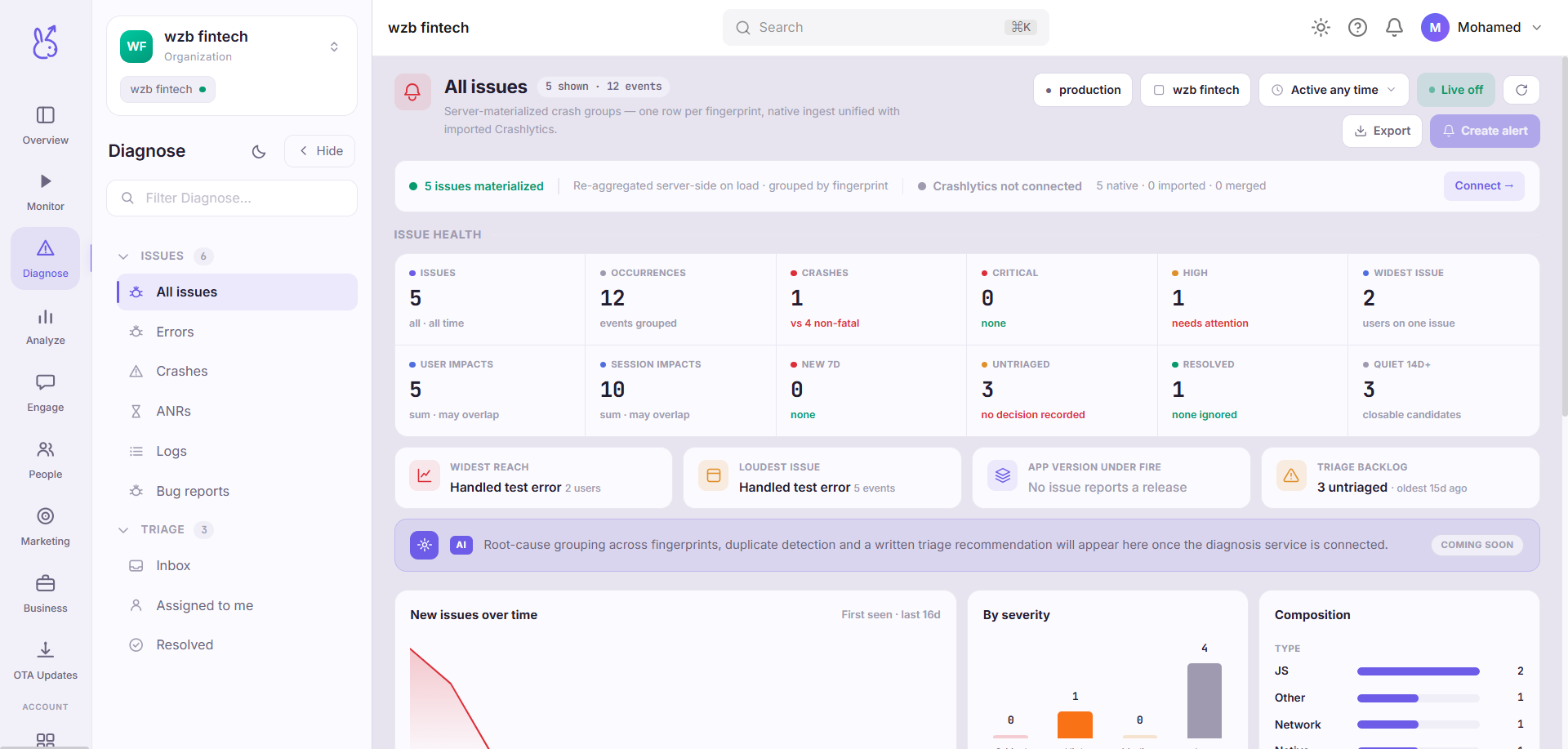
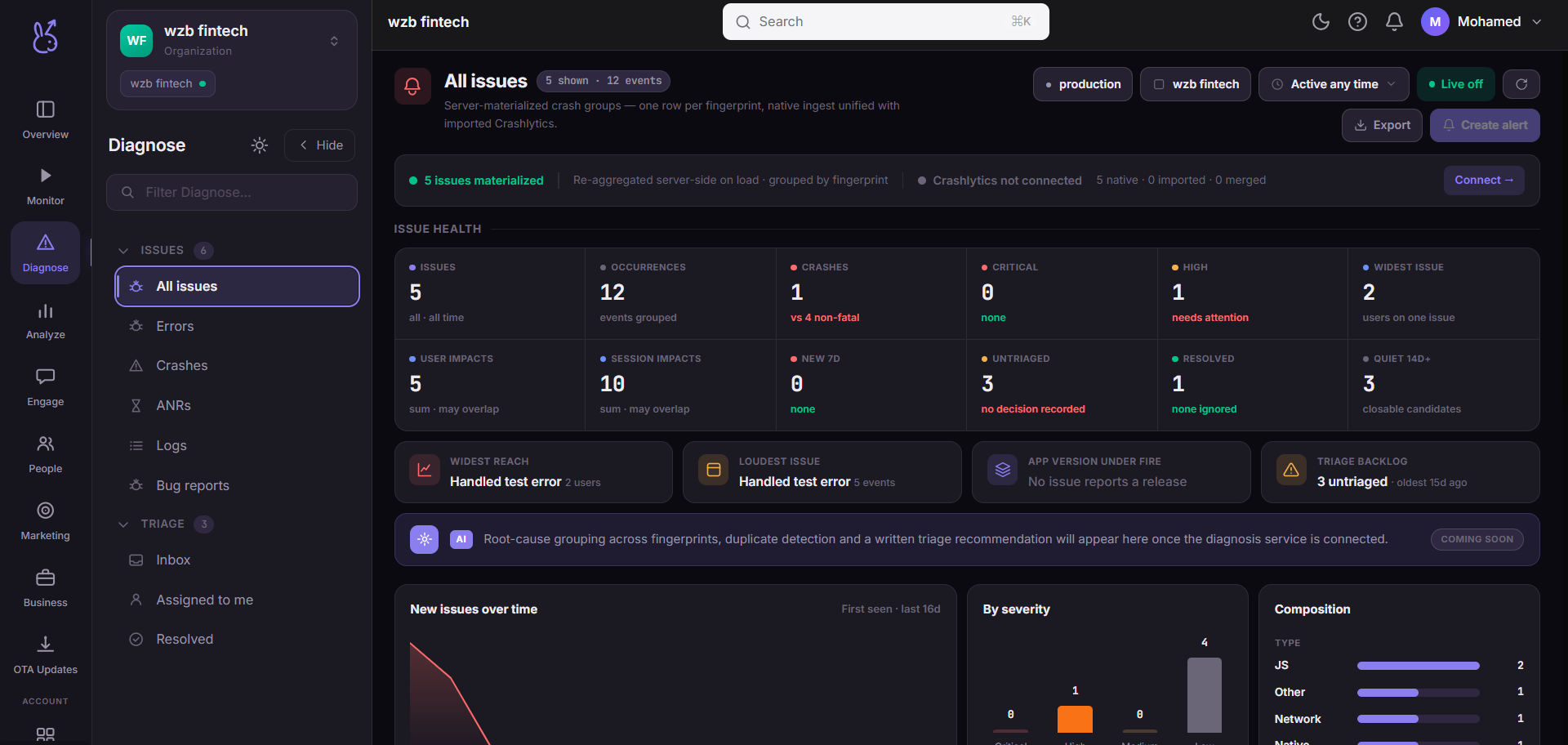
The Diagnose area of the ScaleBun dashboard.
Diagnose is for things that are broken. Monitor tells you an app is slow; Diagnose tells you it is failing, and gives you enough context to fix it.
Issues and triage#
Issues groups failures by type — all issues, errors, crashes, ANRs, logs and user-submitted bug reports. Crashes and ANRs are mobile-only and hide for web apps.
Triage is the workflow layer on top: an inbox, what is assigned to you, and what has been resolved. The distinction matters — Issues is what is wrong, Triage is who is dealing with it.
Read a crash in this order#
Is it new, or a regression of something resolved? The issue record carries both.
Which release and which device class? A crash on one OS version is a different investigation from one across the board.
Watch the replay attached to a recent occurrence — the path in is usually the answer.
Related#
Crashes and errors SDK guide — what is captured automatically versus what you must report.
Issues#
| Page | Route | Platforms |
|---|---|---|
| All issues | /diagnose/all-issues | All |
| Errors | /diagnose/errors | All |
| Crashes | /diagnose/crashes | Mobile only |
| ANRs | /diagnose/anrs | Mobile only |
| Logs | /diagnose/logs | All |
| Bug reports | /diagnose/bug-reports | All |
Triage#
| Page | Route | Platforms |
|---|---|---|
| Inbox | /diagnose/inbox | All |
| Assigned to me | /diagnose/assigned-to-me | All |
| Resolved | /diagnose/resolved | All |