Resolved
Resolved in the Diagnose area (Triage) — route /diagnose/resolved.
Resolved lives in the Diagnose area of the dashboard, under Triage.
At a glance#
| Dashboard route | /diagnose/resolved |
| Area | Diagnose (diagnose) |
| Group | Triage |
| Platforms | Available for every app platform. |
What it does#
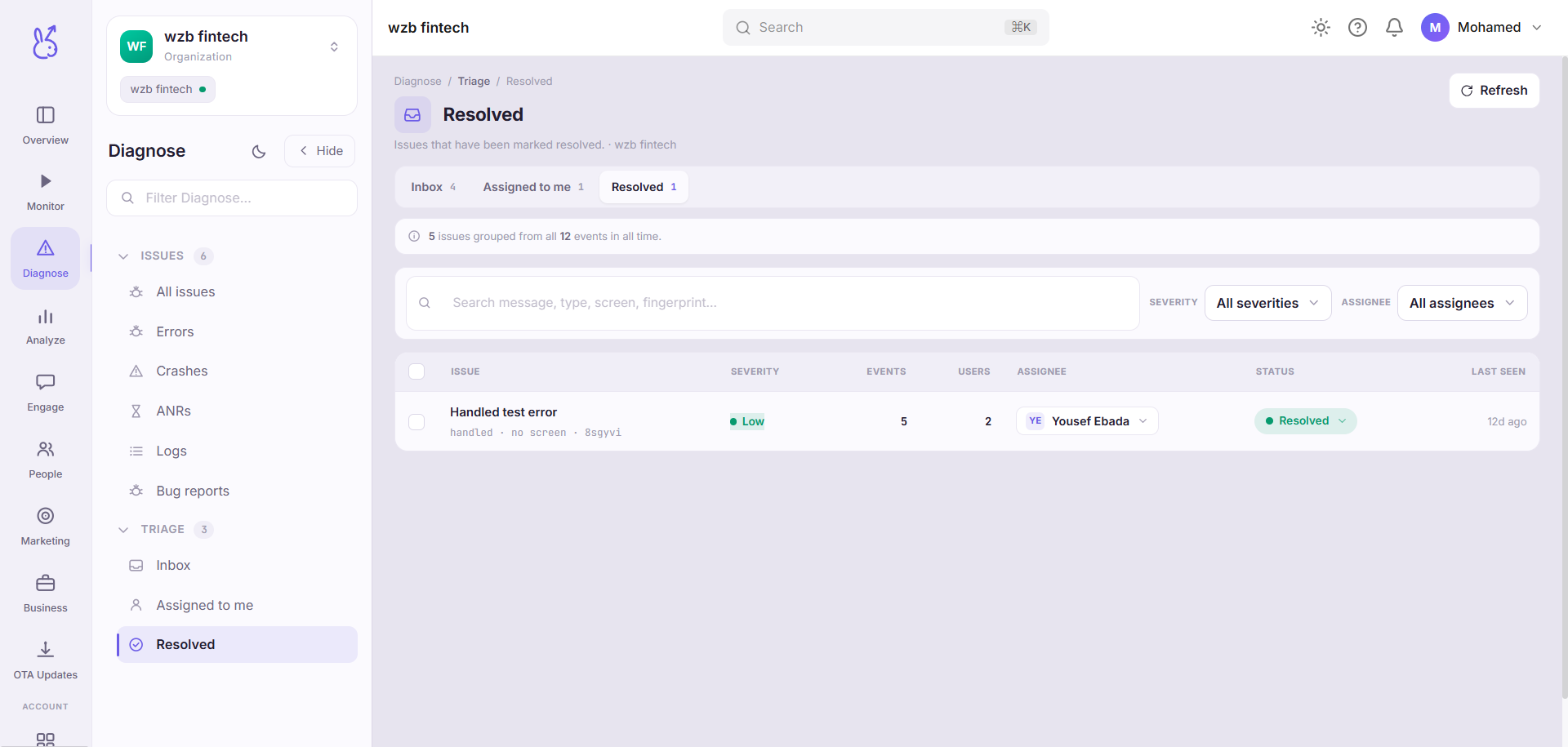
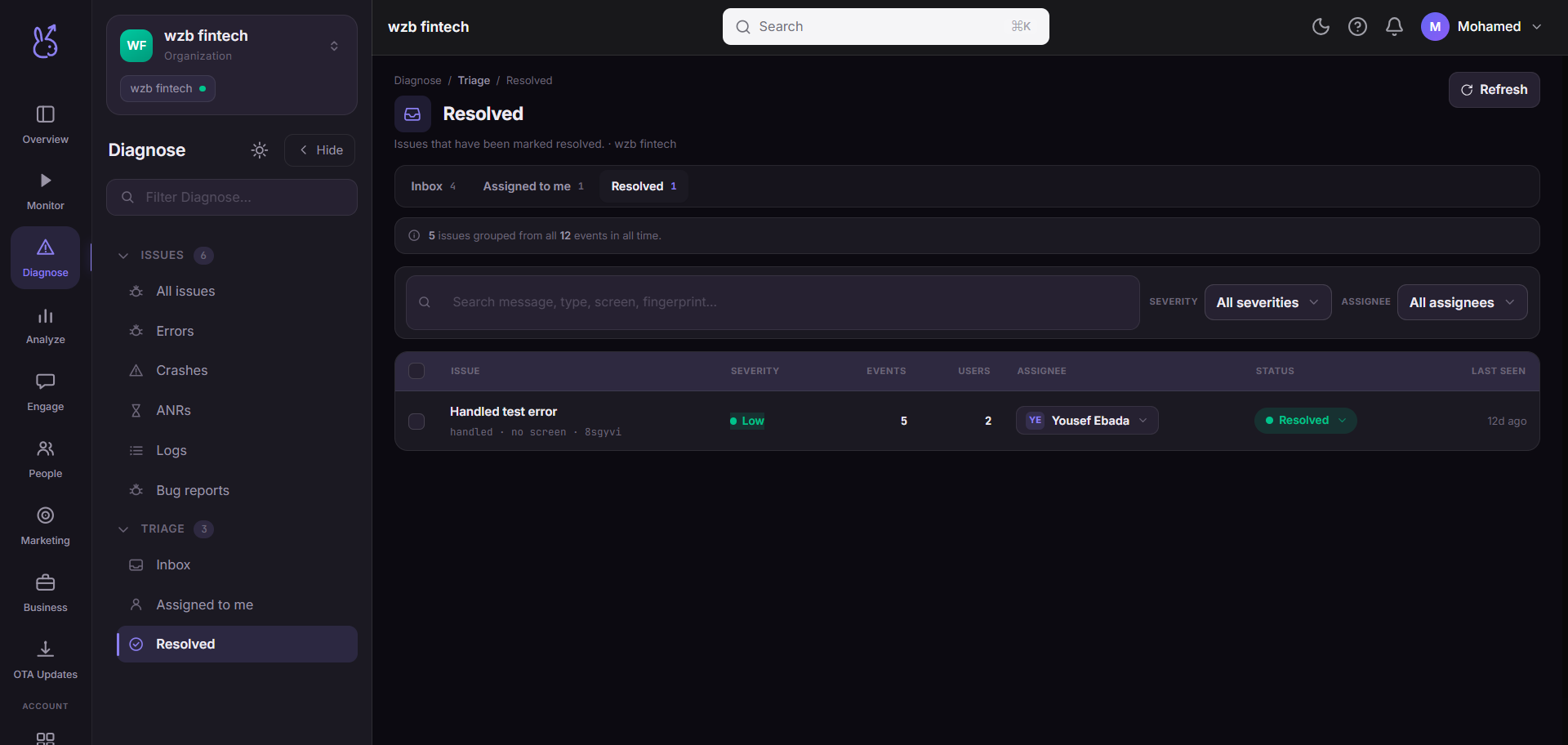
Resolved lists issues that have been marked resolved, over the same grouped data as Inbox. The one bulk action available here is reopen — deliberately, because everything else you could do to a resolved issue is a way of hiding it rather than deciding about it.
When to use it#
Two occasions. After a release, to confirm that what you resolved has stayed resolved. And during a regression hunt, to check whether the thing you are looking at was fixed once before — a signature that has been resolved and reopened twice is a different problem from a new one, and usually means the first two fixes addressed symptoms.
Workflow#
Sort by last seen
A resolved issue with a recent last-seen is the interesting case: it is still happening. Fix verified or fix incomplete — this column is how you tell.
Reopen what came back
Reopening returns the issue to the Inbox, where it will be re-triaged like anything else. Reopen it rather than filing a new issue, so the history stays on one record.
Permissions and prerequisites#
Read access to the app to view; write access to reopen.
Limits and edge cases#
Resolved does not stop collection. Events keep accruing against the signature, which is what makes the last-seen column meaningful.
Automatic reopen on recurrence puts the issue back in the Inbox. If a signature you resolved is missing from this list, check Inbox before concluding it was deleted.
Ignored is a separate state. Issues you ignored are not here — ignore and resolve mean different things and are tracked separately.
Troubleshooting#
Empty list. Nothing has been resolved for this app yet. Resolve from the Inbox and it appears here.
Where the data comes from#
Served by
Issues