All issues
All issues in the Diagnose area (Issues) — route /diagnose/all-issues.
All issues lives in the Diagnose area of the dashboard, under Issues.
At a glance#
| Dashboard route | /diagnose/all-issues |
| Area | Diagnose (diagnose) |
| Group | Issues |
| Platforms | Available for every app platform. |
What it does#
All issues is the single list of every grouped failure in the app, regardless of which
pipeline captured it. Rows carry a source badge — Native for issues ScaleBun's own
SDK reported, Crashlytics for issues imported from a connected Firebase Crashlytics
project, and Native + Crashlytics where both saw the same signature — plus severity,
event and user counts, and first/last seen.
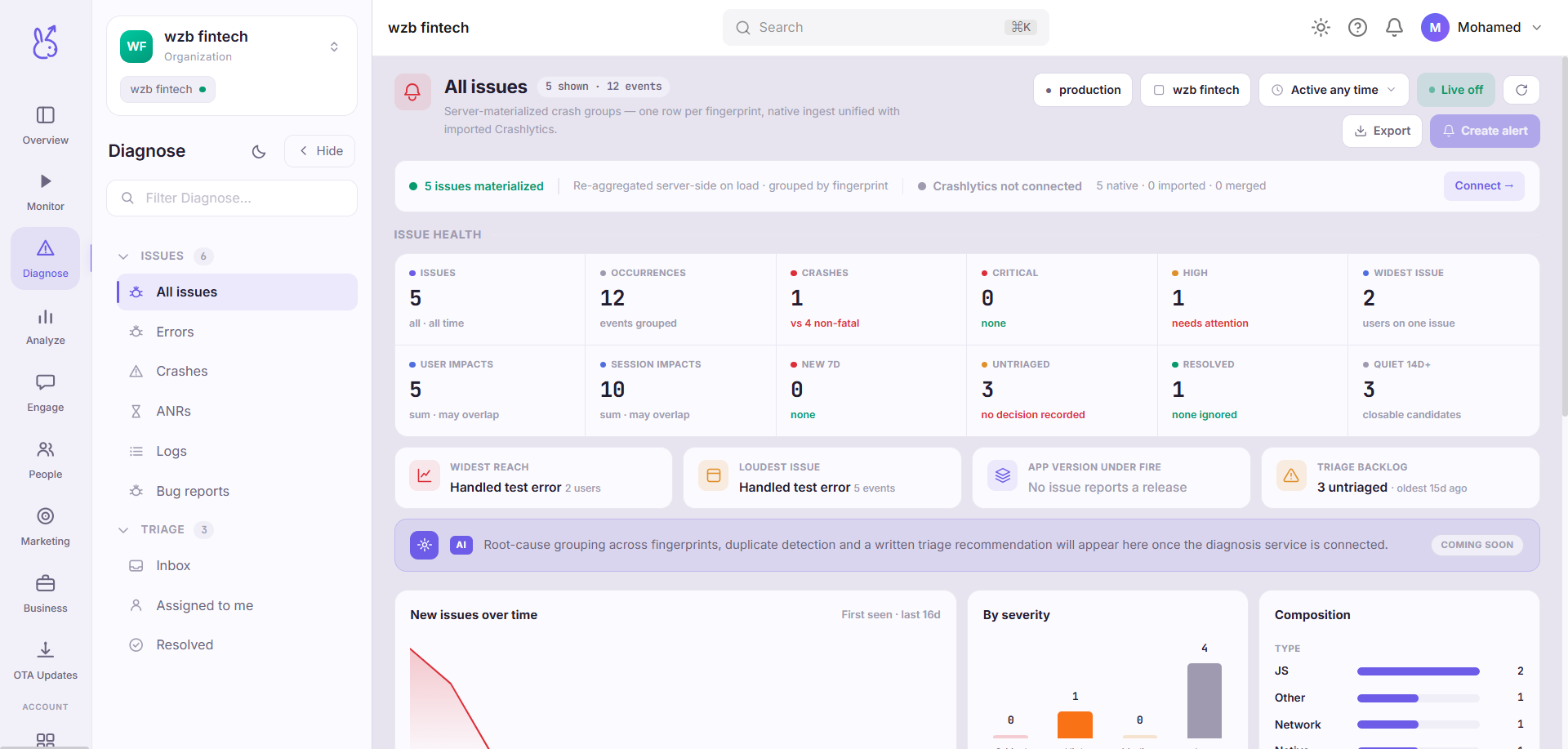
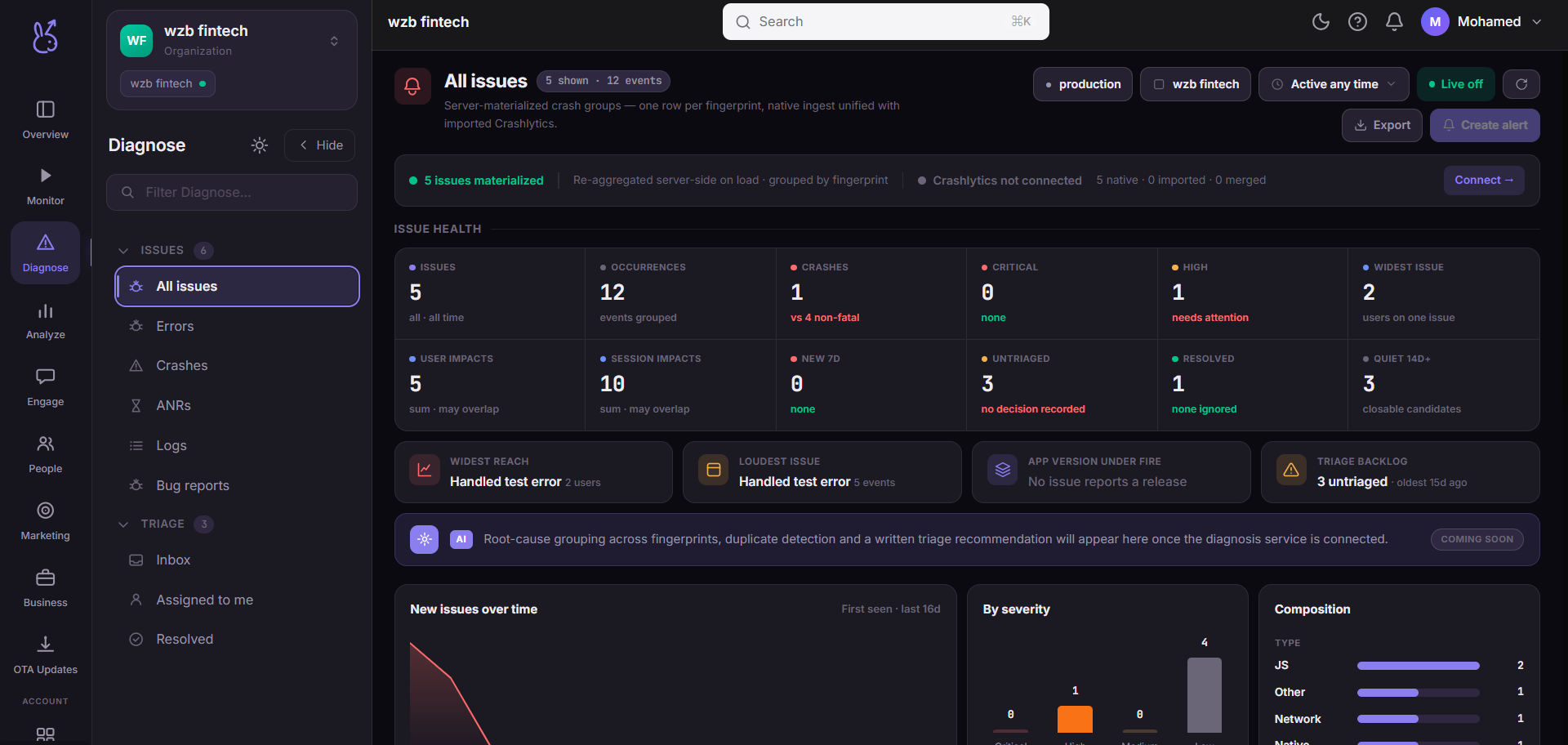
The three counters at the top read total issues, how many came from Crashlytics, and how many are in both. That last number is the interesting one: it tells you how much of your existing Crashlytics data ScaleBun is already reproducing on its own.
When to use it#
During a migration, and whenever you are not sure which tool saw something. Every other page in Diagnose is a filtered slice — Inbox is the unresolved ones, Crashes is the fatal ones. This page is the unfiltered set, so it is where you go to confirm an issue exists at all before you go looking for why a narrower view is hiding it.
Workflow#
Check the source mix
If
Crashlyticsis high andNative + Crashlyticsis near zero, the two pipelines are seeing different things and one of them is misconfigured — usually missing symbols or an SDK that was never initialised on the affected platform.Sort by severity, then by users affected
Severity is a property of the failure; users affected is a property of your release. A
mediumissue hitting thousands of people outranks acriticalone hitting six.Open the issue to triage it
Assignment, resolve and ignore all happen on the issue record, and are reflected immediately in the Triage views.
Permissions and prerequisites#
Any workspace member with access to the app can read this list. Triggering a Crashlytics sync requires an existing connection — without one the control is inert rather than hidden, so you can see that the option exists.
Limits and edge cases#
Crashlytics import is mobile-only. For a web app the source column collapses to
Nativeand the Crashlytics controls are hidden, because there is no Crashlytics equivalent to import from.Grouping is by signature, not by occurrence. One row can represent a hundred thousand events. Read the event count before assuming the list length means anything.
A synced issue is a copy. Resolving it here does not resolve it in Crashlytics, and the reverse is also true. Pick one system as canonical while you are running both.
Troubleshooting#
The list is empty but the app is live. Check that the app and environment selector at the top of the dashboard points at the build you are actually running. A staging environment with no traffic looks identical to a broken pipeline.
An issue is in Crashlytics but not here. Trigger a sync from this page. If it is still missing afterwards, the import covers the connected project only — an issue reported against a different Firebase app will not appear.
Where the data comes from#
From the SDK
Served by
Issues