Bug reports
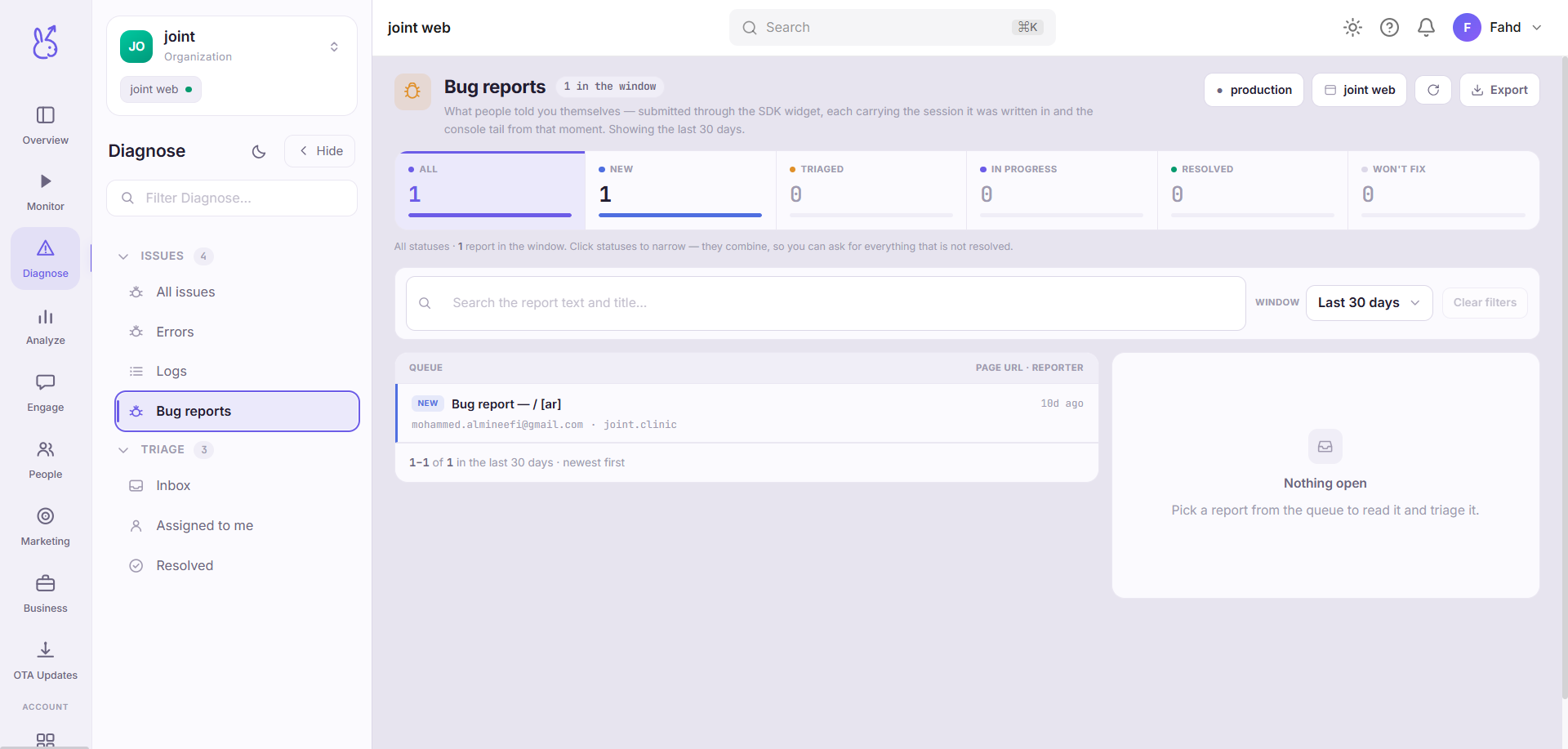
Bug reports in the Diagnose area (Issues) — route /diagnose/bug-reports.
Bug reports lives in the Diagnose area of the dashboard, under Issues.
At a glance#
| Dashboard route | /diagnose/bug-reports |
| Area | Diagnose (diagnose) |
| Group | Issues |
| Platforms | Available for every app platform. |
What it does#
Bug reports are failures a person told you about — submitted from inside your app rather than detected by the SDK. Each report carries a title and description, a status, an optional priority and assignee, the reporter's email, the URL or screen it was filed from, and the session id it was filed during.
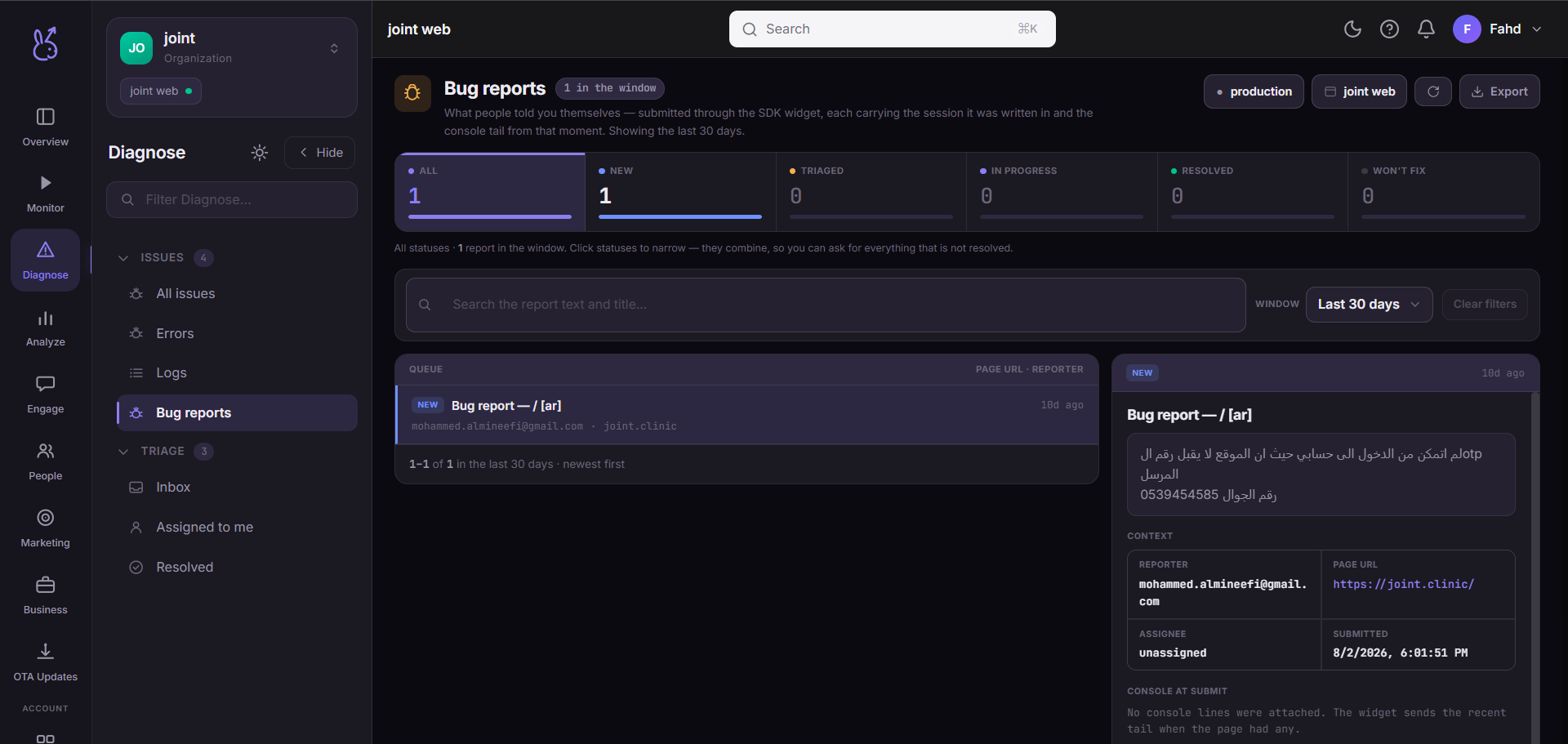
Where a linked issue tracker is connected, the report also shows its external ticket — type, id, link and the ticket's own status — so you can see whether it has left the dashboard and entered someone's sprint.
When to use it#
When you need the half of the story instrumentation cannot capture: intent. An error tells you a request failed; a bug report tells you the user was trying to redeem a voucher and believed it worked. Wrong-but-not-broken behaviour only ever arrives this way.
Workflow#
Triage by status
Reports move
New → Triaged → In progress → Resolved, withWon't fixas the honest exit. The status counts at the top are the queue depth for each.Open the attached session
The session id on the report is the reason to prefer a bug report over an email. Watch what the user actually did instead of reconstructing it from their description.
Link a ticket if it needs engineering work
Once linked, the external ticket's status is visible on the report, so the dashboard stops being a second place to update.
Permissions and prerequisites#
Reports arrive from your app, so something has to submit them — the SDK's bug-report entry point, or your own form posting to the reports endpoint. An app that never calls it will show an empty list forever, which is not a fault.
Limits and edge cases#
Free text is unvalidated. Reporters describe symptoms, not causes, and sometimes file the same issue five times. Deduplicate by reading, not by fingerprint — there is no grouping here.
The session link depends on retention. A report older than your session retention window keeps its session id but the replay behind it may be gone.
Won't fixis a real answer. Use it. A report left inNewfor six months reads to the next person as an unread queue.
Troubleshooting#
Reports have no session attached. The submitting call has to run while a session is active. A report filed from a launch screen before the SDK initialised has nothing to attach.
Ticket status looks stale. It reflects the last sync with the tracker, not a live read.
Where the data comes from#
From the SDK
Served by
Bug reports