Errors
Errors in the Diagnose area (Issues) — route /diagnose/errors.
Errors lives in the Diagnose area of the dashboard, under Issues.
At a glance#
| Dashboard route | /diagnose/errors |
| Area | Diagnose (diagnose) |
| Group | Issues |
| Platforms | Available for every app platform. |
What it does#
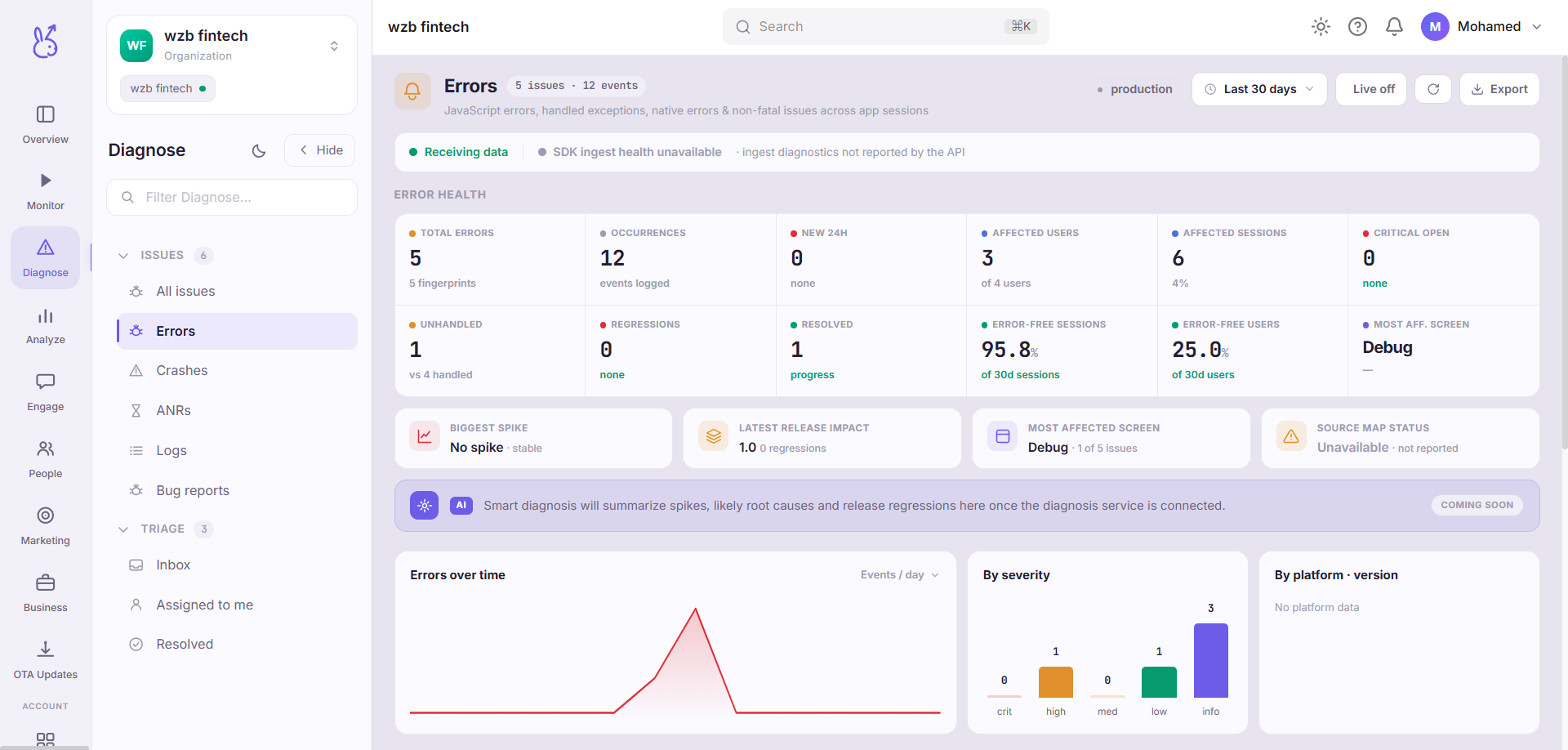
Errors groups handled exceptions — the ones your code caught and reported with
captureError — by signature, so a thousand occurrences of one bug appear as one issue
with a count rather than a thousand rows.
When to use it#
Daily, as a triage queue. Errors is where you find out that something is broken for a minority of users in a way no one has reported yet.
Workflow#
Sort by new, not by volume
A high-volume error you already know about is less urgent than a new one appearing after a release. Volume tells you scale; novelty tells you cause.
Check which release it starts in
An error that begins at a specific version is a regression, and the diff is small. One present across all versions is a long-standing edge case.
Open a replay from a recent occurrence
The context around the error — what the user tapped, which request failed — is usually the answer, and it is one click away.
What will not appear here#
Errors you catch and never report. A swallowed exception is invisible by design; add
captureErrorwhere you handle it.React error-boundary catches unless you forward them from
componentDidCatch.Native crashes, which end the process and live in Crashes instead.
Best practice#
Attach context, not just the error. TypeError: undefined is not an object tells you
nothing; the same report with the screen, the entity id and the retry count usually tells
you everything. Never put credentials or personal data in that context — it is visible to
everyone with dashboard access and appears in exports.
Where the data comes from#
From the SDK
Served by
Issues