Inbox
Inbox in the Diagnose area (Triage) — route /diagnose/inbox.
Inbox lives in the Diagnose area of the dashboard, under Triage.
At a glance#
| Dashboard route | /diagnose/inbox |
| Area | Diagnose (diagnose) |
| Group | Triage |
| Platforms | Available for every app platform. |
What it does#
Inbox is the triage queue: every issue that is open, reopened, or in progress — that is, everything not yet resolved or ignored. Columns are issue, severity, events, users affected, assignee, status and last seen, and rows are selectable for bulk assign, resolve and ignore.
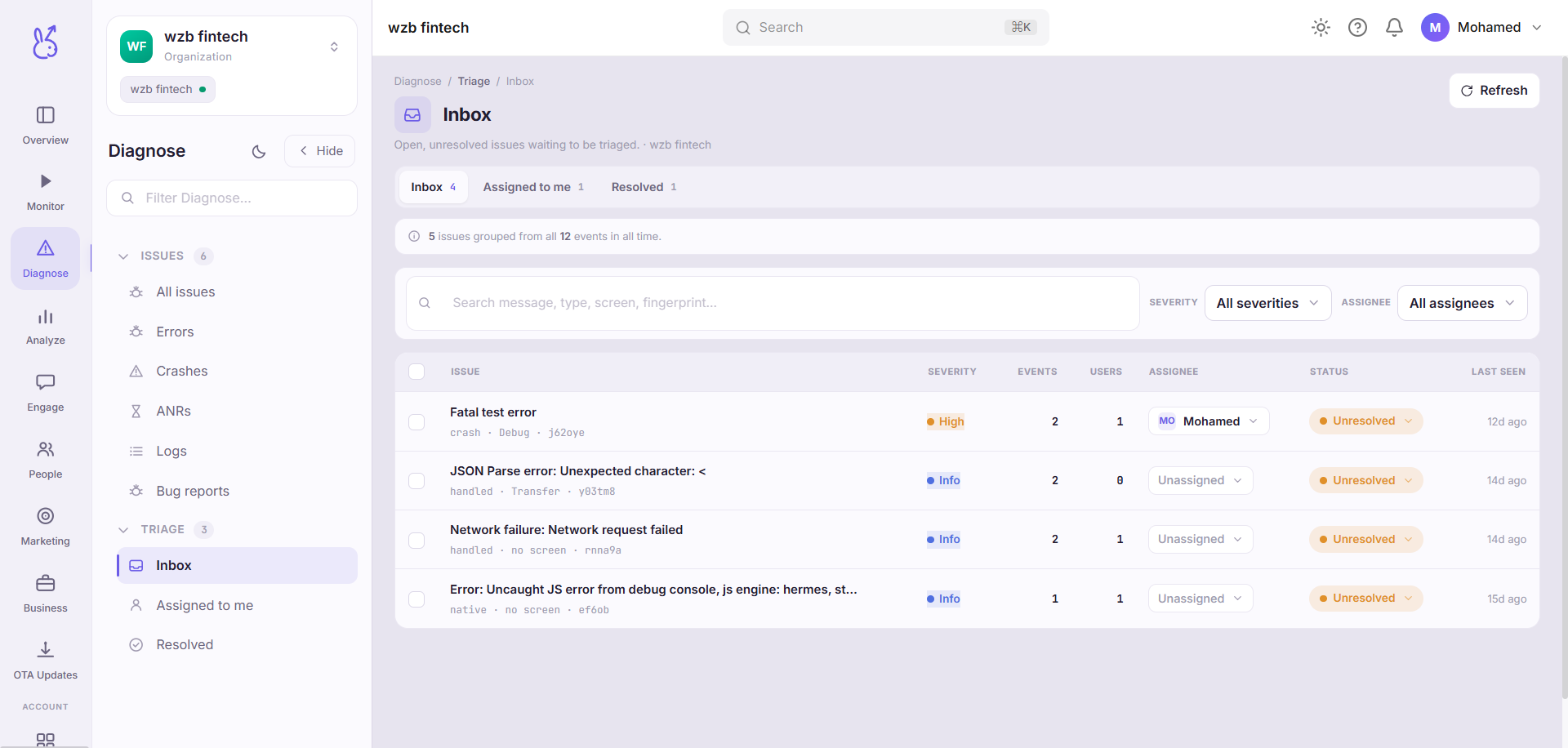
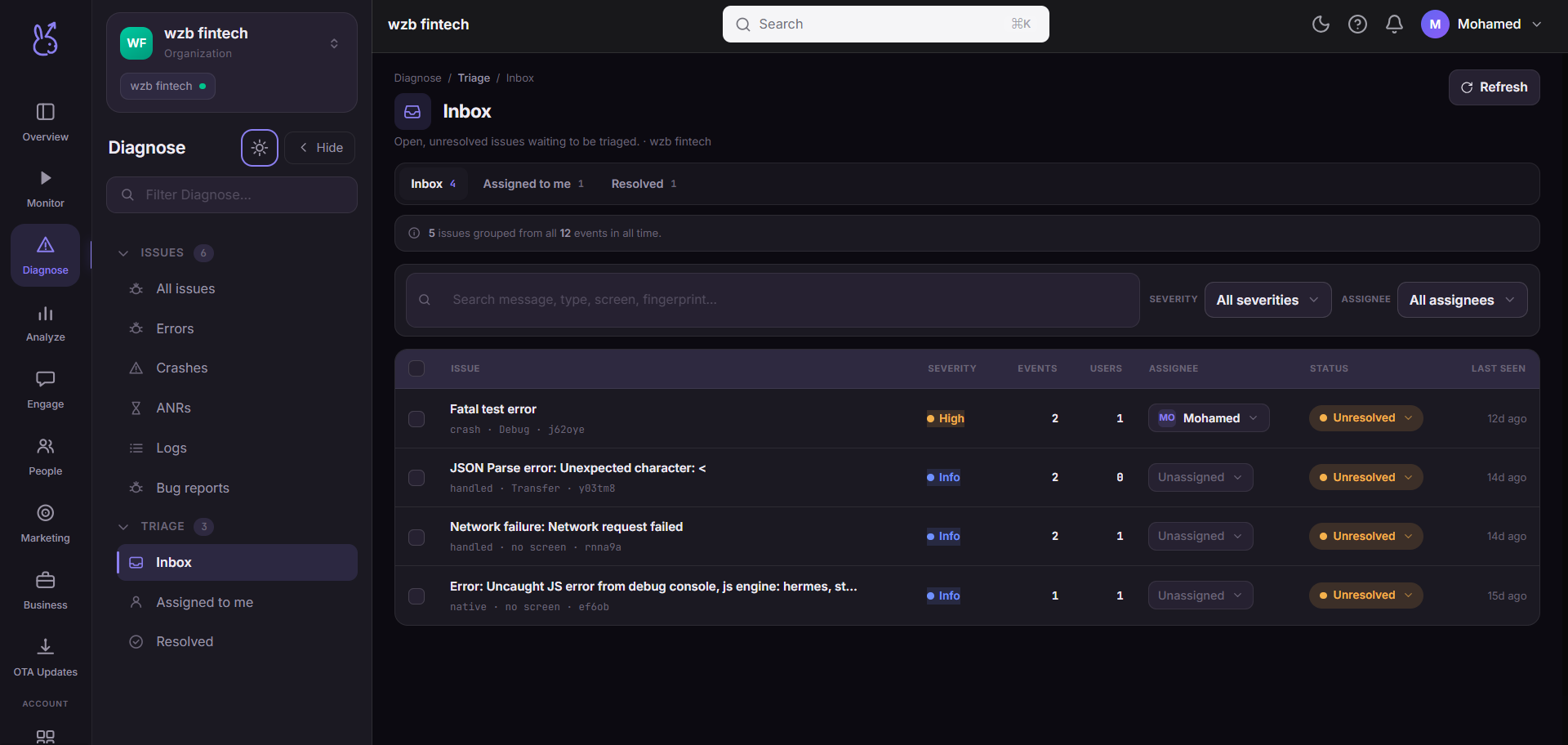
Inbox, Assigned to me and Resolved are three filtered views over the same grouped issue data. They are not separate datasets, so a status change made in one is visible in the others immediately.
When to use it#
Daily, as a queue to be emptied. The organising idea is inbox zero: an issue sitting here is one nobody has decided about yet. Resolving it or ignoring it are both valid outcomes — leaving it is not, because an untriaged issue is indistinguishable from an unnoticed one.
Workflow#
Filter down to a batch you can decide on
Search and the facet filters narrow the queue. Triaging a whole batch of one kind is much faster than working top to bottom.
Select rows and act in bulk
Assign an owner, resolve what is already fixed, ignore what is genuinely not worth tracking. Selection is scoped to what is currently visible, so a row that filters out mid-triage is dropped from the action rather than acted on invisibly.
Leave the rest for the owner
Once assigned, an issue belongs on someone's Assigned to me list and out of the shared queue.
Permissions and prerequisites#
Assignment lists workspace members, so the people you want to assign to must already be invited to the workspace. Bulk actions require write access to the app.
Limits and edge cases#
Grouping is by fingerprint. One row is one signature, however many events it represents — that is what makes bulk triage safe.
Ignore is not delete. An ignored issue stops appearing in the queue but keeps collecting events, so you can revisit the decision with more data.
Bulk updates are applied optimistically and then reconciled against the server. If part of a batch fails you get an explicit notice asking you to refresh, rather than a silently wrong list.
Troubleshooting#
A row I resolved is back. Reopened issues re-enter the Inbox by design — the signature recurred after you marked it fixed, which is a regression worth seeing.
The queue is empty and I do not believe it. Check the app and environment selector, and clear the filters. "Inbox zero" and "filtered to nothing" look the same at a glance.
Where the data comes from#
Served by
Inbox
Issues