Lifecycle stages
Lifecycle stages in the People area (Lifecycle) — route /people/lifecycle-stages.
Lifecycle stages lives in the People area of the dashboard, under Lifecycle.
At a glance#
| Dashboard route | /people/lifecycle-stages |
| Area | People (people) |
| Group | Lifecycle |
| Platforms | Available for every app platform. |
What it does#
Lifecycle stages divide your users into an ordered progression — new, active, power, at-risk, churned — where each stage is a rule and the distribution across them is computed live by the segment engine.
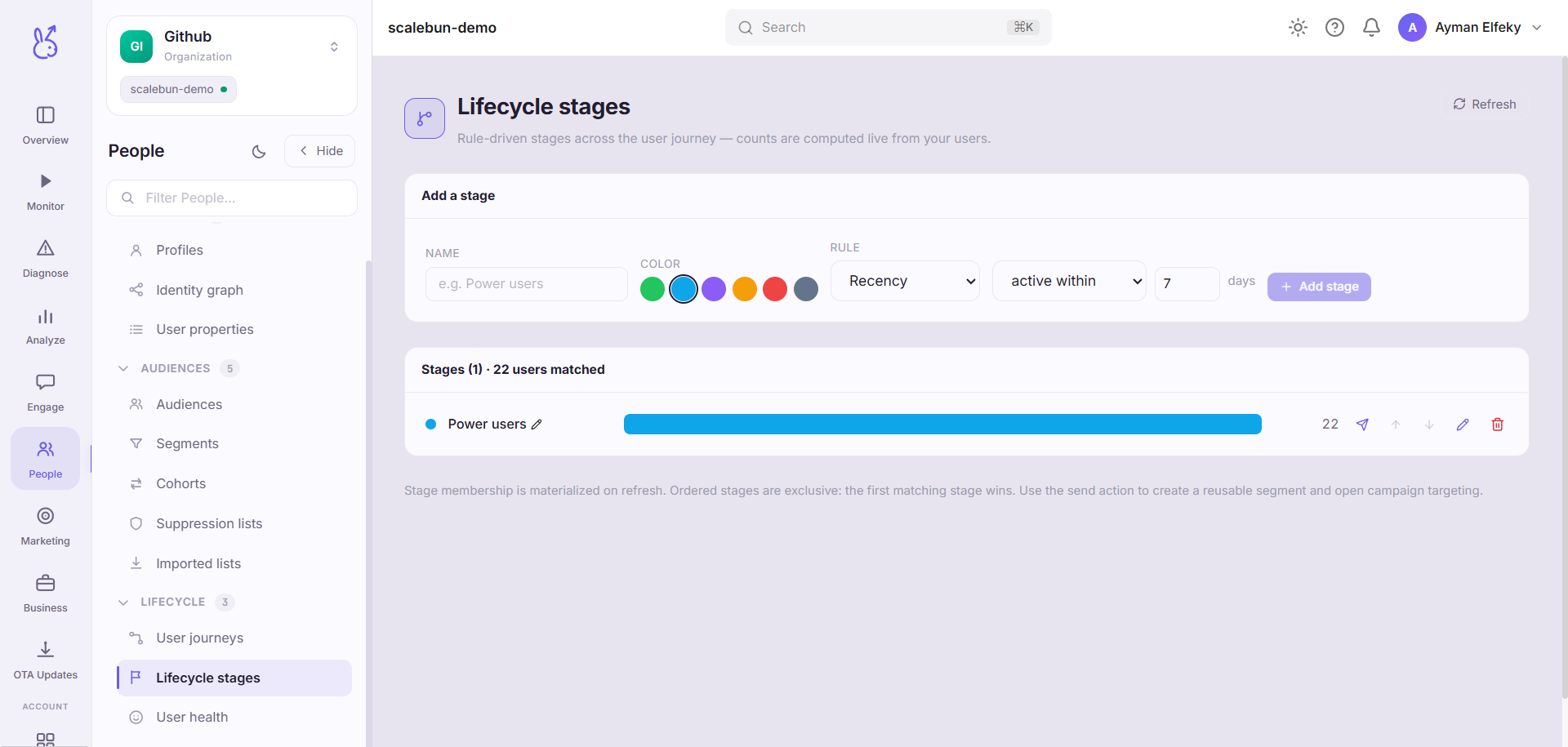
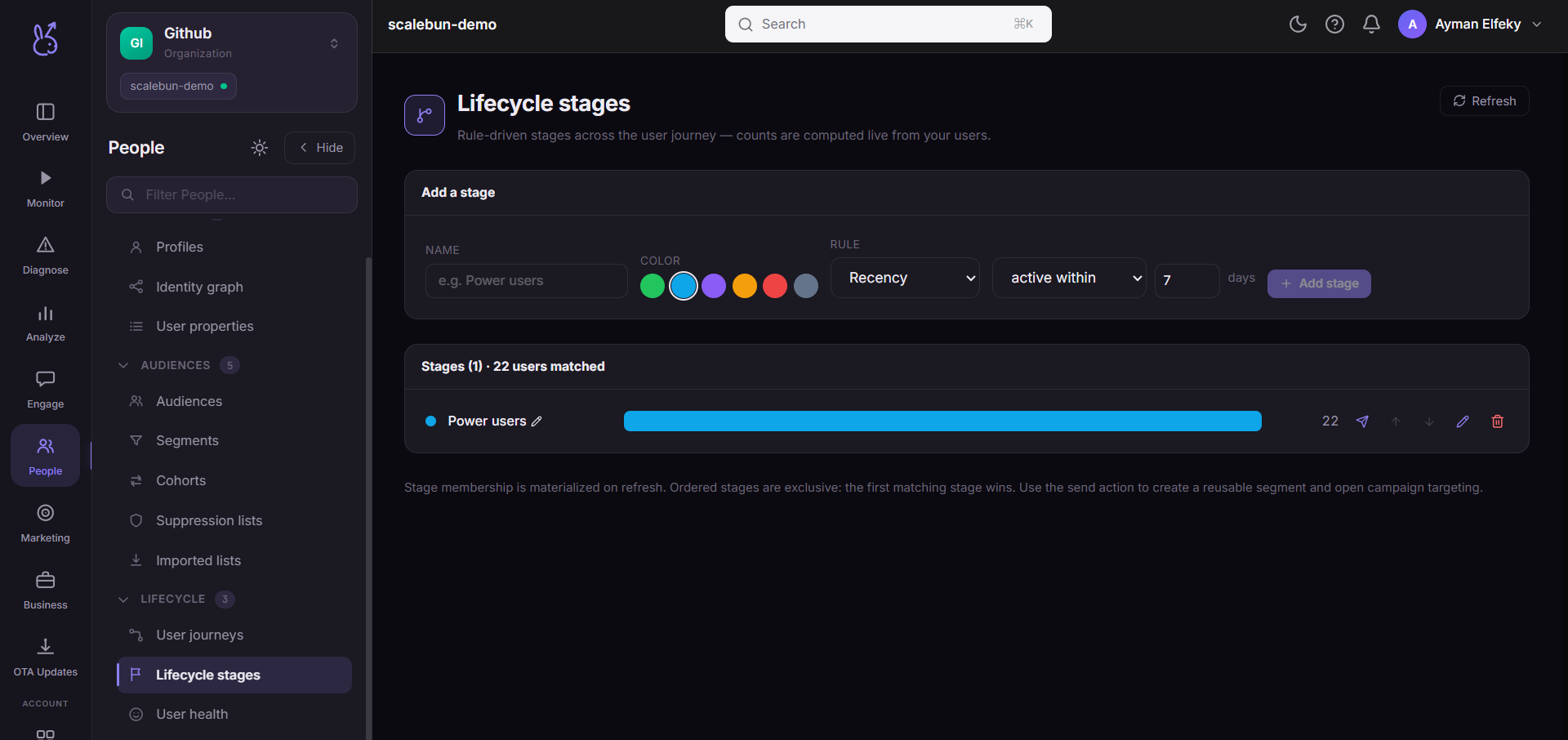
Each stage takes a single rule, from three kinds:
RFM bucket — recency, frequency and monetary value combined into a standard bucket.
Recency — active, or not active, within N days.
Event — has, or has not, performed a given event.
Stages are ordered and colour-coded, and a user falls into the first stage whose rule they match, so the order is part of the definition rather than presentation.
When to use it#
As the standing summary of where your user base sits. A single active-user number cannot tell you whether you have a growing population of committed users or a churning one of the same size — the distribution across stages can.
Track how the distribution moves, not the absolute counts. Movement between stages is the actual signal.
Workflow#
Define the stages in order, most-engaged first
Because the first matching rule wins, a broad rule placed early swallows the stages after it.
Use recency for at-risk, RFM for value
"Has not opened in 14 days" is a good at-risk rule and a bad power-user rule. RFM is the reverse.
Check the distribution adds up to your population
A large remainder means your stages do not cover everyone, which is usually a missing catch-all at the end.
Watch the at-risk → churned flow
That transition is the one you can still do something about. Once someone is churned the intervention window has closed.
Permissions and prerequisites#
Requires event ingestion, and identified users for the counts to describe people rather than devices.
Limits and edge cases#
A fixed "idle for N days" rule treats every user the same. A monthly customer behaving monthly looks at-risk under a 7-day rule. If that matters, User health measures idleness against each user's own rhythm instead.
Distribution is computed live, so it moves without anyone editing anything.
A stage that errors reports as an error rather than as zero, so a broken rule is visible instead of silently emptying a stage.
Troubleshooting#
Everyone is in one stage. An early rule is too broad. Reorder, or tighten the rule above it.
A stage shows an error. Its rule failed to evaluate — usually an event name that no longer exists.
Where the data comes from#
Served by
Lifecycle automation
Growth scoring