Identity graph
Identity graph in the People area (Identity) — route /people/identity-graph.
Identity graph lives in the People area of the dashboard, under Identity.
At a glance#
| Dashboard route | /people/identity-graph |
| Area | People (people) |
| Group | Identity |
| Platforms | Available for every app platform. |
What it does#
The identity graph shows which identifiers have been linked to which. It is a link table across three relationships:
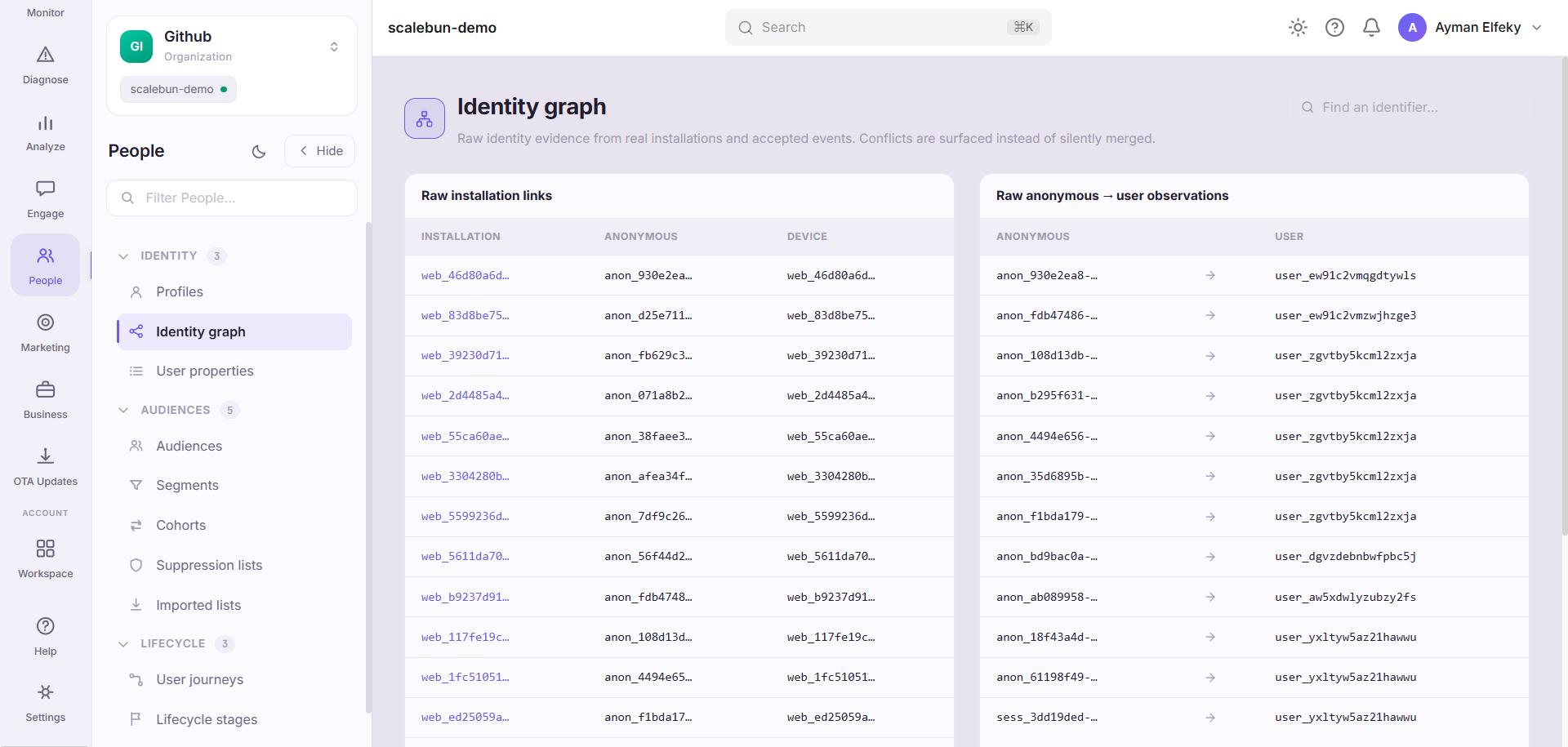
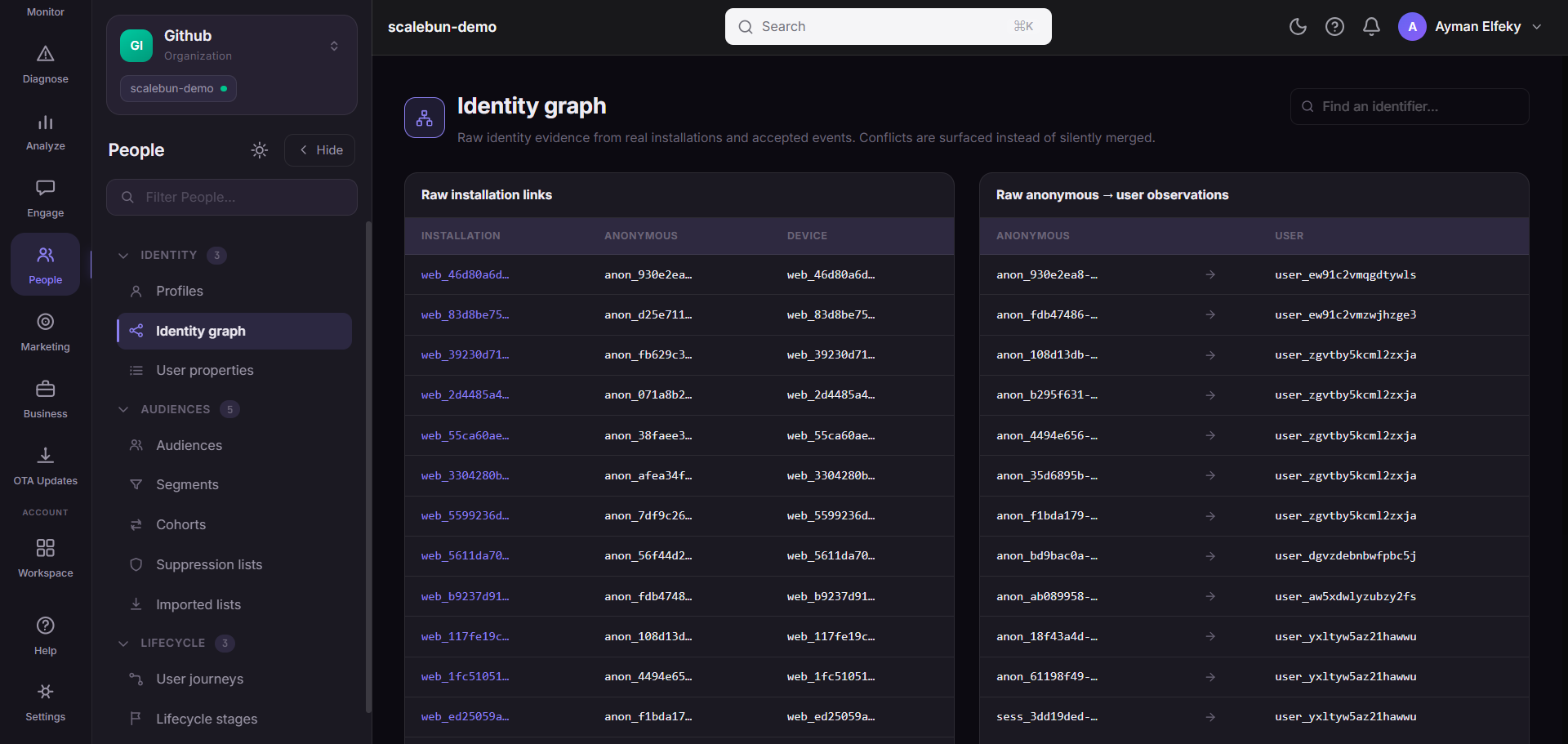
installation_id→anonymous_iddevice_id→installation_idanonymous_id→user_id
That last one is the important link — it is the moment an anonymous visitor became a known person, and it happens when your app calls identify.
When to use it#
When a count does not match your expectation of how many people it represents, and when a user appears twice. Almost every "our user numbers look wrong" question resolves to identity: either links that should exist and do not, or links that exist and should not.
Workflow#
Check whether user links exist at all
No
anonymous_id → user_idrows means identify is not being called. Everything downstream — profiles, segments, per-user metrics — is then counting devices, not people.Look for one user id with many anonymous ids
Normal in moderation (a person on several devices), suspicious in volume. A very high fan-in usually means a shared or default identifier is being passed to identify.
Look for one anonymous id with many user ids
That is a shared device, or an identify call that fires with the wrong id after logout.
Permissions and prerequisites#
Requires event ingestion. Meaningful user links require the SDK's identify — see Identity.
Limits and edge cases#
Linking is forward-only. Events that arrived before identify was called stay attributed to the anonymous identifier; identifying does not retroactively rewrite history.
Rows are capped for display. The page reads a bounded number of links, so on a large app this is a sample rather than the complete graph.
Never identify with a value you might reuse. An identifier that is not stable and unique per person merges two people permanently, and there is no undo.
Troubleshooting#
No user links. Identify is not being called, or it is being called with an empty value. This is the single most common integration gap and it silently degrades everything person-shaped.
One user id linked to hundreds of anonymous ids. Look for a placeholder being passed — an empty
string, "unknown", or a tenant id instead of a user id.
Where the data comes from#
A missing clearUser() on sign-out is the usual cause of a wrong link here.
From the SDK
Served by
People / CDP