Live
Live in the Monitor area (Sessions) — route /monitor/live.
Live lives in the Monitor area of the dashboard, under Sessions.
At a glance#
| Dashboard route | /monitor/live |
| Area | Monitor (monitor) |
| Group | Sessions |
| Platforms | Available for every app platform. |
What it does#
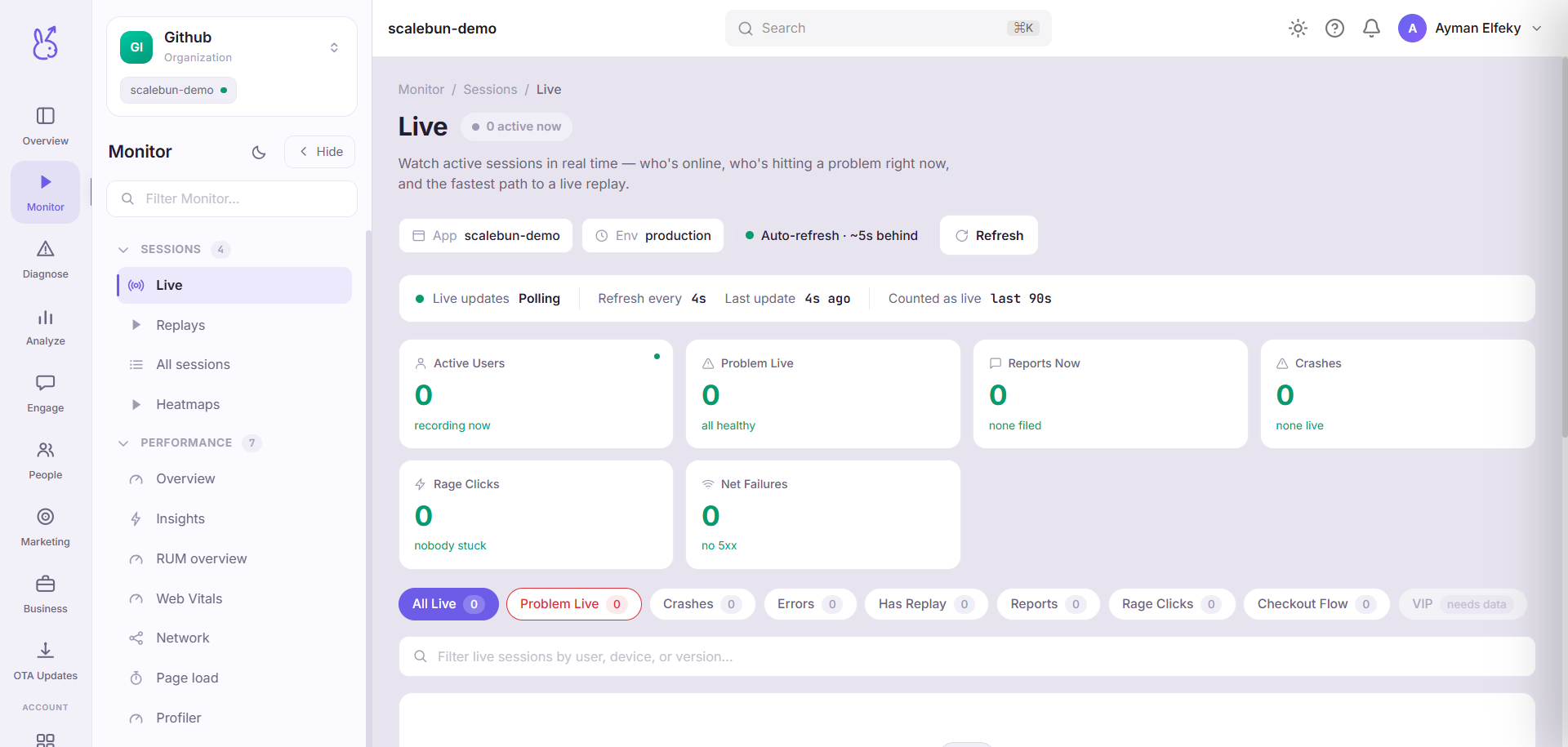
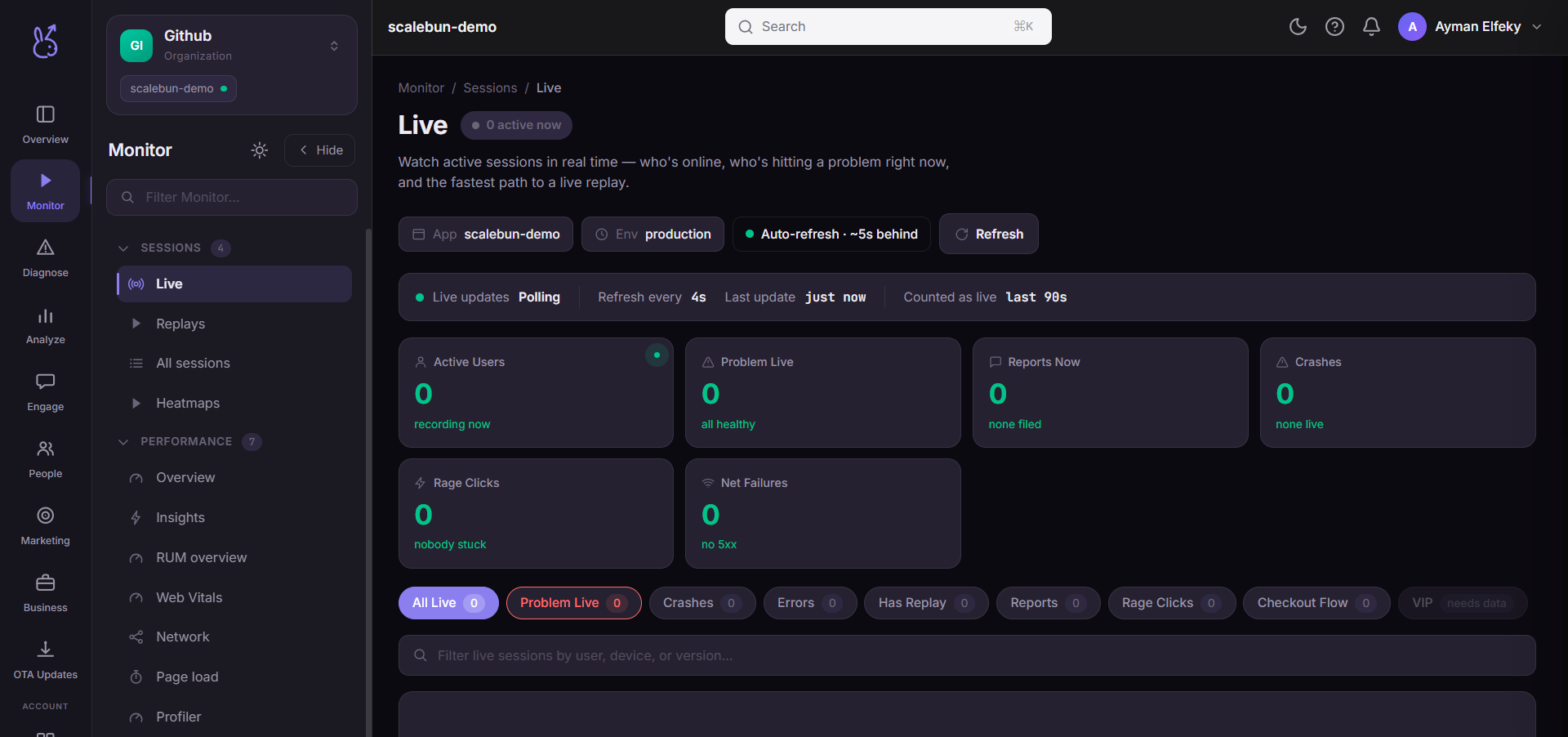
Live is the operations room: sessions happening right now, roughly 5 seconds behind real time. It combines a rolling stream strip, live KPIs, a filterable table of active sessions, an activity feed, a screen-by-screen breakdown of where people currently are, a critical-flows panel, and a drawer with detail on any session you select. Search matches on session name, device model, app version, platform and OS version.
When to use it#
Two situations, and they are the only two.
During an incident. Aggregate dashboards average over a window, which is exactly wrong when you need to know whether the thing you just deployed is breaking people at this moment. The screen breakdown showing users piling up on one screen, or draining away from it, is the fastest confirmation you will get.
During a launch. Watching real people meet a new feature for the first time surfaces confusions that no funnel will ever describe, because the funnel only records where they gave up, not what they tried first.
Workflow#
Start with the screen breakdown
Where users currently are is the highest-signal view on the page. An unexpected concentration is either a hit or a trap.
Use a smart view to filter to what matters
The prebuilt views narrow the table to the session kinds you usually care about, which on a busy app is the difference between a readable list and a firehose.
Open a session
The drawer carries that session's detail; from there the session and its replay are one step away.
Permissions and prerequisites#
Available on every platform. Requires sessions to be reporting; there is nothing to enable specifically for the live view.
Limits and edge cases#
About 5 seconds behind. Not instantaneous, and the delay is labelled on the page rather than hidden. Do not use it to correlate sub-second timing.
Only currently-active sessions. A session that ended is gone from here and belongs in All sessions. This page has no history.
Low-traffic apps look broken and are not. An empty room at 4am is an empty room.
Not a substitute for aggregates. Everything you see here is a sample of size "now", which is the least statistically useful window there is.
Troubleshooting#
Nothing in the room during known traffic. Check the app and environment selector — production traffic does not appear under a staging environment.
A session I am watching vanishes. It ended. Find it in All sessions.
Where the data comes from#
From the SDK
Served by
SDK ingestion