All sessions
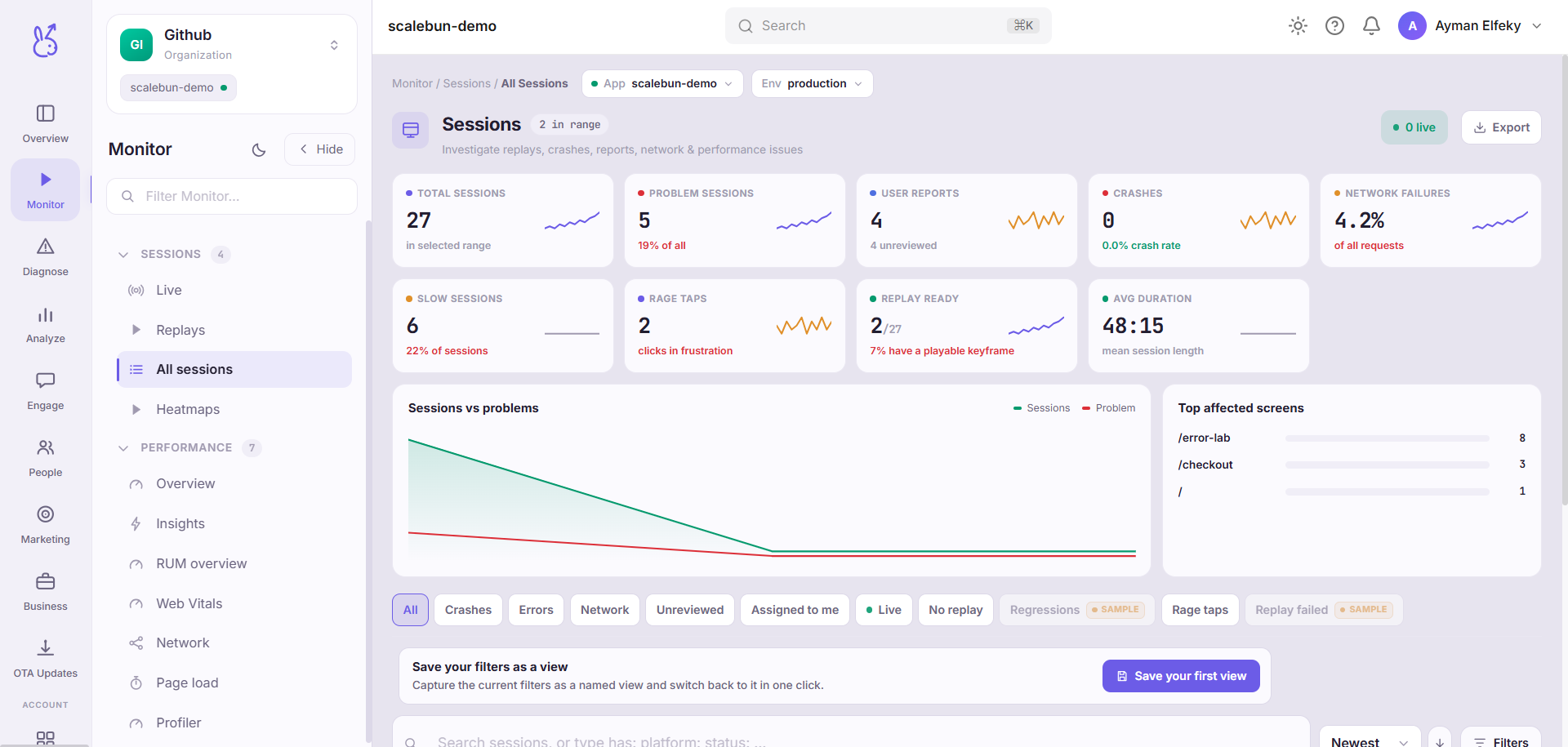
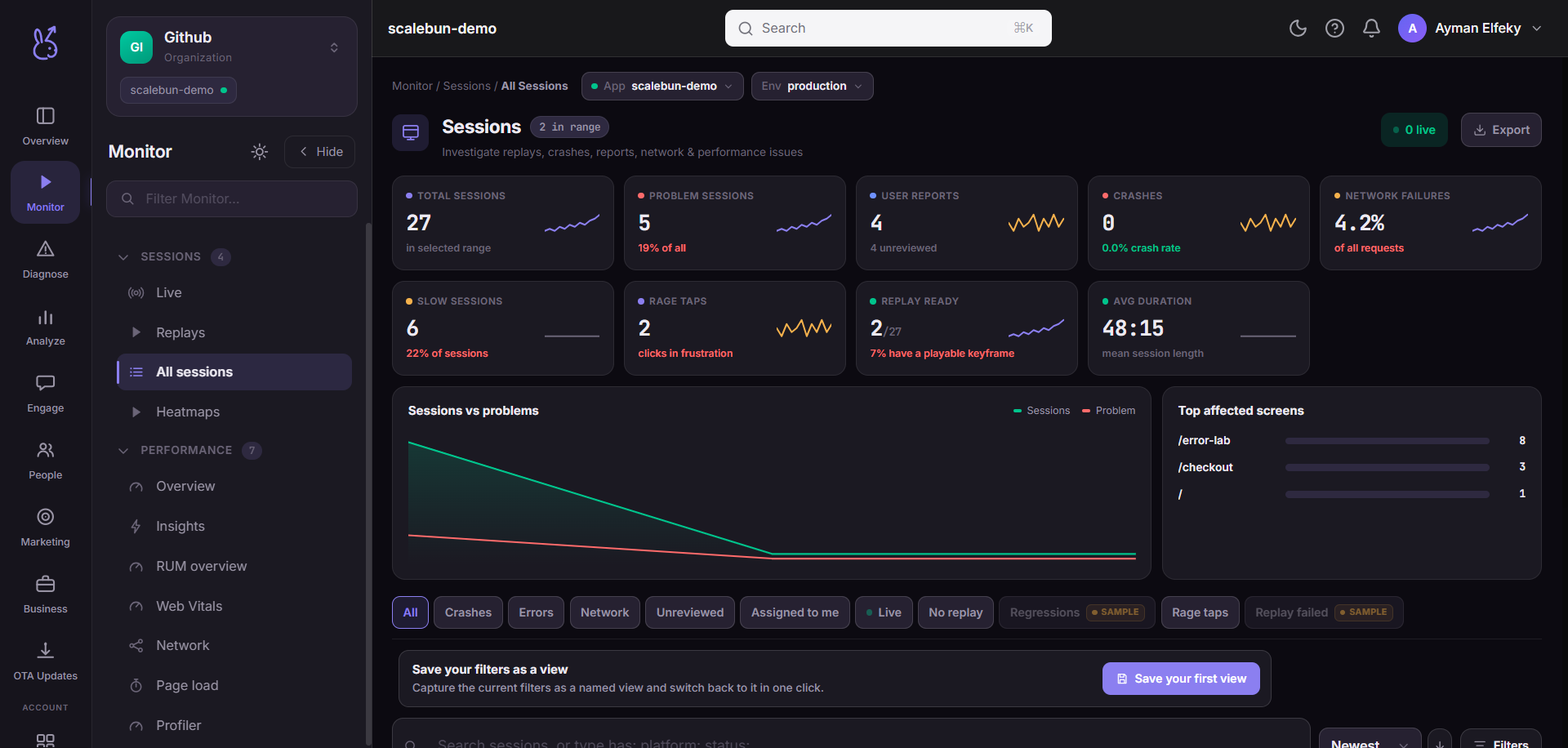
All sessions in the Monitor area (Sessions) — route /monitor/all-sessions.
All sessions lives in the Monitor area of the dashboard, under Sessions.
At a glance#
| Dashboard route | /monitor/all-sessions |
| Area | Monitor (monitor) |
| Group | Sessions |
| Platforms | Available for every app platform. |
What it does#
The full, filterable list of captured sessions with their duration, device, release, screen count and whether anything went wrong in them.
When to use it#
As a starting point for a search you can describe in filters — "iOS 17 sessions on 2.4.1 that hit an error" — rather than for browsing. Browsing sessions is a slow way to learn anything; filtering to a population and then watching a few is fast.
Reading the list#
Duration is not engagement. A long session can be someone stuck. Sort by error count or screen count when you are looking for problems rather than for enthusiasm.
A session with almost nothing in it is usually real. App launches that end in seconds are a normal part of any distribution — chase the pattern, not the individual.
Session counts will not match your analytics tool exactly. Session definitions differ between vendors (timeout length, what restarts a session). Compare trends, not absolutes.
Limits#
Retention is bounded by your plan, and sampling may apply to the heavier capture lanes — so an old session may exist with fewer lanes attached than a recent one. See Data & privacy for the current windows.
Where the data comes from#
From the SDK
Served by
SDK ingestion
Related#
Replays — watch one of these back.
Core concepts — what a session is, and the two lanes.