Whats New
Whats New in the Overview area — route /overview/whats-new, reachable by direct link rather than from the sidebar.
This page lives in the Overview area at /overview/whats-new. It is not in the sidebar — it is reached by a direct link, or from another page that links to it.
At a glance#
| Dashboard route | /overview/whats-new |
| Area | Overview (overview) |
| In the sidebar | No — reachable by direct link |
What it does#
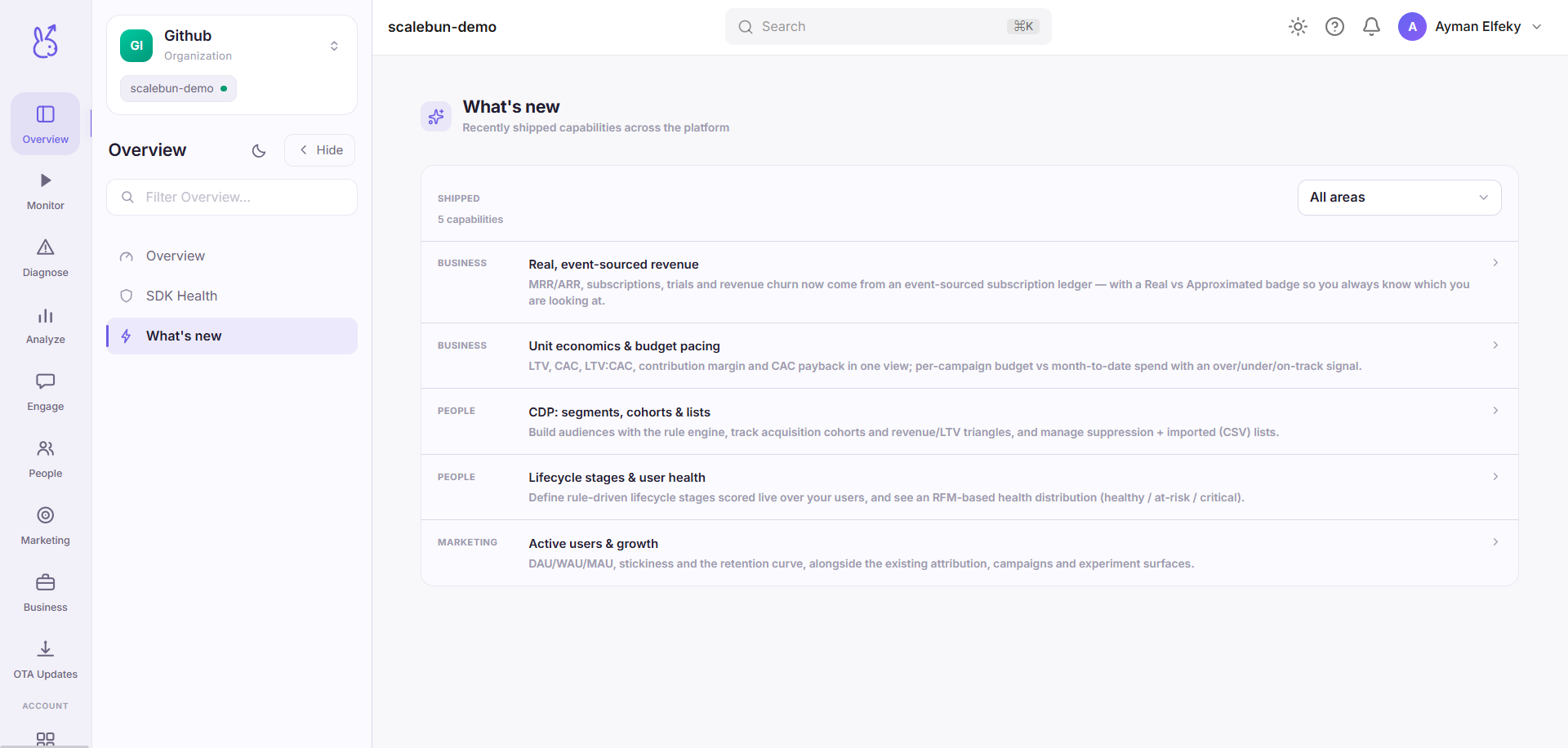
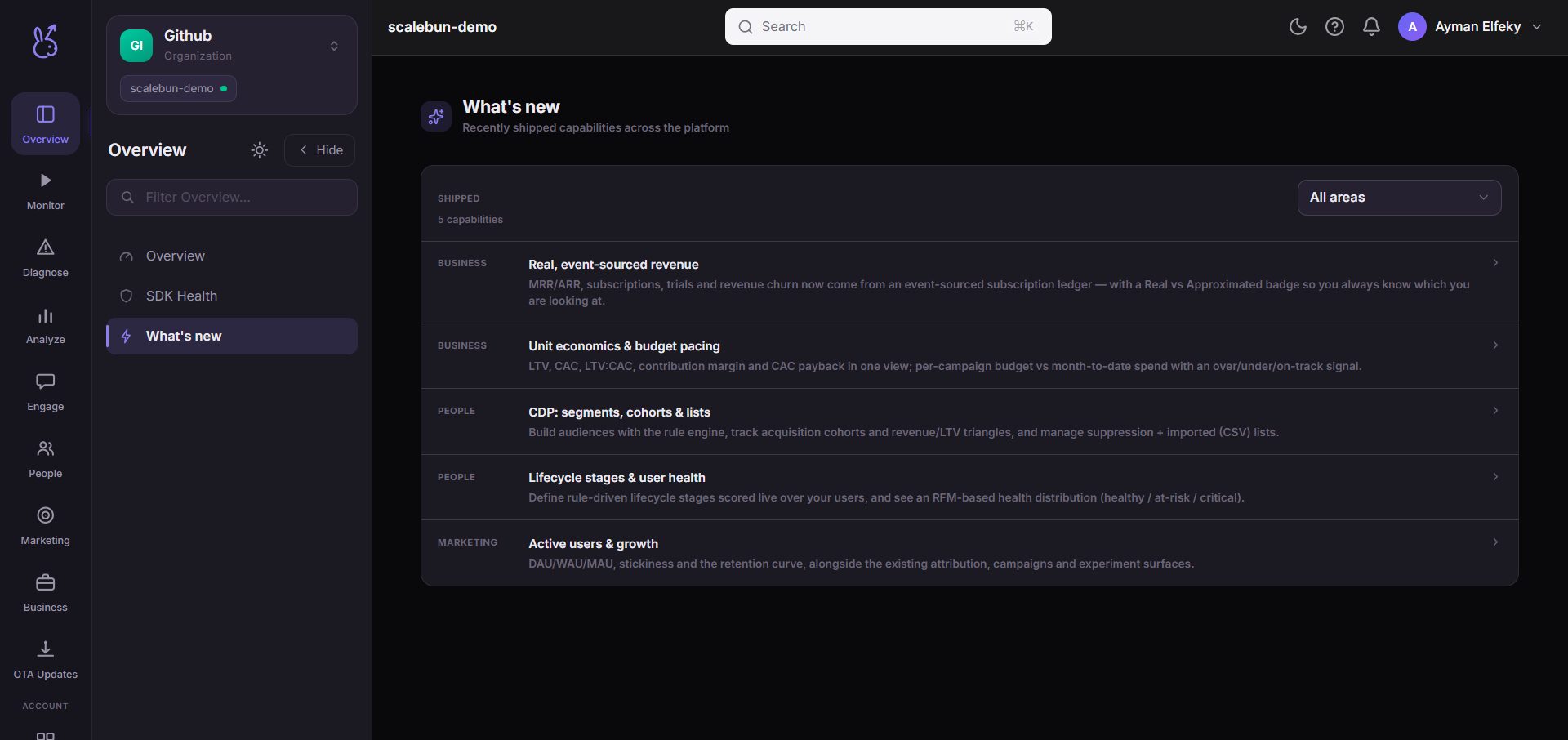
What's new is a curated list of recently shipped platform capabilities, filterable by the dashboard
area each one belongs to. The filter is built from the sidebar's own list of areas, and each option
carries a count — so an area with nothing new reads as Monitor 0 rather than quietly vanishing
from the options. All is selected by default, because a filter that arrives pre-applied hides
content without saying so.
When to use it#
After an absence, and before you conclude the product cannot do something. The list is organised by area rather than by date specifically so you can check the one part of the dashboard you actually use.
Limits and edge cases#
Area is the only available cut. With no dates there is nothing else to sort or filter by.
An empty area means nothing notable shipped there, not that the area is inactive.
Troubleshooting#
A feature I am using is not listed. Expected — the list is selective. Absence here is not evidence about a feature's status.