Reports
Reports in the Analyze area (Visualize) — route /analyze/reports.
Reports lives in the Analyze area of the dashboard, under Visualize.
At a glance#
| Dashboard route | /analyze/reports |
| Area | Analyze (analyze) |
| Group | Visualize |
| Platforms | Available for every app platform. |
What it does#
Reports is the report builder: you choose which metric sections to include, set a cadence, and either run it on demand or let the schedule run it. Each run is downloadable as a snapshot.
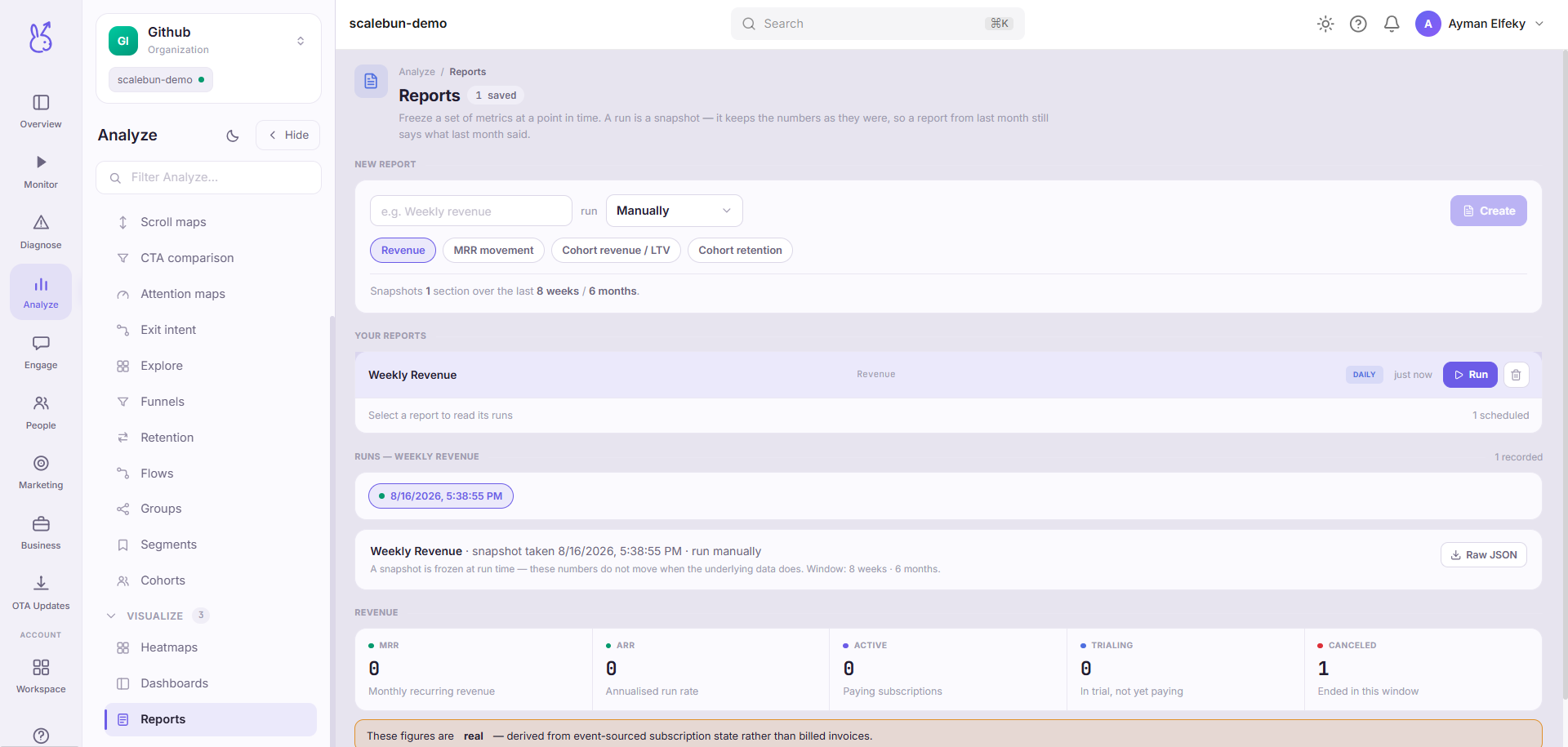
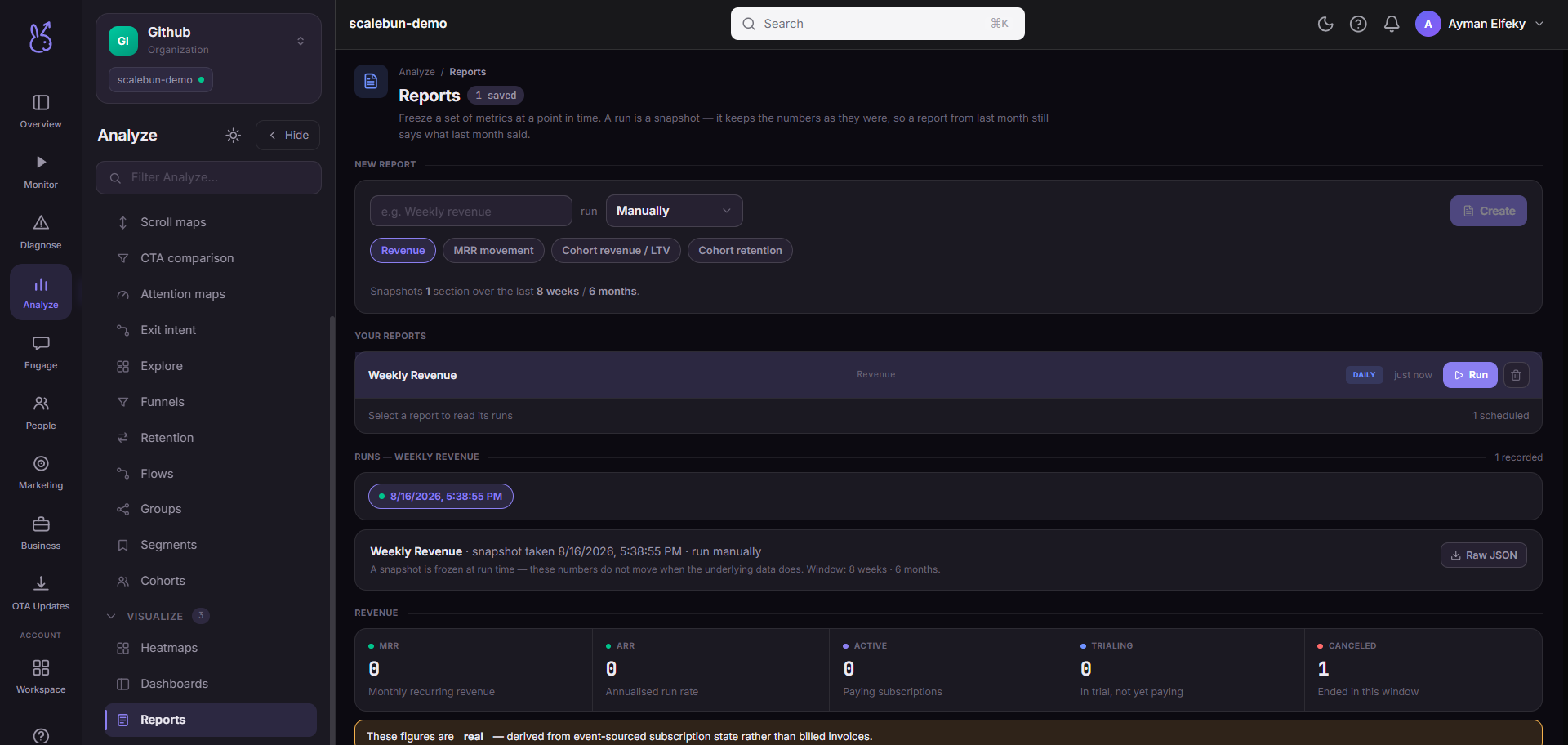
The snapshot is the point of difference from a dashboard. A dashboard always shows now; a report run is a frozen record of a moment, which is what you need for anything that will be referenced later.
When to use it#
Two cases where a live dashboard is the wrong tool.
Periodic distribution. A weekly summary that lands without anyone remembering to produce it. A metric nobody has to fetch is a metric that gets read.
A record you can cite. Board packs, retrospectives, and anything where "what did this look like in March" must have a fixed answer. A dashboard cannot answer that question; a stored run can.
Workflow#
Include fewer sections than you want to
A long report gets skimmed for the one number and the rest is wasted effort. Choose the sections you would defend individually.
Match the cadence to the decision
A report arriving faster than anyone can act on it becomes noise, and noise is unsubscribed from. Weekly is usually right; daily rarely is.
Run it once on demand before scheduling
Confirm the content is what you expect while the mistake is still private.
Keep the runs you cite
Downloaded snapshots are the durable artifact. Do not assume a run will be available indefinitely.
Permissions and prerequisites#
Requires the underlying metrics to exist. A section over an event that is not arriving reports empty.
Limits and edge cases#
Sections are chosen from the available set, not authored freely — this is a builder, not a document editor.
A run reflects the data available when it ran. Late-arriving events are not backfilled into a completed run, which is exactly what makes it a snapshot.
Runs are subject to retention. Download anything you will need to cite later.
A scheduled report that silently produces nothing is worse than no report. Check the first few runs rather than assuming.
Troubleshooting#
A section is empty in every run. The metric behind it has no data. Verify in Events before adjusting the report.
Numbers differ from the dashboard. Expected: the report is a snapshot from its run time, the dashboard is now. Compare the run timestamp.
Where the data comes from#
Served by
Reports