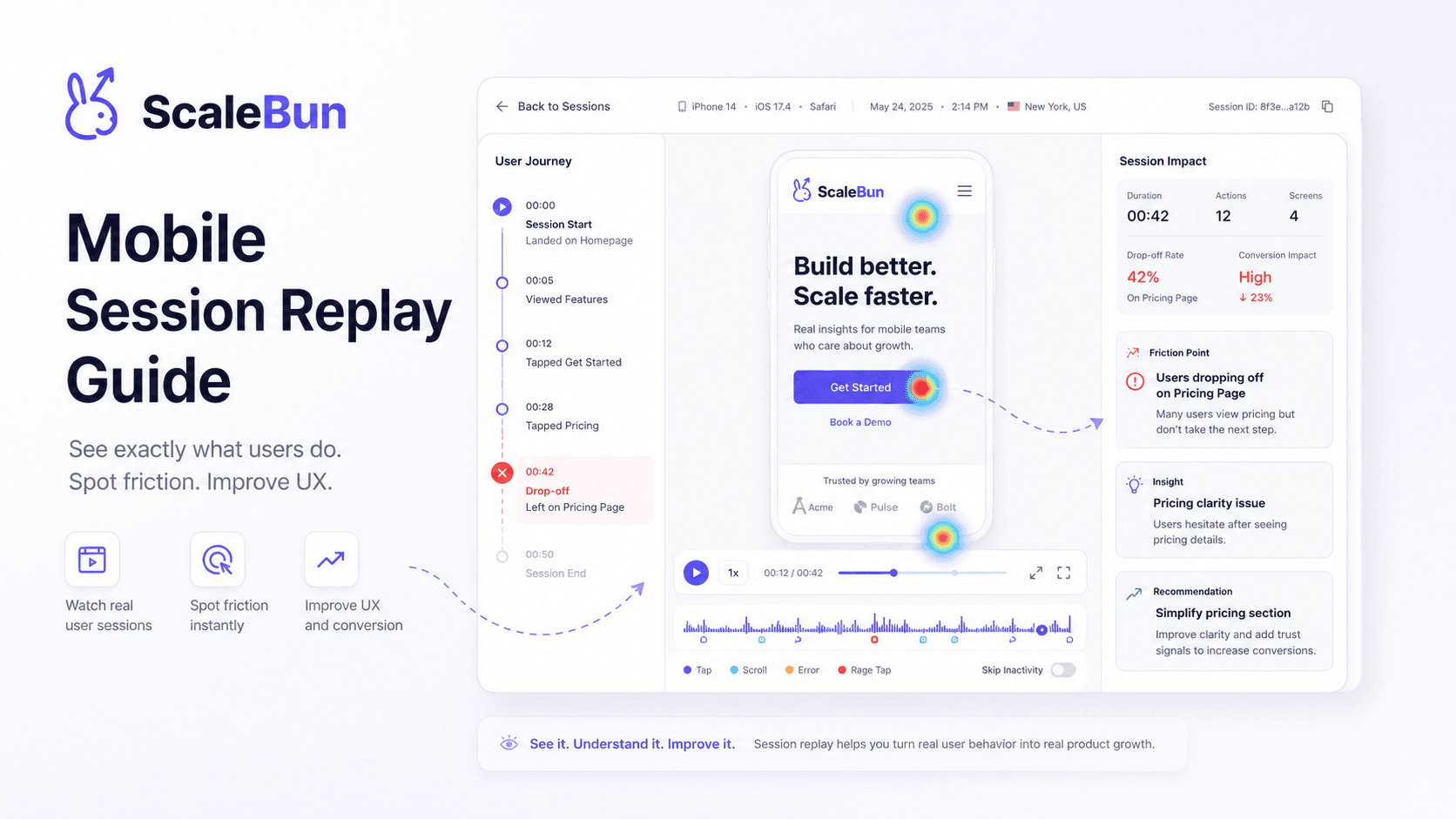
Mobile Session Replay: From Event Logs to User Experience#
Logs tell you what happened.
Analytics tells you what users did.
Session replay can help show what the user experienced.
For mobile teams, that context can make difficult bugs significantly easier to investigate.
What Is Mobile Session Replay?#
Mobile session replay captures a representation of a user's interaction with an application during a session.
Depending on the implementation, this can include:
Screen transitions
Taps
Swipes
Navigation
UI state
Interaction timing
The purpose is not entertainment.
It is investigation.
Why Logs Are Sometimes Not Enough#
Consider a bug report:
“The checkout button doesn't work.”
A log may show an event.
A stack trace may show an error.
Neither necessarily tells the full interaction story.
A replay can help answer:
Where did the user come from?
What did they tap?
Did the UI respond?
Did they retry?
What happened before the error?
Did they leave afterward?
Replay + Crash Monitoring#
The strongest workflow is not:
Crash Dashboard
and separately:
Replay Dashboard
It is:
Crash → Session → Replay
The error becomes the entry point into the user experience.
Replay + Product Analytics#
Suppose a funnel shows:
Checkout Started → Payment → Purchase
with a large drop at Payment.
The funnel identifies the problem area.
Replay can provide context for individual affected sessions.
That helps teams form better hypotheses.
Replay + Attribution#
Acquisition source adds another dimension.
A team may discover that users from one campaign have a different onboarding behavior.
Replay can help explain that behavior.
The combined investigation becomes:
Campaign → User → Session → Behavior → Outcome
Privacy Must Be Designed In#
Session replay can capture sensitive information.
A responsible implementation should consider:
Input masking
Password masking
Sensitive text redaction
Form-data protection
Configurable privacy controls
Data minimization
Masking should happen as early as practical, ideally before sensitive information reaches storage.
Specific ScaleBun privacy capabilities should be described only if confirmed in the implementation.
Replay Is Not a Replacement for Analytics#
Replay is best for qualitative context.
Analytics is best for quantitative patterns.
The two work together:
Analytics → Find the pattern
Replay → Understand the experience
Replay + Release Analysis#
A release can change user behavior without causing obvious crashes.
If a conversion metric changes after a release, replay can help teams investigate what changed in the actual interface.
The ScaleBun Approach#
ScaleBun's broader application-intelligence model connects session context with:
Application health
Product behavior
Releases
Features
Attribution
Outcomes
The point is not merely to record more sessions.
It is to make sessions useful in the context of other application signals.
Final Takeaway#
The most useful session replay is the replay you can reach from the question you're already investigating.
Why did this user fail?
Why did this funnel drop?
Why did this release change behavior?
Why did this cohort convert less?
That is where session replay becomes application intelligence.
Explore ScaleBun#
Connect sessions with the technical and product context around them.
Explore ScaleBun →
See the full picture across web and mobile.
Connect application health, user behavior, attribution, and product context with ScaleBun.
Explore ScaleBun →