Channels & Releases
Channels & Releases in the OTA Updates area (Manage) — route /ota.
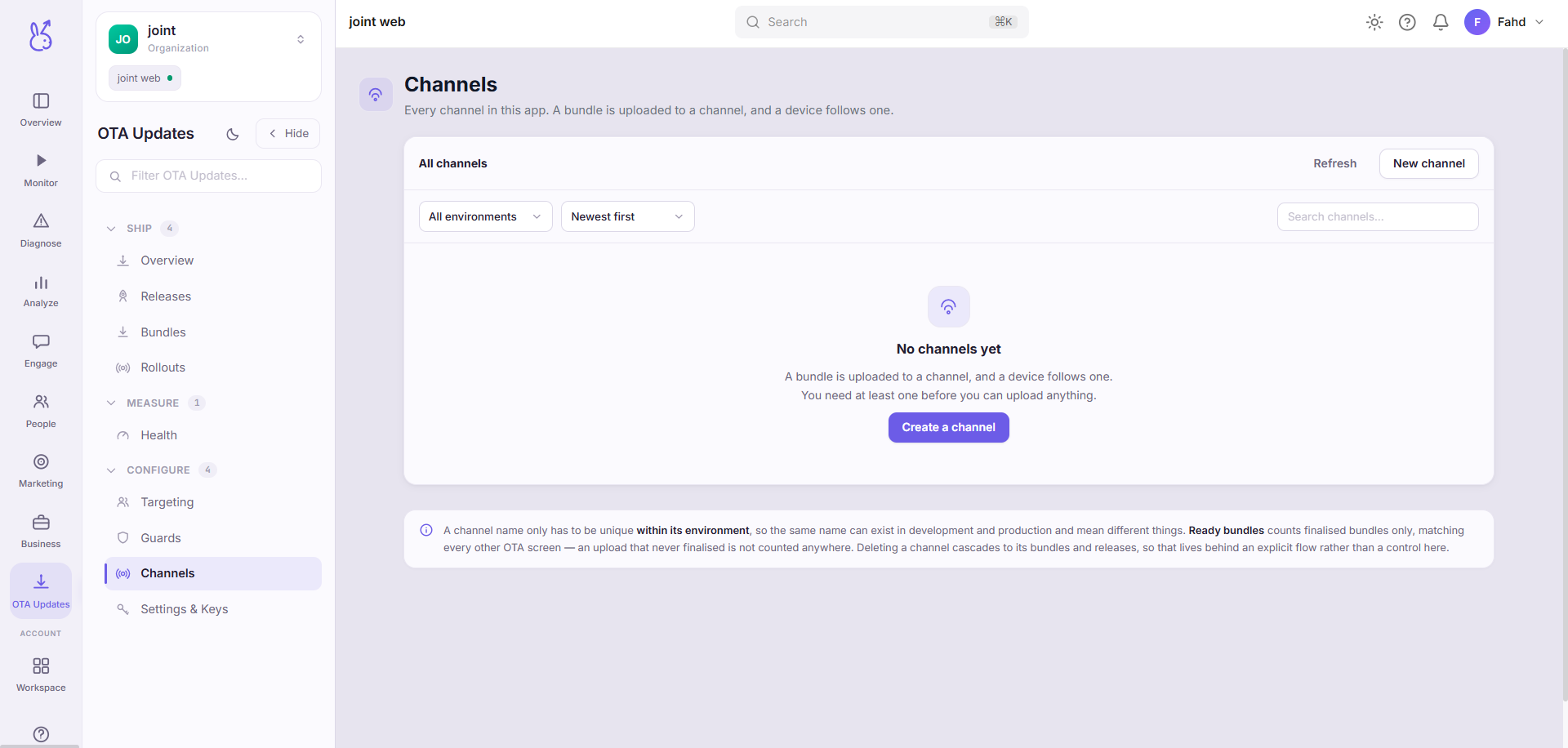
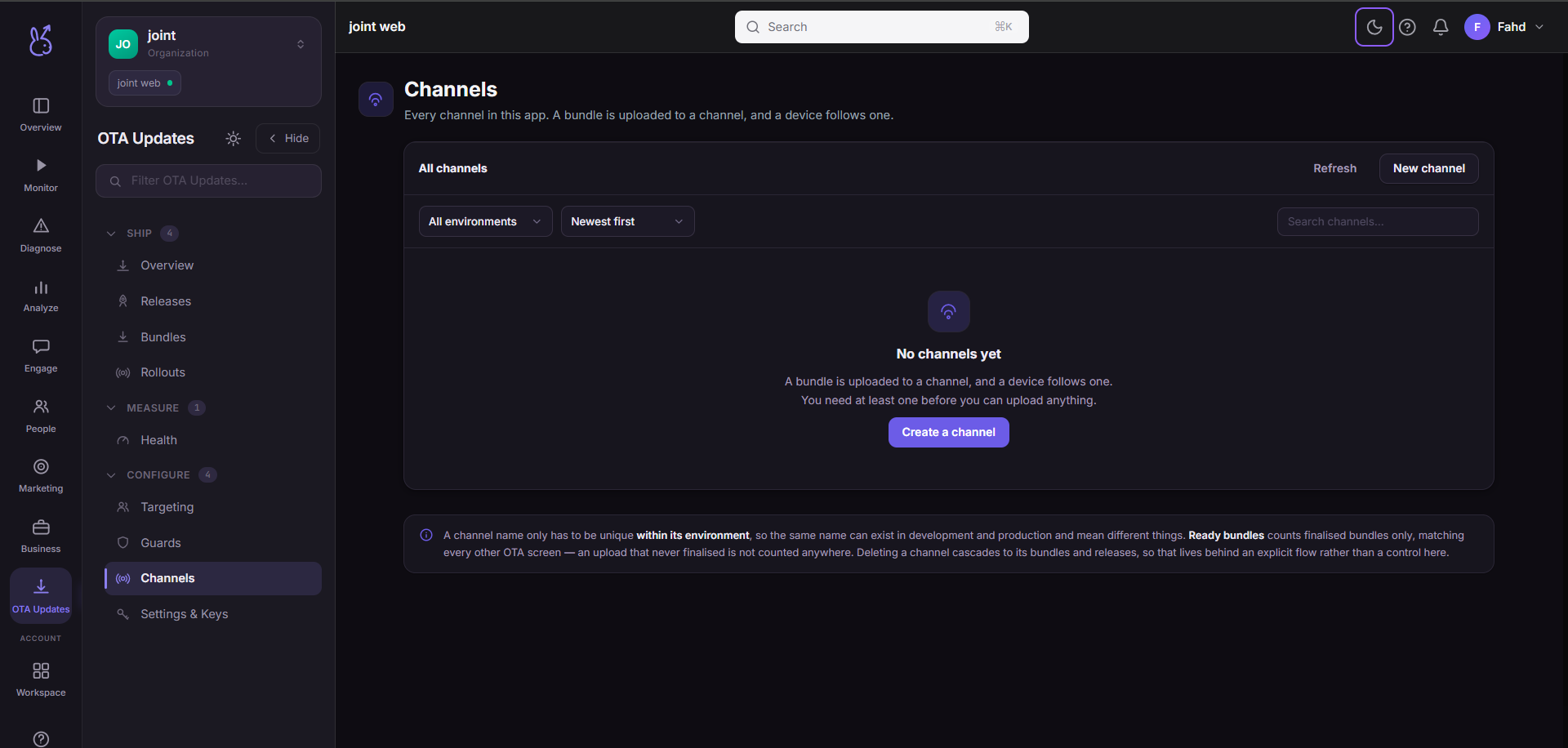
Channels & Releases lives in the OTA Updates area of the dashboard, under Manage.
At a glance#
| Dashboard route | /ota |
| Area | OTA Updates (ota) |
| Group | Manage |
| Platforms | Available for every app platform. |
| Note | This entry points outside its area's usual /{area}/{slug} pattern. |
What it does#
A channel is a named lane that bundles are published to — for example default, beta or
production. Every release targets exactly one channel, and a device receives updates from the
channel its build is bound to. This is how a single app can have an unstable beta stream and a
stable production stream at the same time, from the same publishing pipeline.
Publishing to a channel that does not exist yet creates it; the first publish always creates
default. Staging versus production is expressed by the channel you publish to and the
environment it belongs to — there is no separate "staging flag" on a bundle.
When to use it#
Before your first release, to decide how many streams you want. Two — a testing channel and a production channel — is enough for most teams.
When you want to try a bundle on a subset of your own builds before it reaches everyone: point internal or QA builds at a
betachannel and publish there first.
Publishing to a channel#
From the CLI:
scalebun ota publish --app-id <id> --channel production --platform iosscalebun ota channels --app-id <id> lists the channels an app has. In the dashboard, the
Channels & Releases tab creates channels (names are stored lower-cased) and shows the
releases currently live on each.
How a device picks its channel#
A build is associated with a channel through its client key and environment, so channel resolution happens server-side at check time — you do not hard-code a channel name into the app to move it between streams. Rebinding a build to a different channel is a configuration change, not a new store release.
Limits and edge cases#
A bundle belongs to one channel. To promote the same code from
betatoproductionyou publish (or promote) it to the other channel; it is not shared across channels implicitly.Deleting a channel does not un-ship bundles already installed on devices — those devices keep running the last bundle they applied until they check again.
Where the data comes from#
Served by
Ota